OfficeServ 7400 INSTALLATION
TECHNICAL MANUAL PART 7 MAY 2010
7.9
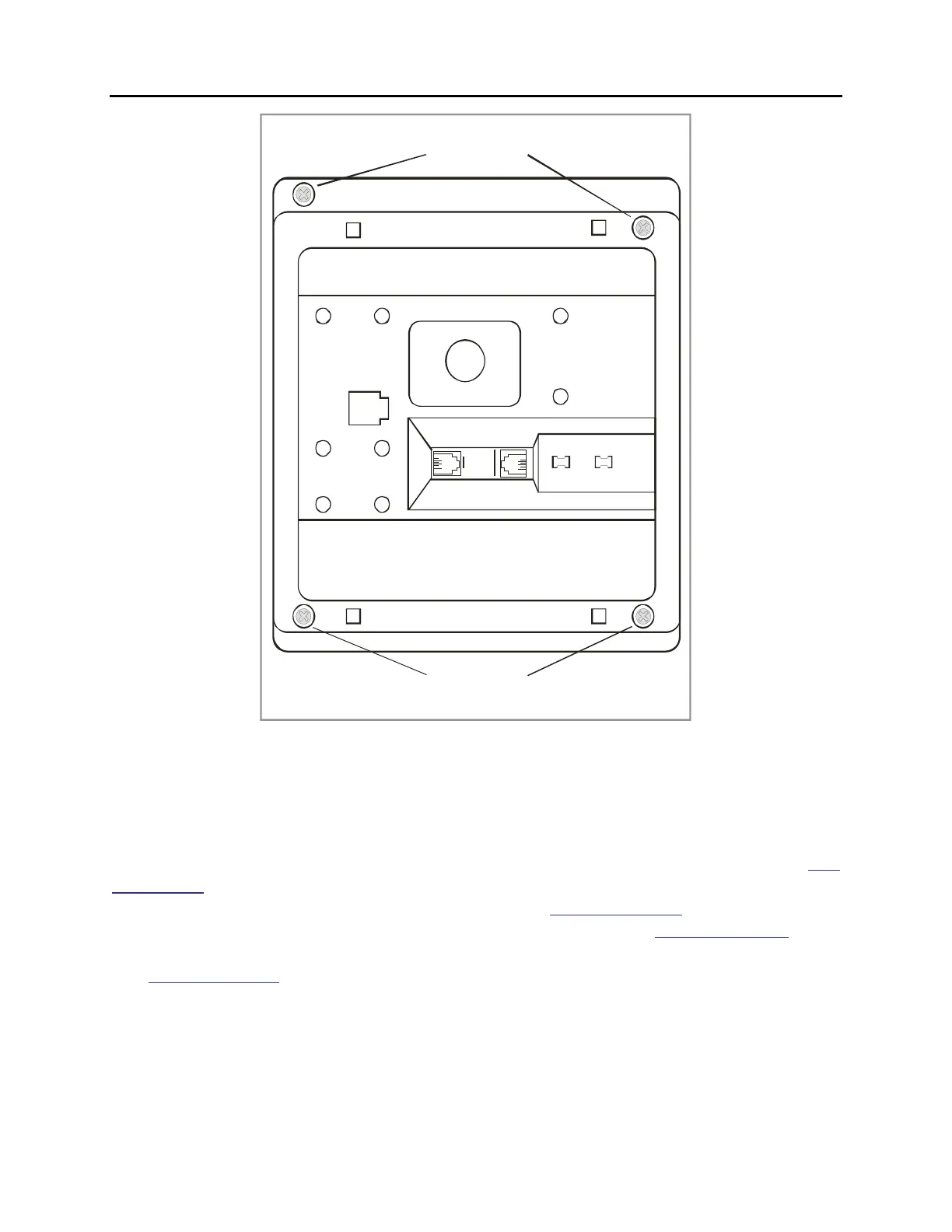
RETAINING SCREWS
RETAINING SCREWS
Figure 7.10 Keyset Base
KDB-SLI
This daughterboard can be installed only in the DCS 12 or DCS 24 button keyset. Before
performing this procedure, unplug the line cord from the keyset and remove the base wedge.
Place the keyset face down on a soft surface and remove the four base retaining screws (see
Figure 7.10). Separate the base from the keyset and place the keyset aside. Attach the KDB-SLI
to the keyset base with the six screws that are supplied (see Figure 7.14).
Take care to ensure
that the modular socket shows through the access hole in the base (see Figure 7.12).
Invert
the base assembly over the keyset and plug the ribbon cable into the socket on the keyset
PCB (see Figure 7.13) while making sure no damage occurs to the keyset PCB. Reattach the
base to the keyset and test to ensure normal keyset operation.















 To Next Page