Before turning ON the unit, make sure that the protective shutter is closed. Laser
beam, if it comes into your eye, may cause injury in your sense of sight.
9-1-A Turning ON/Setting RS-232C Delimiter
Make sure the power is supplied by the attached power cord.
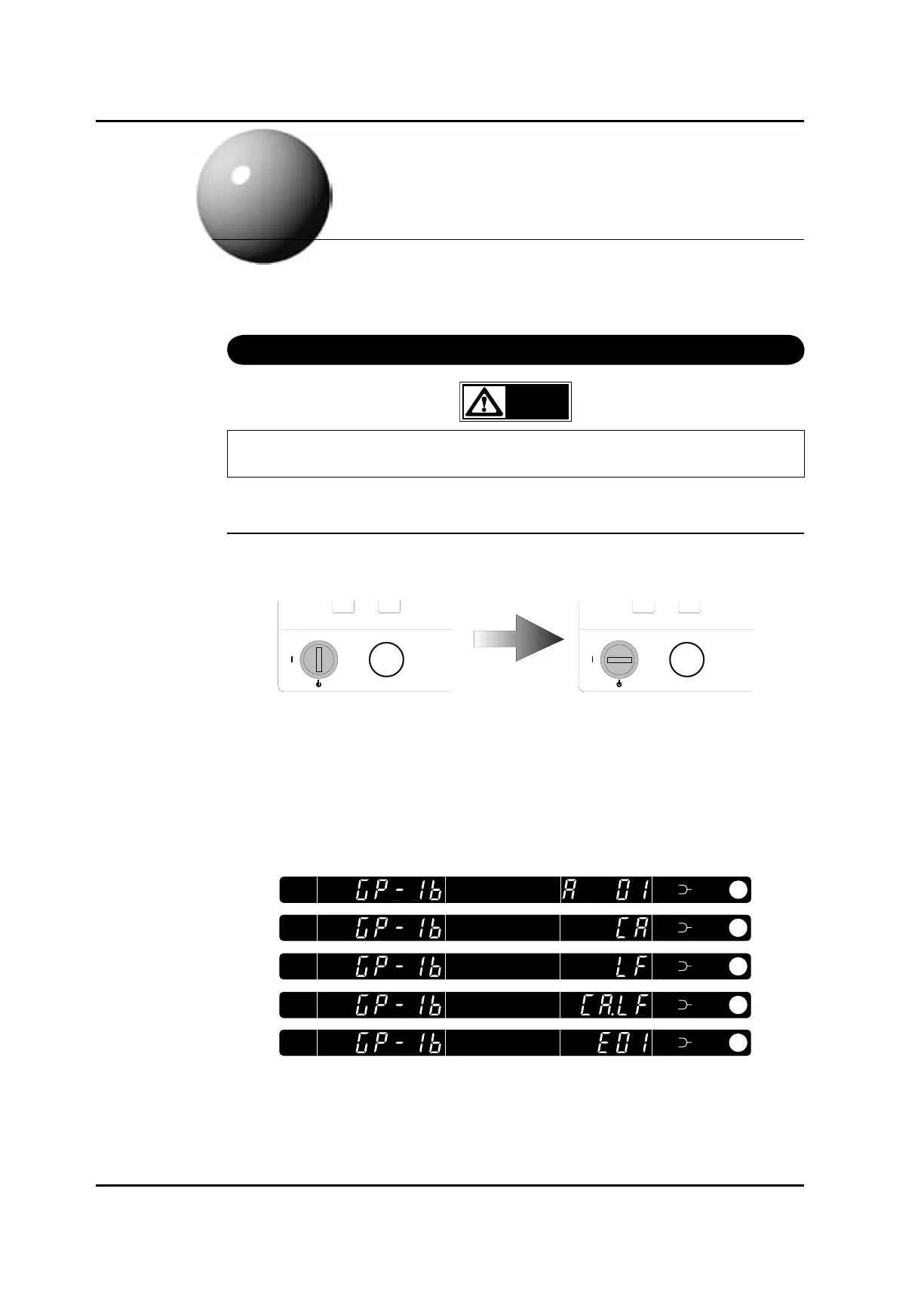
Turn the key 90 degrees to the right by the power key to turn the system ON.
When the unit is turned ON, the following actions are carried out until the unit is activated.
1) All the indications and LEDs are lit.
2) Wavelength display panel and LED goes off, and GP-IB address currently set on GP-IB
address display plate is displayed.
The power key may be inserted or removed. Turn the key 90 degrees.
The power key cannot be inserted or removed.
Artisan Technology Group - Quality Instrumentation ... Guaranteed | (888) 88-SOURCE | www.artisantg.com



 To Next Page