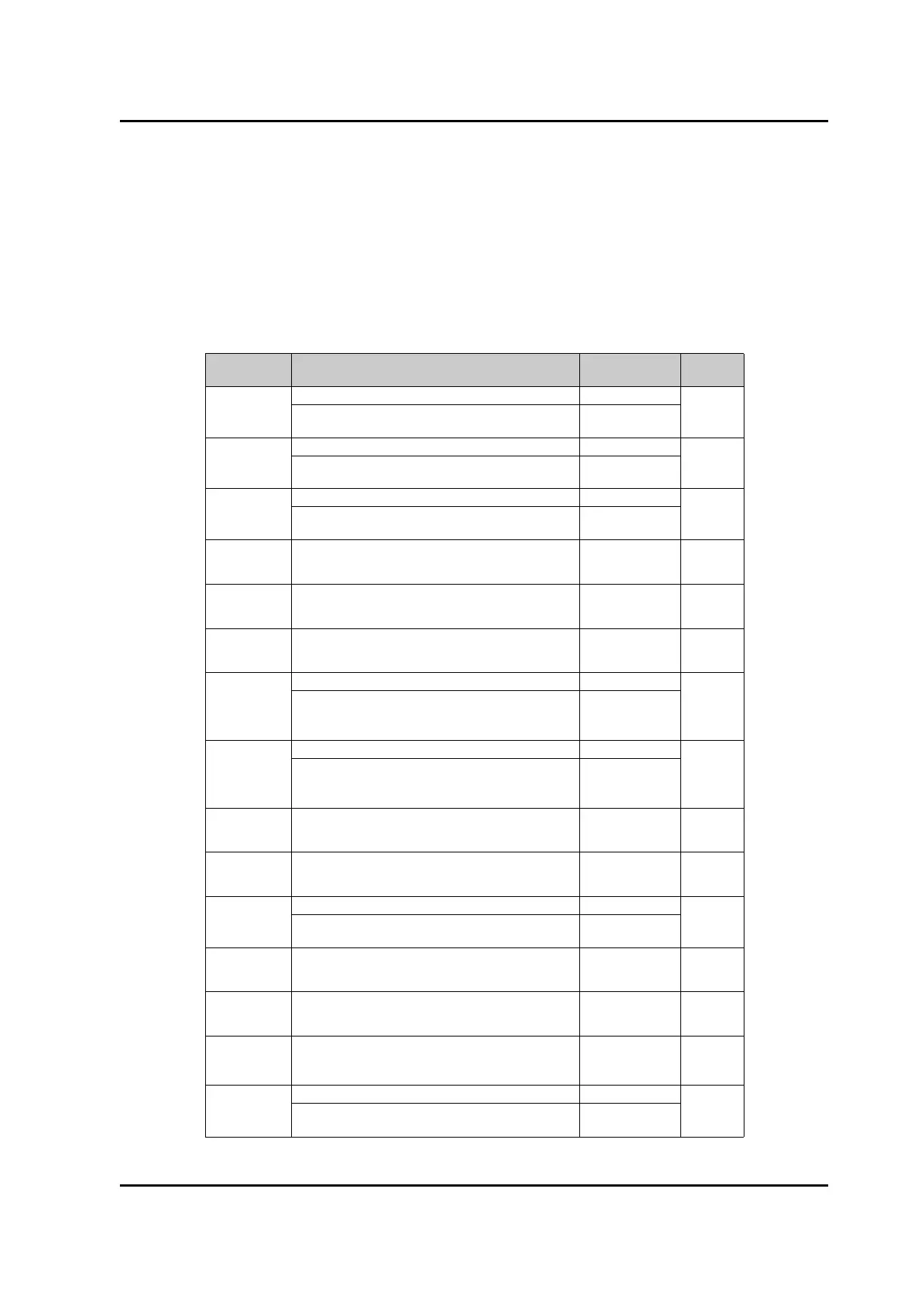
List of Commands
Command
Parameter
Contents Message Type Key
CU
1. Sets output variable to current. 1. CU
-
2. Sets injection current to numeric data added to
command. Unit is mA.
2. CU X X X . X X
TL
1. Sets output variable to LD temperature. 1. TL
-
2. Sets LD temperature to numeric data added to
command. Unit is °C.
2. TL X X . X X
WA
1. Sets output variable to wavelength. 1. WA
-
2. Sets oscillation wavelength to numeric data added
to command. Unit is nm.
2. WA X X X X . X
X
AO
Changes over control mode to ACC mode. AO 1
AF
Changes over control mode to APC mode. AF 2
SU
Sets output variable to status. RS-232C does not
echo back.
SU -
OP
1. Sets output variable to optical output power. 1. OP
2. Sets optical output power to numeric data added
to command and controls injection current. Unit is
dBm.
2. OP X X X . X X
LP
1. Sets output variable to optical output power. 1. LP
2. Sets optical output power to numeric data added
to command and controls injection current. Unit is
mW.
2. LP X X X . X X
CO
Turns ON the coherence control. CO 3
CF
Turns OFF the coherence control. CF 4
CV
1. Sets output variable to coherence control value. 1. CV
-
2. Sets output value of the integrated wavelength
monitor. Value range is 0~10.00.
2. CV X X . X X
LO
Supplies current to LD. LO 5
*2
LF
Shuts off injection current of LD. LF 6
*2
DI
Exclusive for RS-232C. Command without echo to
receive data, and the currently set data can be taken
out by the next input of "DI".
DI -
FT
1. Sets the output variable to ne tuning. 1. FT
7
*1
2. Sets ne tuning to the numeric data added to
command. Sets it in the range ±100.00.
2. FT X X X . X X
Artisan Technology Group - Quality Instrumentation ... Guaranteed | (888) 88-SOURCE | www.artisantg.com



 To Next Page