5-2
TSL-770 Operation Manual
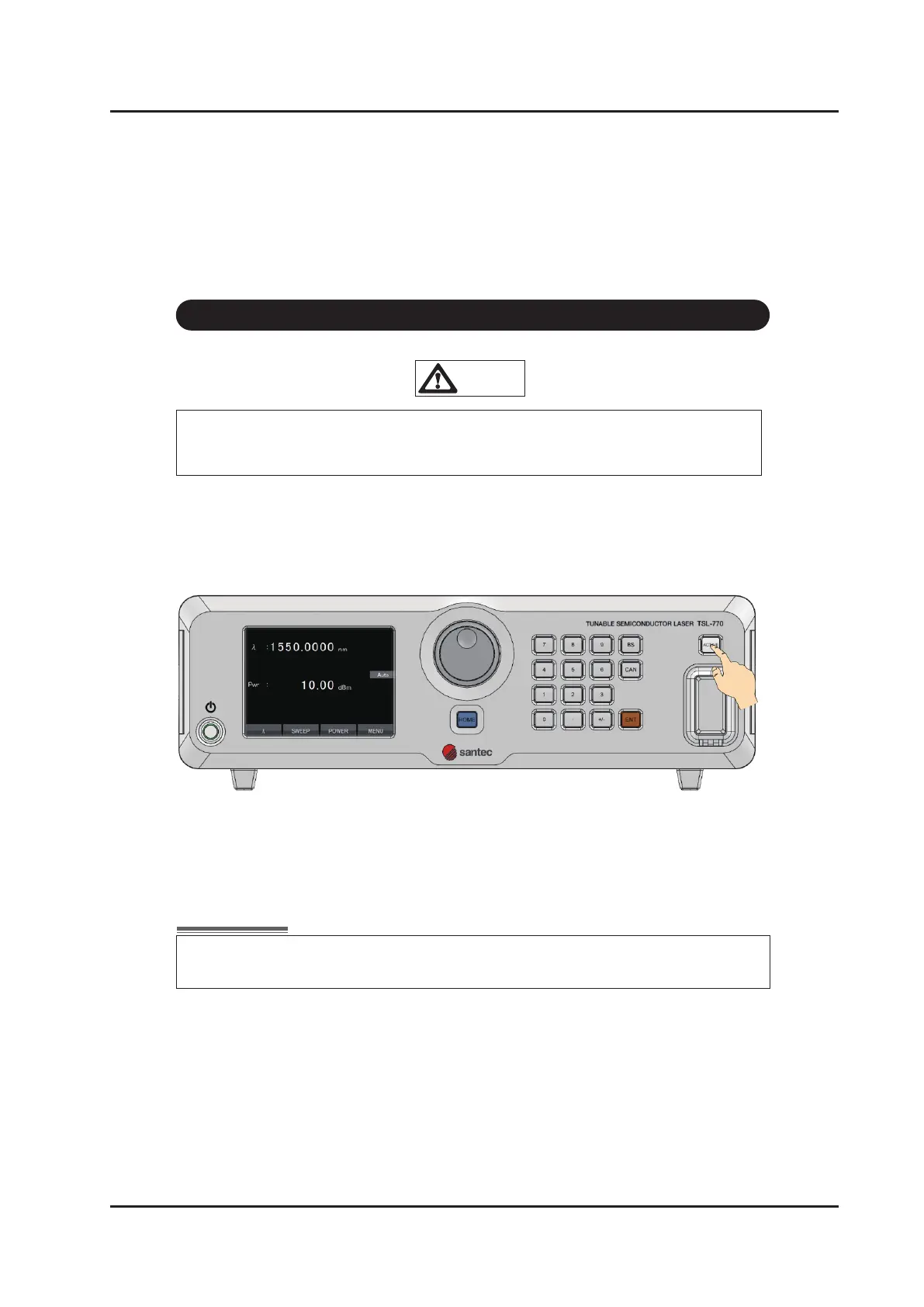
1. Press the Optical Output Active key. The key top turns green and the optical output
becomes active. Laser is output from the optical output connector during the LED
illuminate.
2. Press the Optical Output Active key again to turn off optical output. Laser output is
interrupted and the LED turns off.
Make sure that the optical fiber is connected correctly to the optical output
connector before performing LD output.
5 -2 Laser Output
When “IntLock” is displayed on the main screen of the front panel, the interlock
circuit is open and the Laser is not output.
CAUTION



 To Next Page