Fine-tuning adjusts output wavelength with a resolution under 1MHz. The
adjustable wavelength range is about 10 GHz (about 80 pm around 1550 nm).
Fine-tuning can be also performed with an external analog signal. Refer to “6-6.
Analog signal input” for details.
■
How to set on the front panel
1. Set the wavelength generally according to the wavelength setting procedure.
2. Touch λ on the front panel to change to the wavelength setting screen.
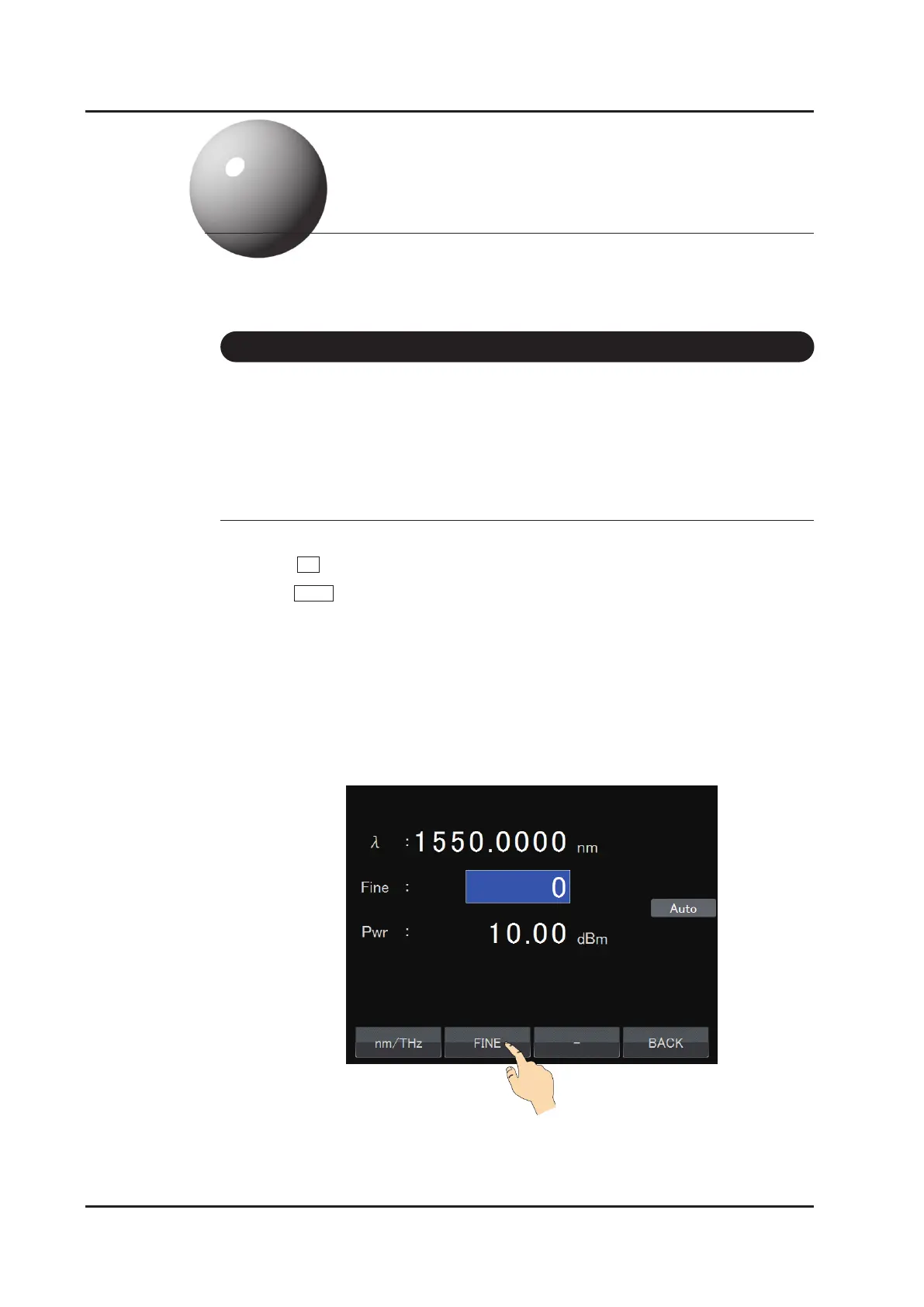
3. Touch FINE to select ne-tuning mode.
4. The input line of the FT value is displayed on the second line. Input a value with
the numeric keypad, the dial. (Refer to “How to input values” in “5-3. Setting
the wavelength”.)Wavelength is shifted to longer wavelength as FT value is
increased.
Range: –100.00 to +100.00
Unit: 0.01
5. Tune the wavelength to the desired wavelength while monitoring the output
wavelength with an instrument such as a wavelength meter.
Tunable Semiconductor Laser TSL-770
6-1
Detailed Operation
6
6 -1 Fine-tuning



 To Next Page