6-14
TSL-770 Operation Manual
6-7 System Alert
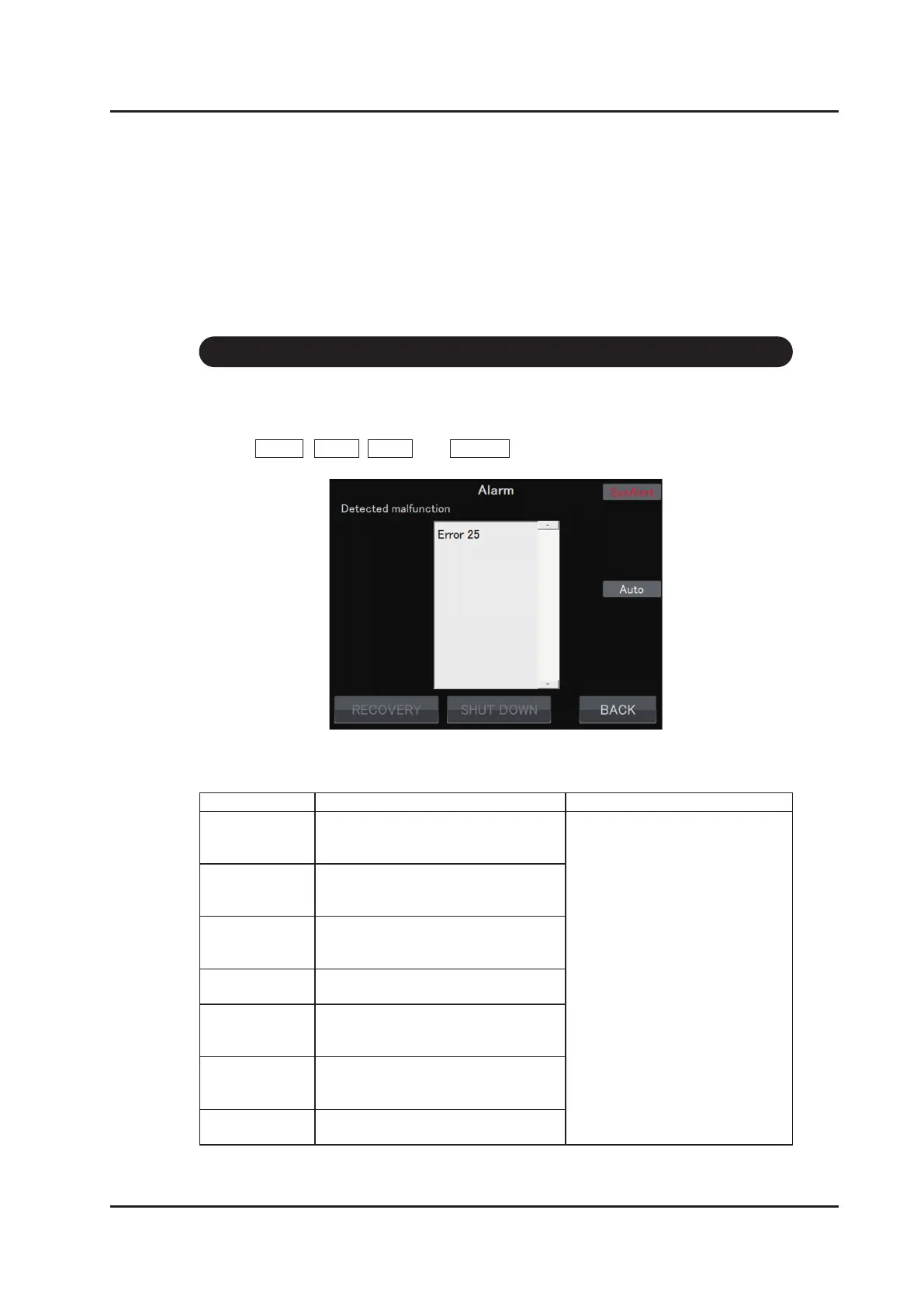
If an error occurs in the product “SysAlert” is displayed in the upper right corner of the
screen. Follow the following steps to check the details of the error:
1.Touch MENU , NEXT , NEXT , and ALARM . The alarm screen will be displayed.
2.Refer to the following table for the error number and the measures to be taken.
Error number Details How to deal with it
Error 10 There is a fault in the power supply
related to the temperature control circuit
of the optical engine.
Press the Power ON/OFF key to
turn off the product and contact
Santec.
Error 11 There is a fault in the power supply
related to the temperature control circuit
of the built–in wavelength monitor.
Error 12 There is a fault in the power supply
related to the temperature control circuit
of the built-in attenuator.
Error 14 There is a fault in the power supply
related to the ne-tuning control circuit.
Error 15 There is a fault in the power supply
related to the optical shutter control
circuit.
Error 16 There is a fault in the power supply
related to the wavelength tuning control
circuit.
Error 17 There is a fault in the power supply
related to the laser diode driver circuit.



 To Next Page