5-18
TSL-770 Operation Manual
5 -7 Turning off the Unit
1.
Turn off Optical output. (Refer to "5-2. Laser output")
2.
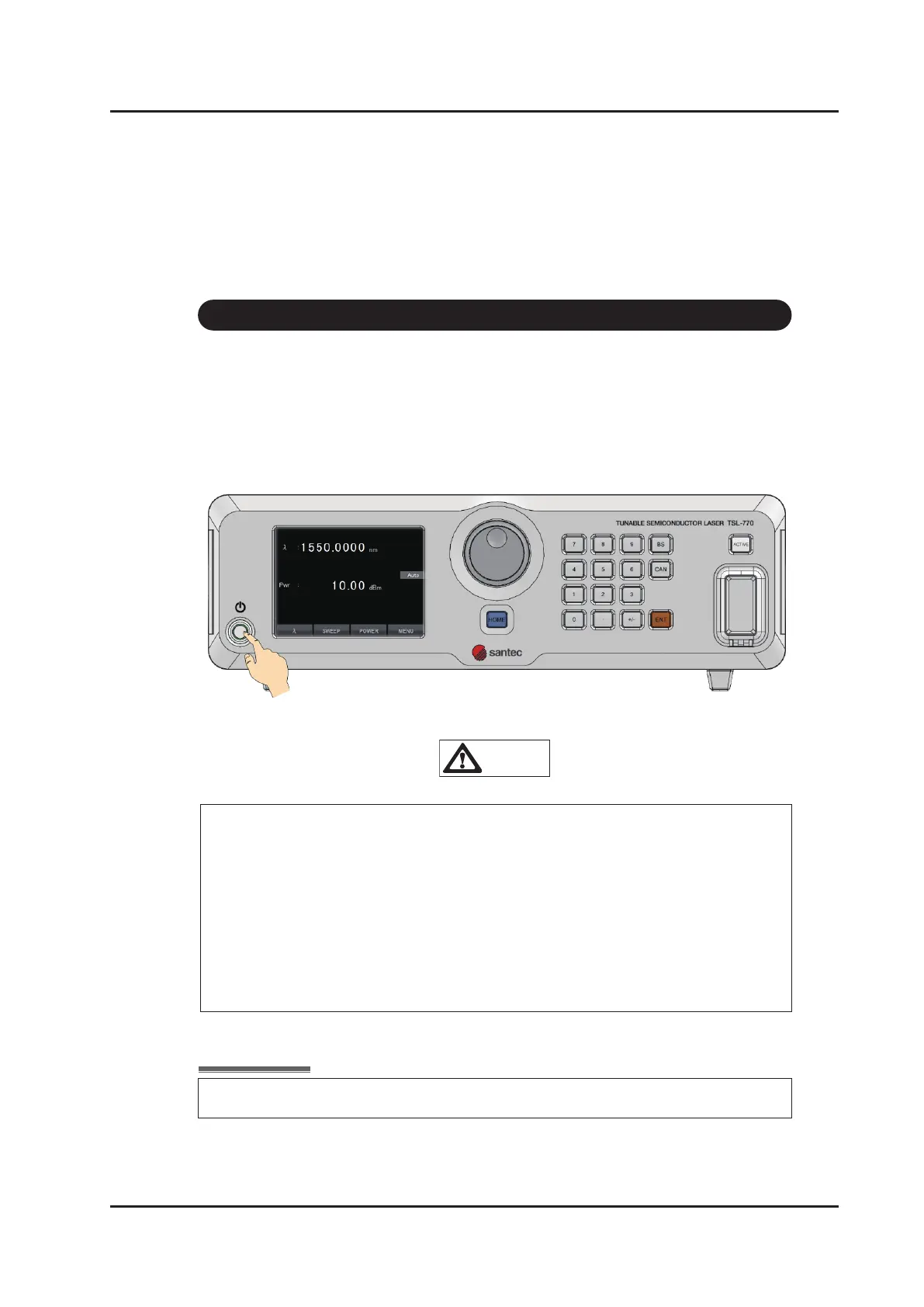
Press the power ON/OFF key for at least 2 seconds.
“Shutting Down ...” is displayed on the main screen and LED of ON/OFF key
blinks during power shut down operation.
The unit is shut down after several seconds, and LED is turn off.
CAUTION
Unplug power cord from rear panel to completely shut down power supply.
Do not unplug power cord from rear panel before power shut down is complete
(LED of power ON/OFF key is turn off). Damage of the device may be caused
by vibration under transportation if power supply is not shut down properly. Make
sure power supply is shut down properly before transportation.
If power supply is shut down under abnormal conditions or due to events such as
power failures while Laser is illuminated, turn power back on (once) after power
distribution is restored, and then turn off power using the normal procedure.



 To Next Page