Tunable Semiconductor Laser TSL-770
5-7
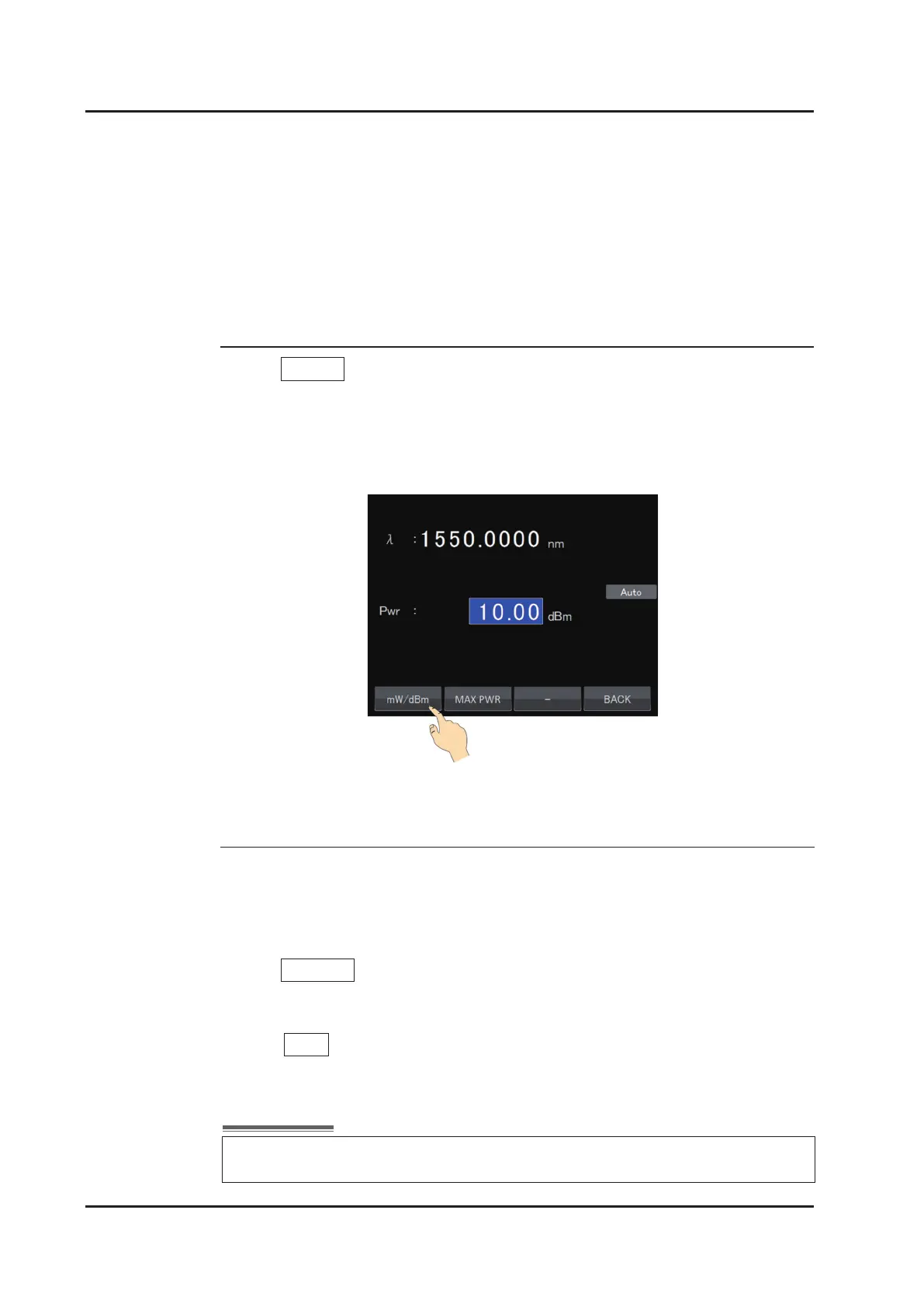
(1) Touch mW/dBm on the power setting screen.
(2) The display/input unit is changed. All units will be changed on all screens, including this
screen.
(3) Do the same operation when switching back to the original setting.
■
Changing the Unit of the Power
Maximum power mode sets the optical output to the maximum power that product can
provide. The maximum power varies by wavelength, and output power changes during
wavelength sweep.
(1) Touch MAX PWR on the power setting screen.
(2) “MaxPwr” is displayed on the screen, and it indicates the laser is operated in maximum
power mode.
(3) Touch AUTO on the screen, to go back to Auto power control mode.
■
Changing to Maximum Power mode
In the maximum power mode, power setting is not available and monitor power is
displayed.



 To Next Page