5-14
TSL-770 Operation Manual
Sweep Setting (3/3)
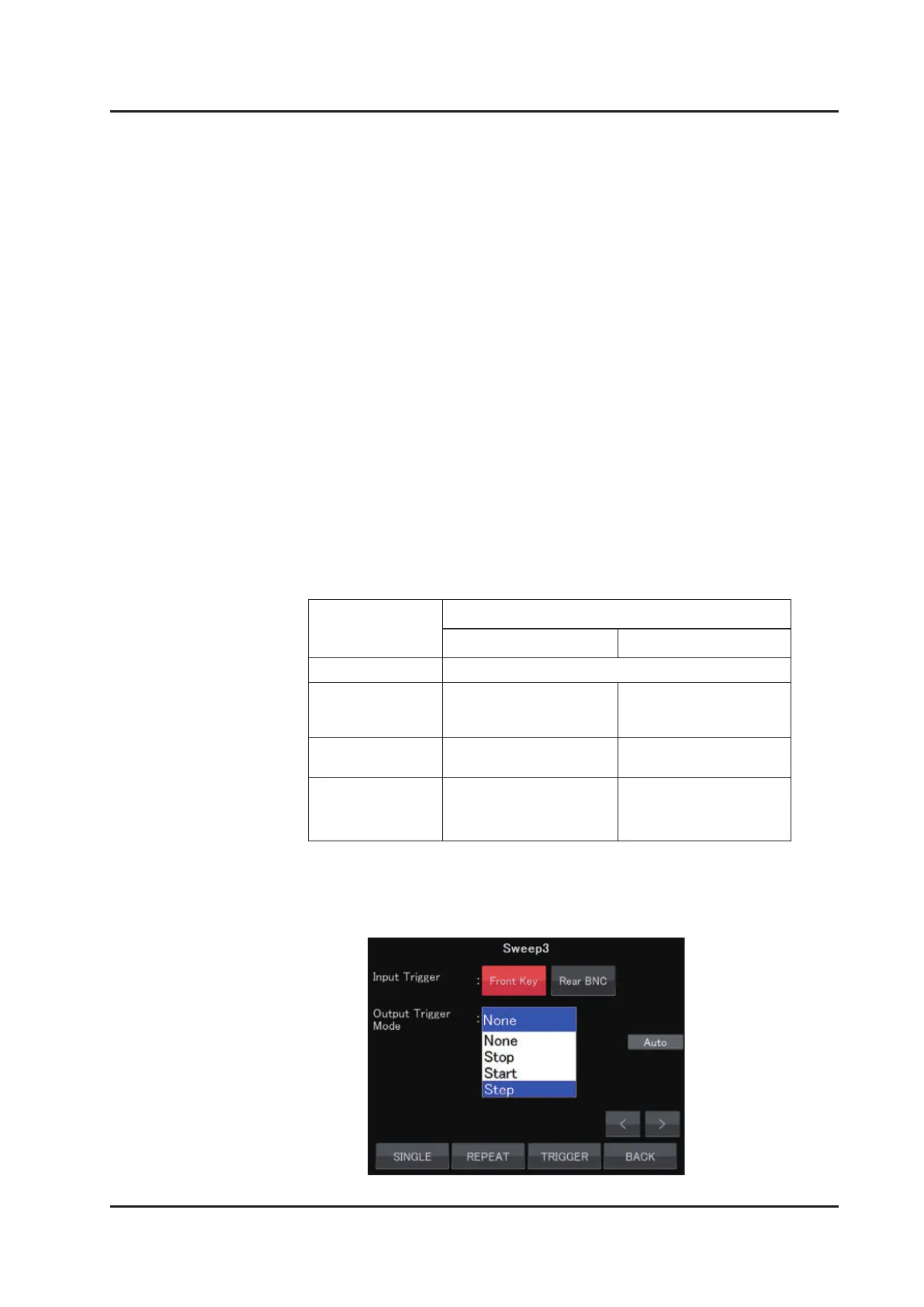
Input Trigger
Front Key:
Turning the dial on the front panel clockwise or software trigger
command are recognized as a trigger signal.
Rear BNC:
The TTL signal input into Trigger Input on the rear panel is
recognized as a trigger signal.
Output Trigger Mode
Select the mode from the following 4 modes:
Step
When the Output Trigger Mode is selected “Step”, sets the wavelength interval
of output trigger.
Trigger mode
Sweep mode
Sweep Step
None no output
Stop
Outputs at sweep
completion.
Outputs at one-step
completion.
Start Outputs at sweep start.
Output at one-step
start.
Step
Output at a certain
wavelength interval
during sweep.
Same as the Stop
mode.



 To Next Page