4 Reject Reason and Error Message
4-1. Reject Reason
The machine provides various information regarding counting results. Every time pressing DISPLAY key, the
display mode is changed sequentially. There are 5 views.
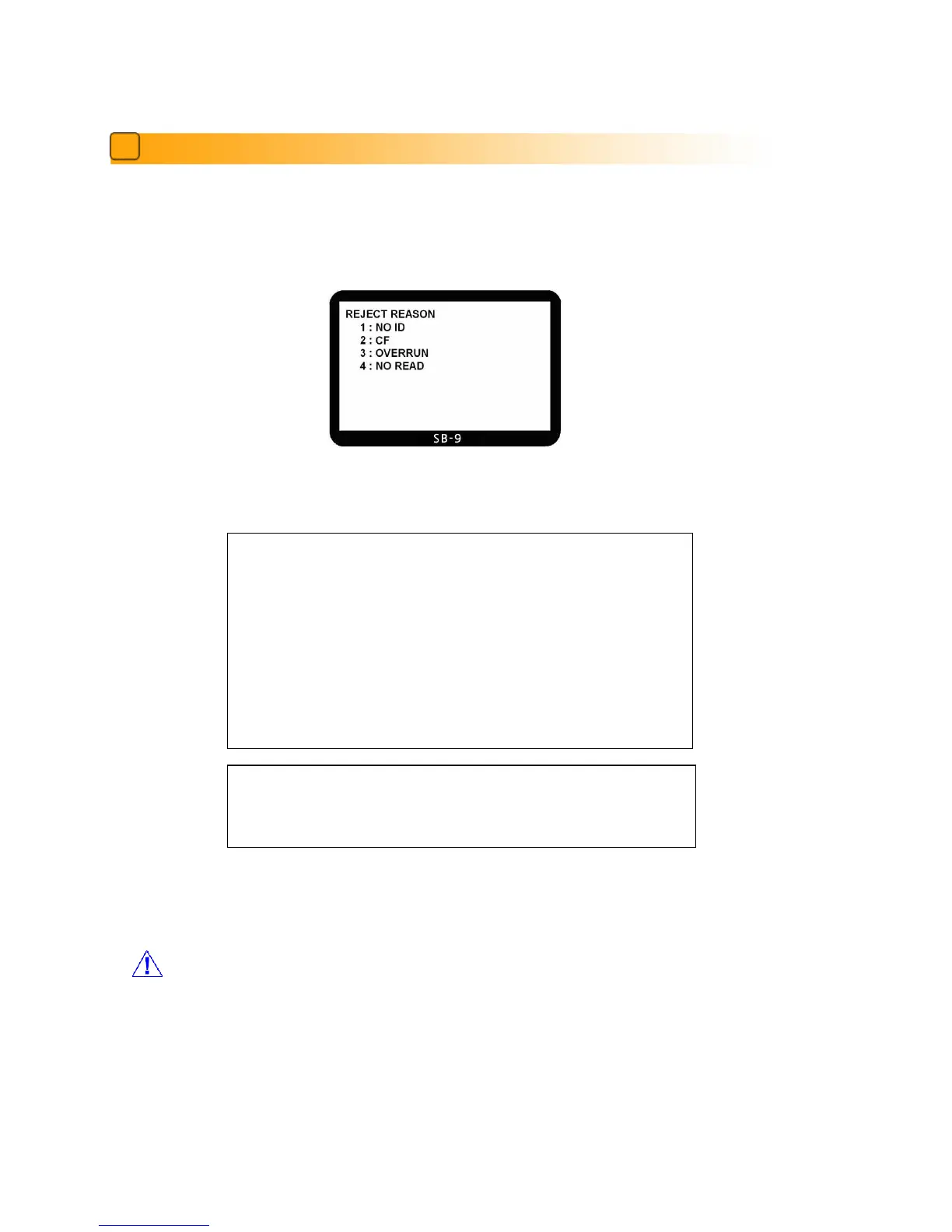
The last view is Reject Reason view. Below is some examples of each Display mode.
Summary of the reject reasons are as follows.
In this view, user can check only simple reject reason.
When you want see the detail reason, you can check at the Service Menu1.
Summary of the ‘NO ID’ and ‘CF’ details are as follows.
CAUTION
If the reject reason is Chain or Half, the number of the reject note displayed
on LCD can be different with the actual number of notes in the reject pocket.
SUMMARY of the REJECT REASONS
NO I.D. : The machine failed to identify the denomination.
NO READ : The note was not successfully read.
OVERRUN : The next note was fed too close to the first note.
CF : The note was suspected to be a counterfeit.
STAY NOTE : The note was not fit to the condition of sorting.
DOUBLE : More than two pieces of notes were fed into machine
CHAIN : Chain Error
HALF : Half Error
Reject Reason View
Press Button: 9→MODE→***** → 7(SENSOR SELECT) → 35719 → 4(CF DETAIL) → START → Clear



 To Next Page