EasyManua.ls Logo

SBM SB-9 - Software Version Check

SBM SB-9
69 pages
Print Icon
To Next Page IconTo Next Page
To Previous Page IconTo Previous Page
Loading...
CURRENCY DISCRIMINATION COUNTER SB-9(2000S) SERVICE MANUAL
- 17 -
SYSTEM REPORT
1. COUNTING REPORT
2. S/W VERSION______
6 S/W Version and Currency Check
S/W VERSION
VERSION 01.00
CHECKSUM 515E
CURRENCY SPEC
FA SPEC 5
SOFT SPEC 5
MODE
CODE [*****]
3
2
9 MENU
SERVICE MENU1
1.ERROR STOP CTRL.
2.SENSOR LEVEL
3.SYSTEM REPORT________
4.SET A/S CALL No.
5.SET MACHINE S/N
6.SHADING
7.SENSOR SELECT
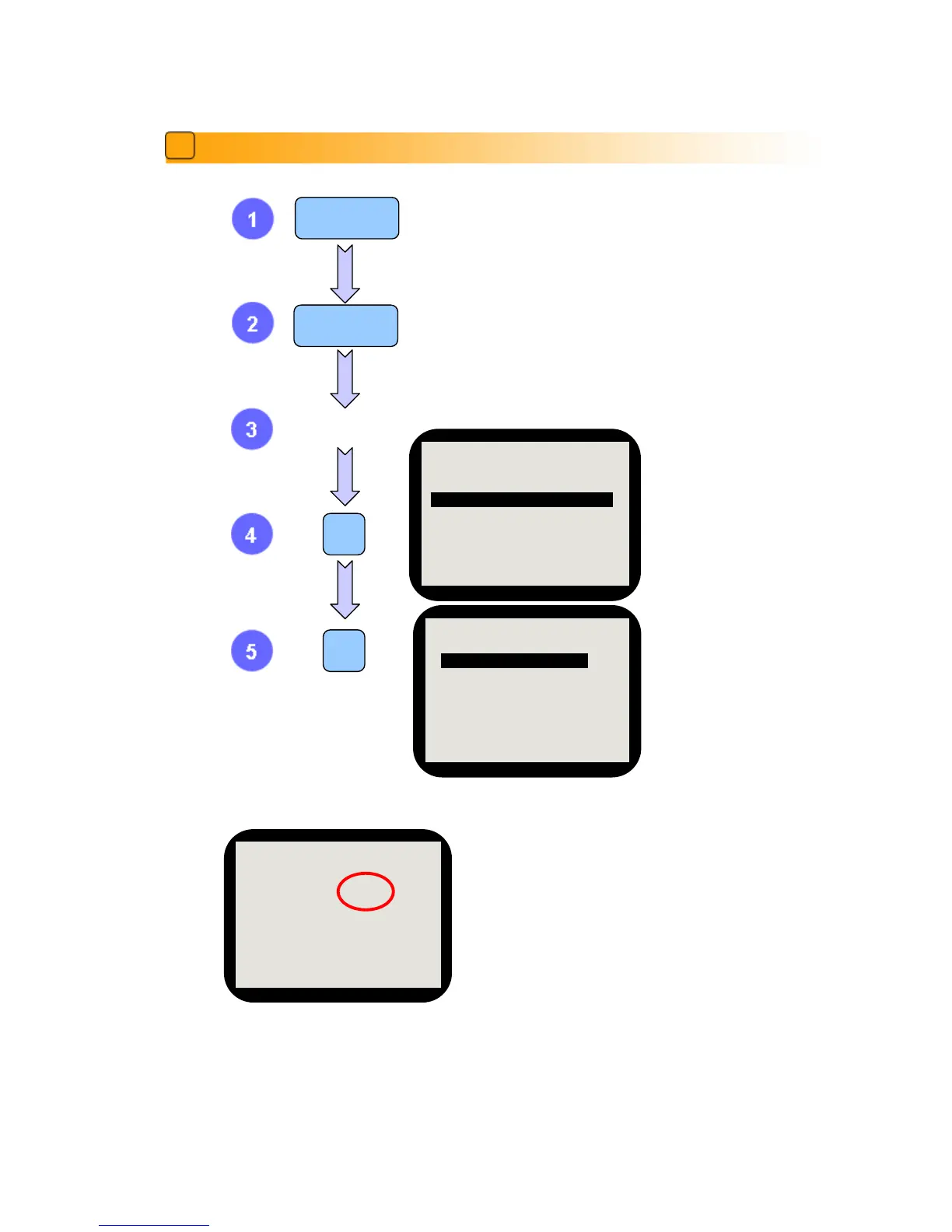
The left image shows Version and Checksum of the software
installed in the machine.
‘FA SPEC’ means the number of currency which can be
installed on the machine and ‘SOFT SPEC’ means the
number of currency which is installed on the machine.
‘FA SPEC’ and ‘SOFT SPEC’ should be same. (Please
check this number when you upgrade the firmware or
replace the PBA Main)


Other manuals for SBM SB-9

Related product manuals