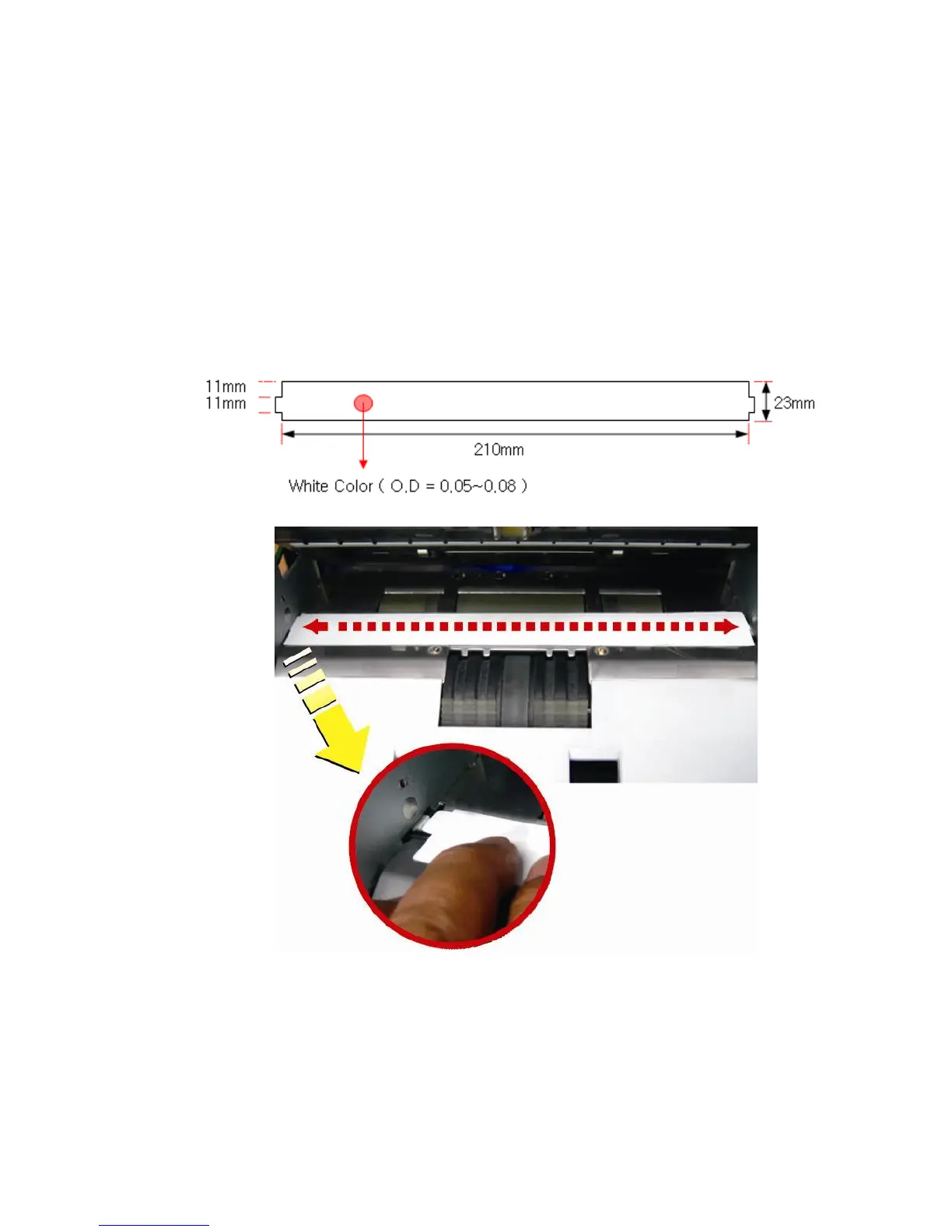
9-3. CIS SHADING
If ‘MAIN PCB’ is replaced with a new one or there are lots of rejected notes from failure of recognition
(NO I.D), it is recommended to make a new CIS Shading.
1. Open upper cover then clean the sensors.
2. Place the shading sheet on the surface of the CIS referring to the picture.
3. Close the upper cover. Start CIS shading process.
CIS Shading Sheet



 To Next Page