23
SCAIME Manual : NU-eNod4D-ETH-E-0418_216710-E.docx
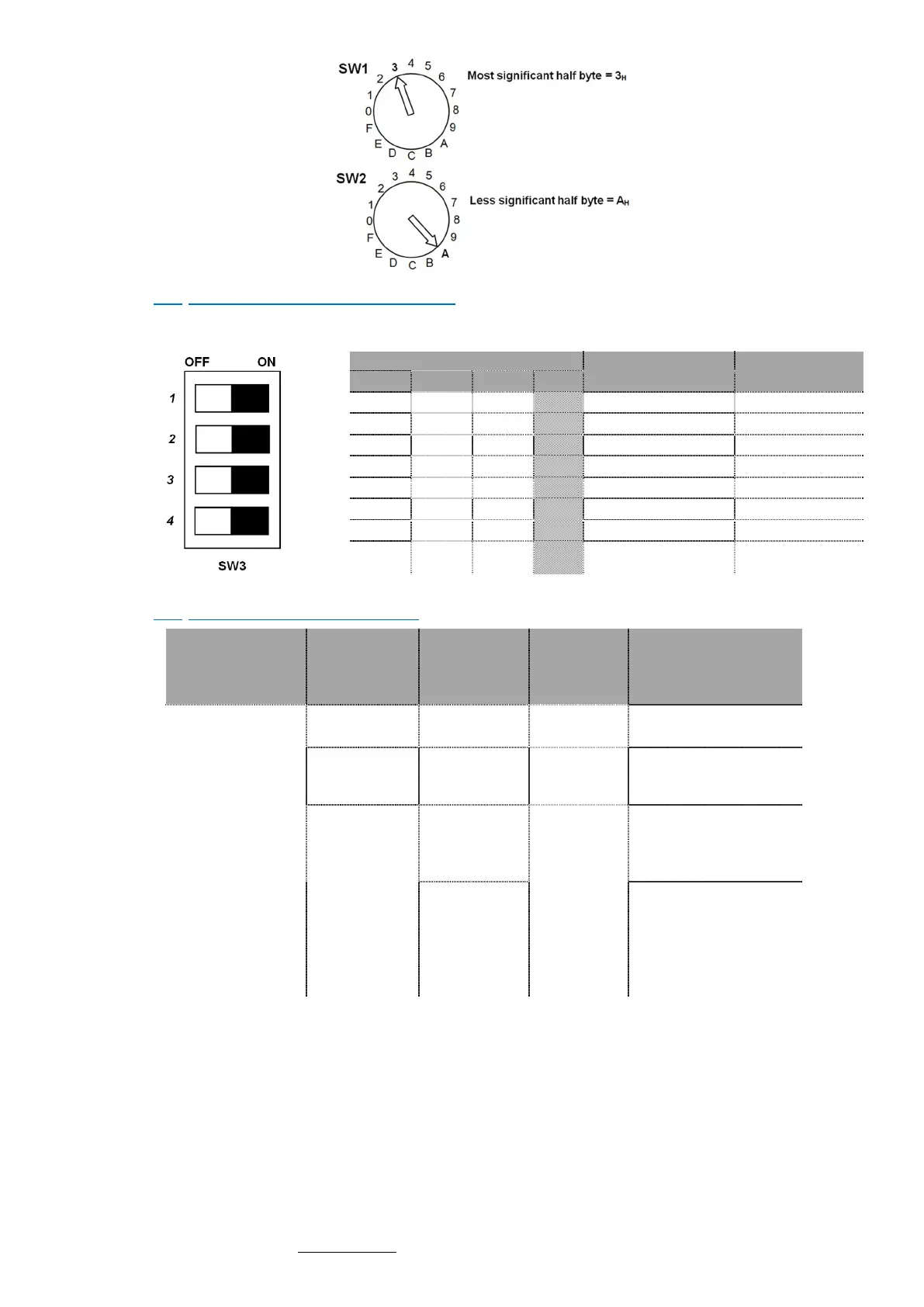
5.3 Communication rate selection
Dipswitch selection (SW3) is accessible from the front panel. The new baud rate only is taken into account after a
reset.
Baud rate
RS485 et USB
Bit rate
CAN
OFF OFF OFF X 9600 125 kbit/s
5.4 Communication protocols
Model
Communication
interface
Protocols* Connector Front panel LED
eNod4 Ethernet
RS485 AUX
ModBus RTU
SCMBus
A8 /
USB
ModBus RTU
SCMBus
USB
A4
Led USB
USB Led
Ethernet
Modbus TCP
EtherNet/IP
EtherCAT
A7
MS Module Status
NS état du réseau
NS Network Status
Profinet
/ défaut bus (rouge)
MS system failure (green)
/ bus failure (red)
NS état du réseau
NS Network Status



 To Next Page