53
SCAIME Manual : NU-eNod4D-ETH-E-0418_216710-E.docx
13.1.5 Main setup menu
eNodTouch setup menu allows to display and modify all the eNod4 parameters. For more information about
parameters, consult eNod4 software manuals.
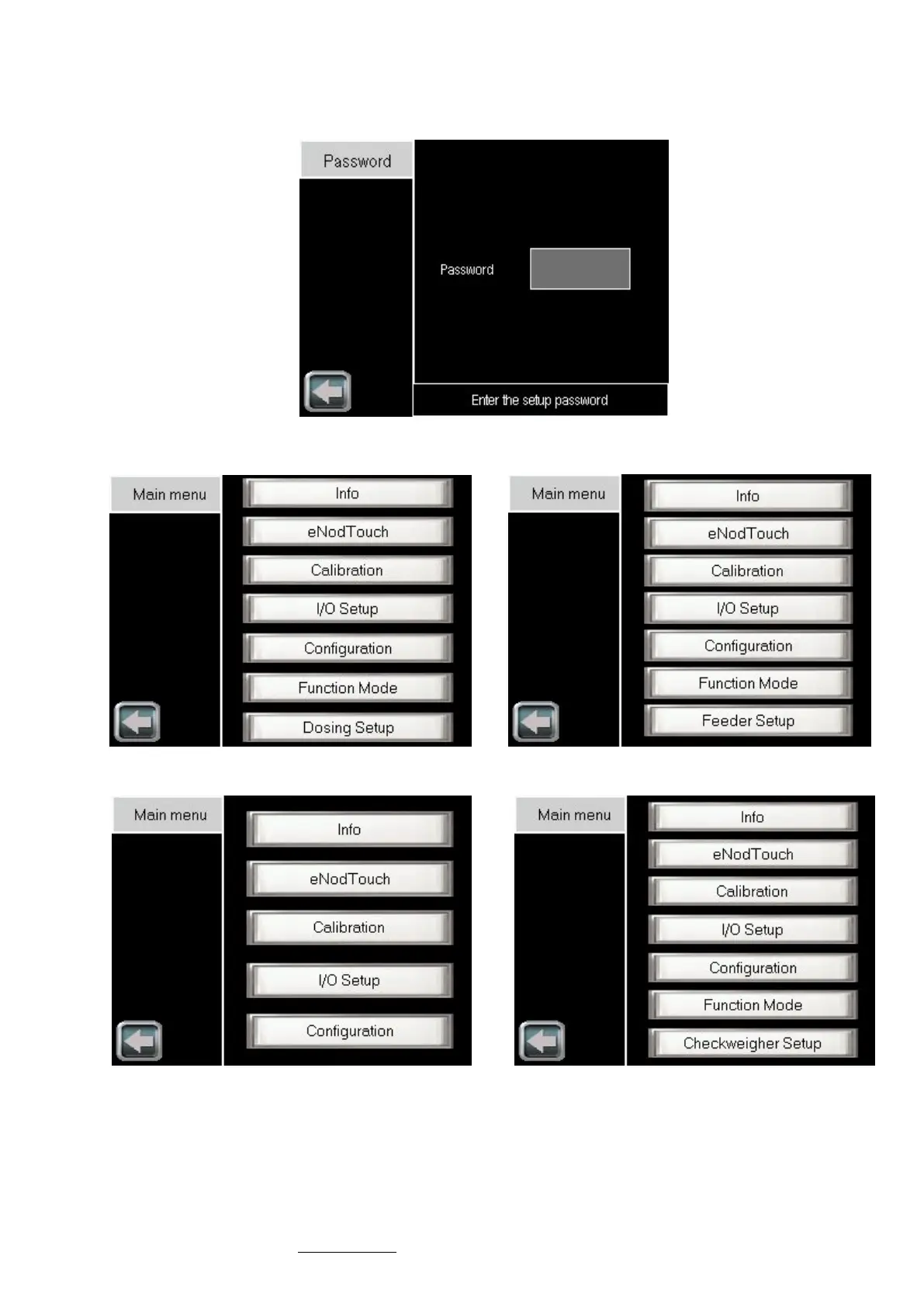
Setup menu access can be secured by password (see § 3.5.1). In that case, the following screen is displayed:
After entering a valid password (or OLEG if you’ve forgot your password), the following menu will be
displayed:
eNod4-F : Dosing Modes
eNod4-D : Dosing Modes
eNod4-C : Checkweigher Mode eNod4-T : Transmitter Mode



 To Next Page