Schindler 3100/3300/6300 J 43402603 / 01 216/269
Copyright © 2017 INVENTIO AG
AutoSetup
AutoSetup Diagnostics
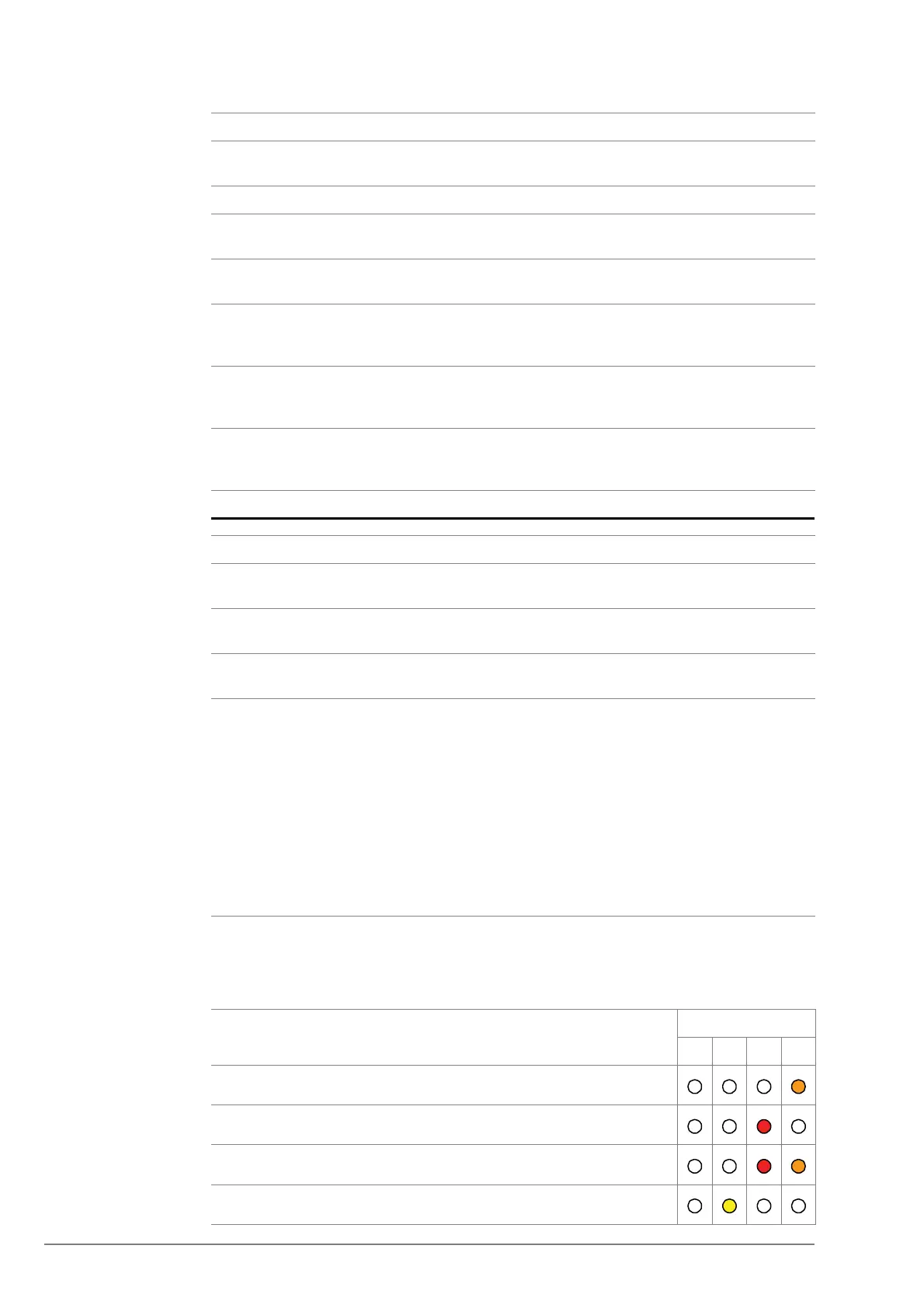
The following table lists the errors that cause an AutoSetup failure. The errors are
indicated by binary color codes.
5 6 7 Description Fault Rectification
Blinking
slowly
- - INSP by EC -
- Flashing - AutoSetup error -
--OFFNo CAN
communication
Check wiring and EC
state
- - Blinking
slowly
Comm. OK
EC not ready
Physical connection
is okay
→ Check EC
- - Blinking
fast
Communication error
during SW download
via CAN interface
Check wiring and
restart download
- - Single
Flash
SW download in
preparation
(bootloader mode)
-
- - Triple
Flash
SW download in
progress (bootloader
mode)
-
No Step
1
Check JREC is ON (Inspection Car) and switch power ON (JHT / optional
JHCT).
2 Enable inspection door by pressing the INSP key, car door must be in door
zone.
3 On the inspection control station, press the DRET-U/(D) until the blue LUET
LED on the SALSIS main sensor indicates that the car is in the door zone.
4 On the HMI, press the Setup key for > 5s to start AutoSetup.
→ LED 'SETUP' is blinking slowly, that is, AutoSetup is in progress
→ The door opens a small distance
→ The door locks
→ The door opens, closes 1st time with reference speed
→ The door opens, closes 2nd time with reduced normal speed
→ The door opens, closes 3rd time with final normal speed
→ LED 'SETUP' is OFF, that is, AutoSetup has successfully finished
If AutoSetup failed due to any reason:
→ LED '1 ... 4' and 'Setup' are blinking fast
On the HMI, press the Setup key to clear error.
No Description LED
8421
1
General error during motion trip
2 Door has stopped due to externally triggered command
3 Door has stopped due to the activation of a safety device
4 Timeout occurred, for example in case of AutoSetup failure



 To Next Page