Installation and operating instructions
26 Vers. 1.0 2024_03
depends on the quality of communication. If severe slowdowns or blockages are detected
during the search, it is necessary to inspect the lights and wiring.
After the scan, the scanned luminaire IDs will appear in the list, it is recommended to compare
it with the number of pieces on the plans. In the event of discrepancies, deficiencies or
additions shall be identified and clarified or corrected.
Note: Only luminaires with correctly connected polarity will communicate with the central
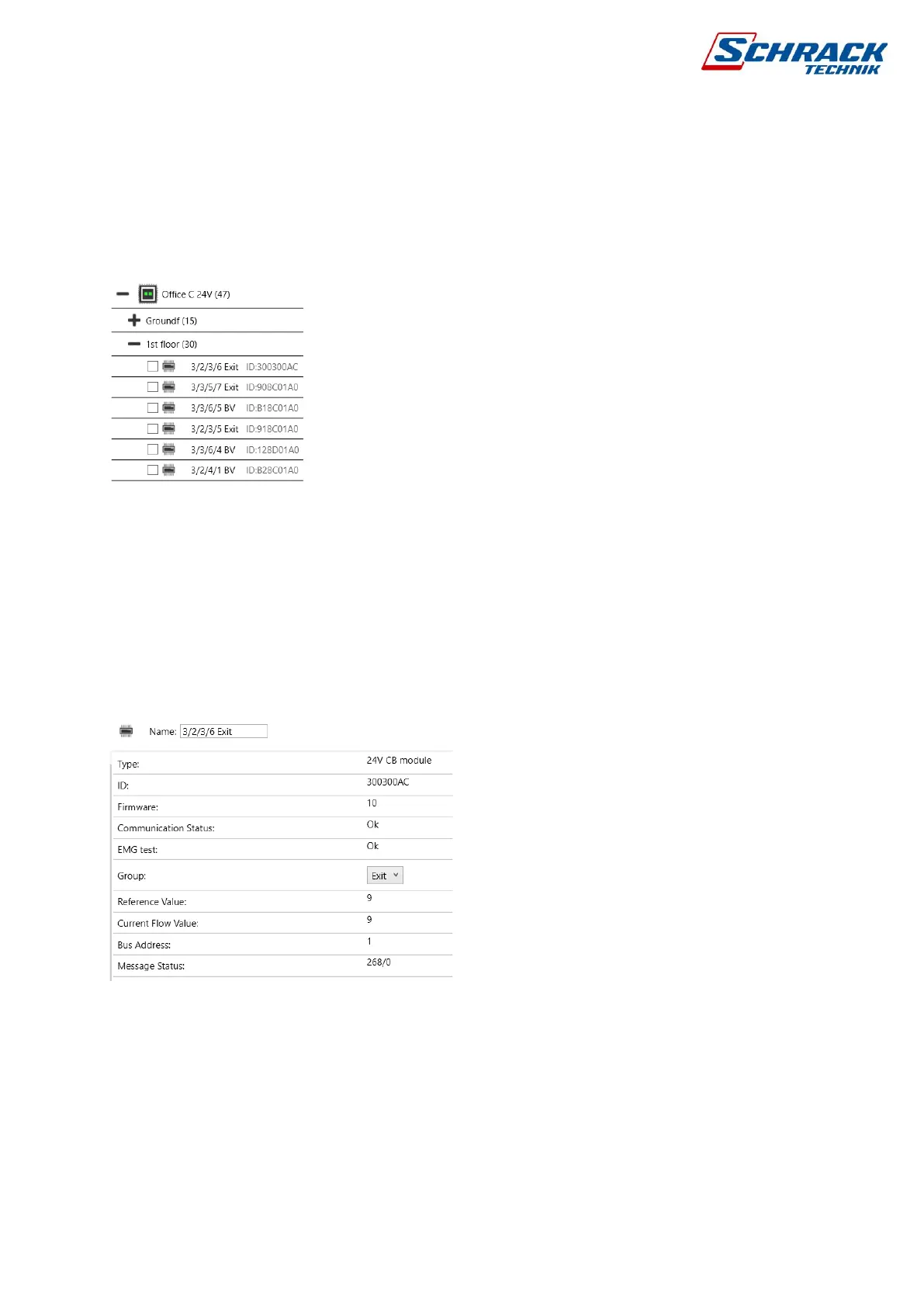
Luminaire list
4.2.3 Luminaire name
By default, all luminaires are assigned the SL identification number. There are 16 characters
available to enter a unique name, it is worth referring to the mounting position and the function
of the luminaire in its name, e.g. EXIT 1/2/3/4
In the search field, the software searches for a name by default, but if you put a $ sign before
the name, the luminaire searches for identifiers.
Luminaire Information Page
4.2.4 Grouping
After scanning, all lights are in group 1 by default. There are 127 groups available for a
networked system, which means that if you want to send group control commands between
multiple control panels, all lights will share these 127 groups.
You can set up groups individually or by selecting multi, and then review and modify them in
the Group Manager window. Groups are created automatically when you assign a luminaire.



 To Next Page