Installation and operating instructions
30 Vers. 1.0 2024_03
4.2.8 Query/maintenance mode
Once commissioned, the luminaires are queried automatically once an hour. If a luminaire fails
to respond ten times in a row, a communication error message is generated.
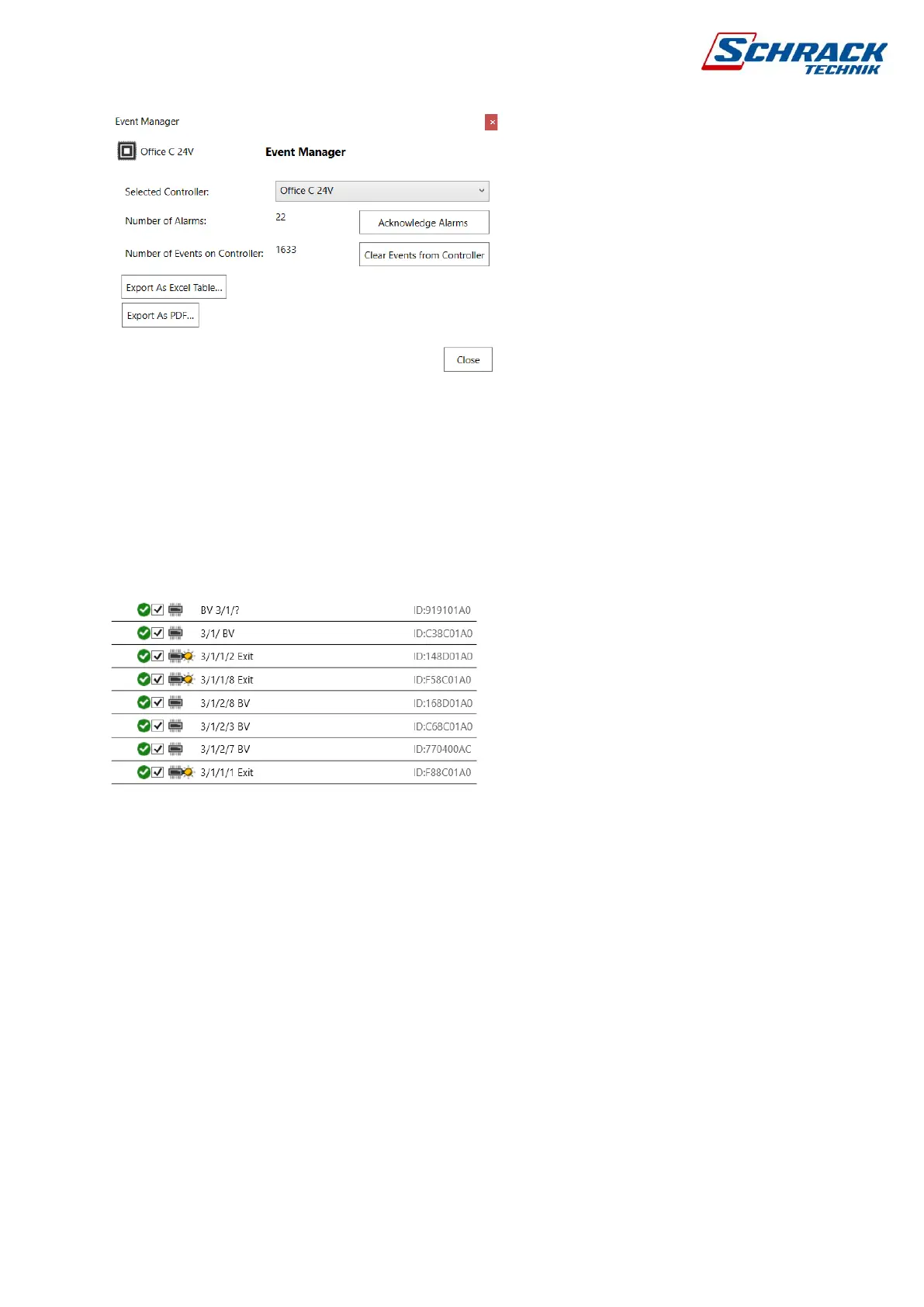
The status of a luminaire can be queried directly or the luminaires of the whole circuit. To do
this, click All Select/Read Data in the Luminaire list. A green check mark or a red x appears
next to each light to indicate that they have responded. The luminaires with indication of a
small light bulb are turned on.
By activating the maintenance mode, continuous communication is activated for 30 minutes,
during which time the control panel queries the status of the luminaires one after the other, so
it can collect enough information about the communication quality. In addition to the data
contained in the test reports, it also contains the measured reference value and the firmware
of the device. It also includes AC control data, so you can get a complete report of the current
state of your system. The report can be downloaded in pdf format and used for project
documentation.



 To Next Page