Assembly
48
09.00 | PGN-plus | Assembly and Operating Manual | en | 389296
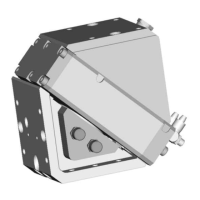
5.3.18 Mount the optical distance sensor OAS
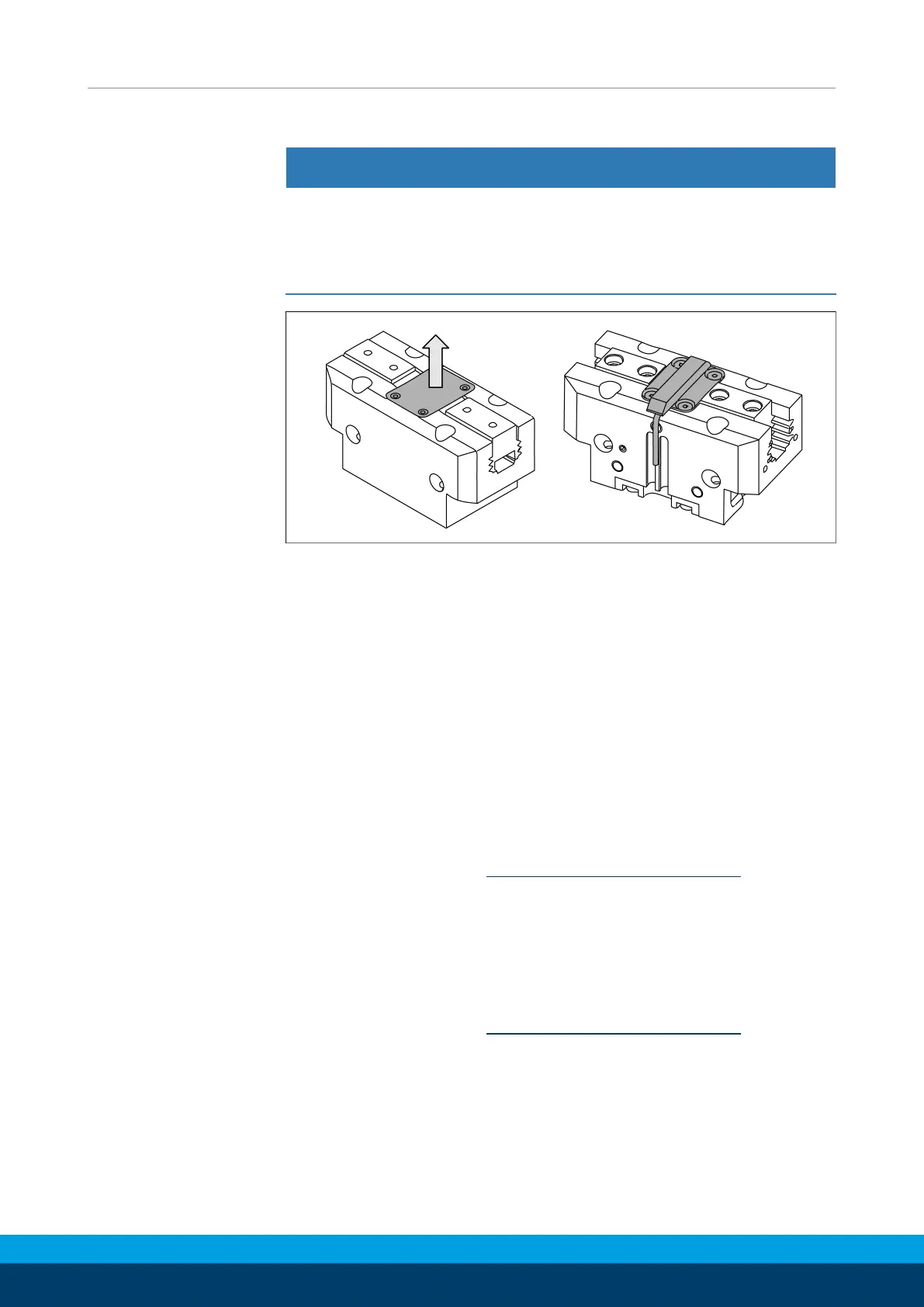
CAUTION
Risk of damage to the sensor!
• The cable must be aligned to the side of the gripper on which
the two grooves for assembly of the sensor are located.
The other side can be used for mounting the gripper.
Ø Remove the gripper's cover plate.
Ø Assemble the sensor in place of the cover plate. To do this, use
the cover plate screws.
Ø Connect the sensor to the evaluation unit, see Translation of
Sensor Assembly and Operating Instructions.
5.3.19 Mount the radio system RSS-R1/T2
The radio system RSS-R1/T2 can be used with the following
sensors:
• Reed switch RMS 22
• Reed switch RMS 80
5.3.19.1 Assembly RMS 22
Ø Installing the sensor, Mount the reed switch RMS 22 [
}
41].
Ø Adjust sensor, see Translation of Sensor Assembly and
Operating Manual.
Ø Connect radio system RSS-R1/T2, see Translation of Radio
System Assembly and Operating Manual.
5.3.19.2 Assembly RMS 80
Ø Installing the sensor, Mount the reed switch RMS 80 [
}
42].
Ø Adjust sensor, see Translation of Sensor Assembly and
Operating Manual.
Ø Connect radio system RSS-R1/T2, see Translation of Radio
System Assembly and Operating Manual.



 To Next Page