4-28 “Job Done” Examples - (Example 3) Date Code 20010518
SEL-2020 Instruction Manual
SEL
OGIC
Control
Equation
Processor
ISSUE1 =
CMD1
Setting
DWG: 2020_25.vsd
11:CMD1
Bit
SEL-2020
Set A 11
Settings
MESG1 =
Setting
Message
Generator
Input
Handler
11:CMD1 Bit
Database
Trigger
GETDAT
Command
Formatted Meter
Data
RTU
Port 11
Set U 11
Settings
CMD1 = GETDAT
Command
Meter Data
1
2
3
4
Q
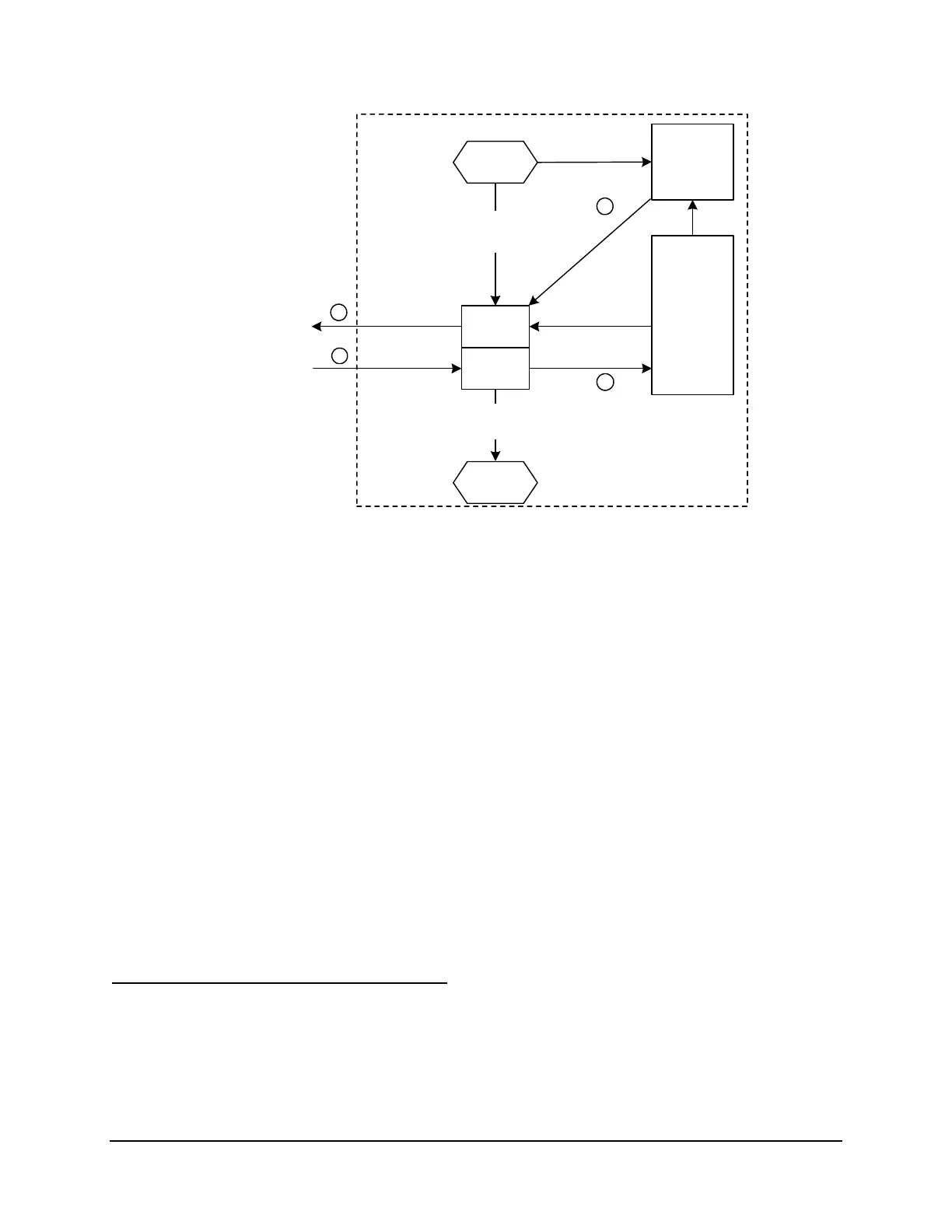
An RTU attached to Port 11 sends the GETDAT command to the SEL-2020. You previously defined this
command (CMD1="GETDAT") using the SET U command.
R
The Input Handler detects GETDAT and asserts the 11:CMD1 bit in the database.
S
The SELOGIC Control Equation Processor detects the 11:CMD1 bit and asserts the D1 trigger because
you previously set ISSUE1=11:CMD1 using the SET A command for Port 11.
T
The Message Generator detects D1 bit set and issues MESG1. MESG1 instructs the SEL-2020 to
retrieve A-phase current and voltage data from Ports 1 through 7 databases and transmit these data
through Port 11. You previously defined
MESG1=\Rf;01:METER:IA/,\Rf;01:METER:VA/...\Rf;07:METER:IA/,\Rf;07:METER:VA/ using the SET A command
Figure 4.5: Define CMD1="GETDAT" in SET U
4. Define a command (GETDAT) that the RTU will send to the SEL-2020 to request meter
data (see Figure 4.5). Use SET U to define this user-defined command on Port 11
(CMD1="GETDAT").
5. Use the SET A command to define a trigger condition (CMD1 is asserted) and a message it
triggers on Port 11. The message (MESG1) is a string you build that requests current and
voltage meter data from the Port 1 through 7 databases.
Verify and Test All Communication Paths
1. Verify that the SEL-2020 is requesting meter data from each relay every second and
receiving meter data in response to that request.
2. Verify that the relay meter data is parsed and stored in the SEL-2020 database.
3. Verify that the SEL-2020 will respond to the user-defined “GETDAT” command with the
proper meter data from all seven relay port databases.



 To Next Page