4-54 “Job Done” Examples - (Example 7) Date Code 20010518
SEL-2020 Instruction Manual
DEFINING THE SOLUTION
Set the SEL-2020
1. Reserve memory in the User region of Port 8 with the SET A command. This space will be
used for a message you will create.
2. Also for Port 8, use the SET U command to tell the SEL-2020 to watch for the GROUPS
command.
3. Create the automatic message that is sent in response to the user-defined command.
4. Use the COPY ALL command to copy these settings to Ports 2 through 7 as in previous
example.
Operation
1. Establish remote communication with the SEL-2020 through the internal modem on Port 8.
2. Use the STORE command to store a group switch command in the Port 8 User region.
3. Send the GROUPS command that you defined to trigger the SEL-2020 to send the group
switch command to Ports 1 through 7.
Set A x
Settings
SEL
OGIC
Processor
Message
Generator
Database
Set U 8
Settings
Input
Handler
Set A 8
Settings
CMD1
Setting
GROUPS
Command
Modem
(Port 8)
USER
Setting
8:CMD1
Bit
MESG Setting
Group Switch
Command String
SEL IEDs
(Ports 1
through 7)
Group Switch
Command String to
8:USER Region
8:CMD1 Bit
asserts
D3 Trigger
Issue=8:CMD1
Setting
DWG: 2020_23.vsd
1
2
3
4
5
Q
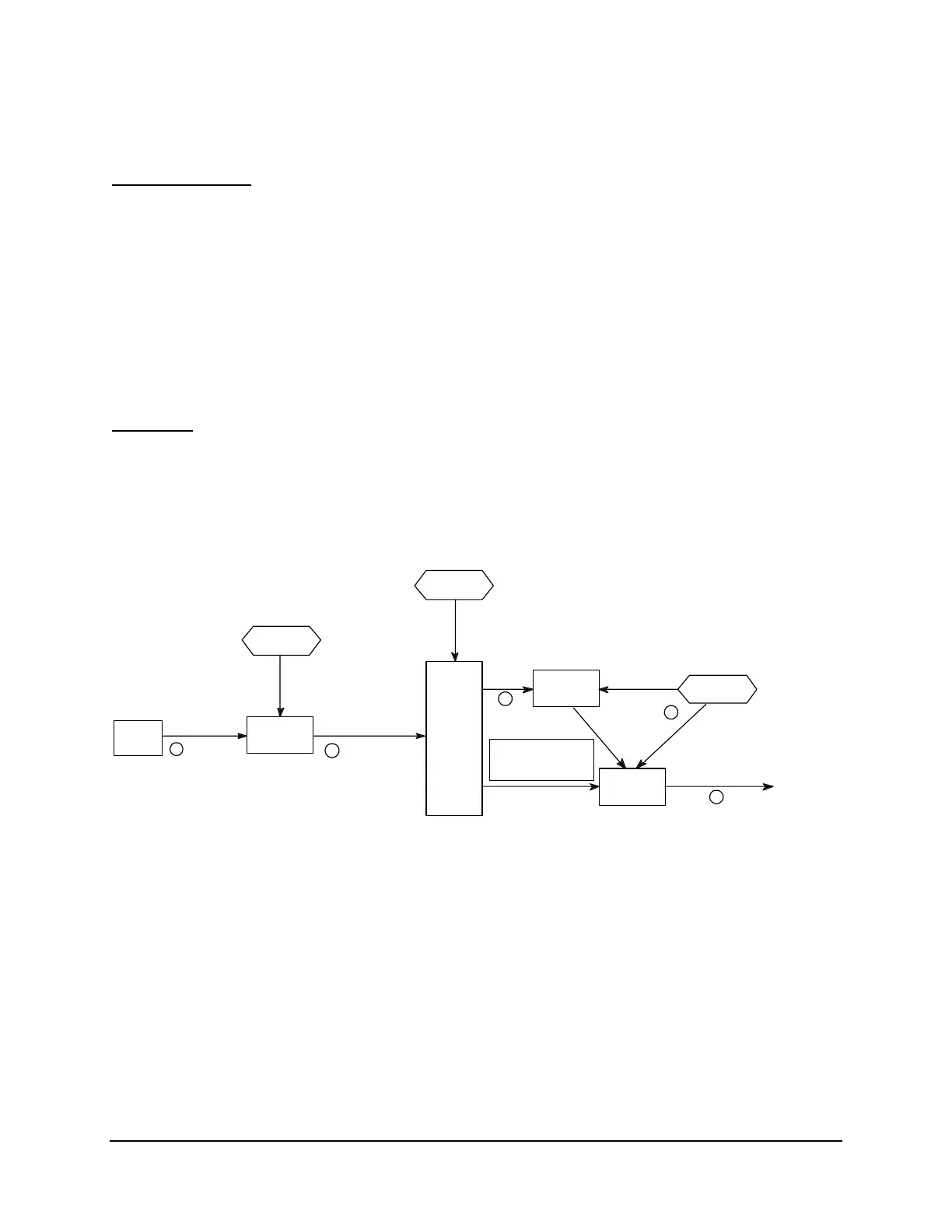
You send the GROUPS command. You defined the GROUPS command string (CMD1="GROUPS") using the SET
U command for Port 8.
R
The Input Handler sets the 8:CMD1 bit.
S
The SELOGIC Control Equation Processor reads the 8:CMD1 bit. You set the ISSUE3 condition to be
8:CMD1 using the SET A command for Port 1. You then copied these settings to Ports 2 through 7
using the COPY ALL command.
T
The SELOGIC Control Equation Processor sets the D3 trigger bit on Ports 1 through 7 in response to
the 8:CMD1 bit.
U
The Message Generator is triggered by the D3 bit and sends MESG3 instructing the Message Generator
to fetch the string from Port 8 User Region that sends the stored GROUP switch command to the
relays on Ports 1 through 7.
Figure 4.10: Group Switch Functional Diagram



 To Next Page