Date Code 20010518 “Job Done” Examples - (Example 7) 4-53
SEL-2020 Instruction Manual
EXAMPLE 7: SWITCH GROUP SETTINGS ON ALL RELAYS
Example 7 demonstrates the SEL-2020’s ability to send commands to other devices, in this case
other SEL relays, using a command string that you store in the User data region on one port.
This example uses the SEL relay GROUP command to change group settings on several SEL-251
Relays attached to the SEL-2020, all at the same time with a single command. You could change
group settings on individual ports with separate command and message combinations, each
combination issuing one change. But the method shown here allows you to switch between any
number of group settings on all relays by creating just one command and one message.
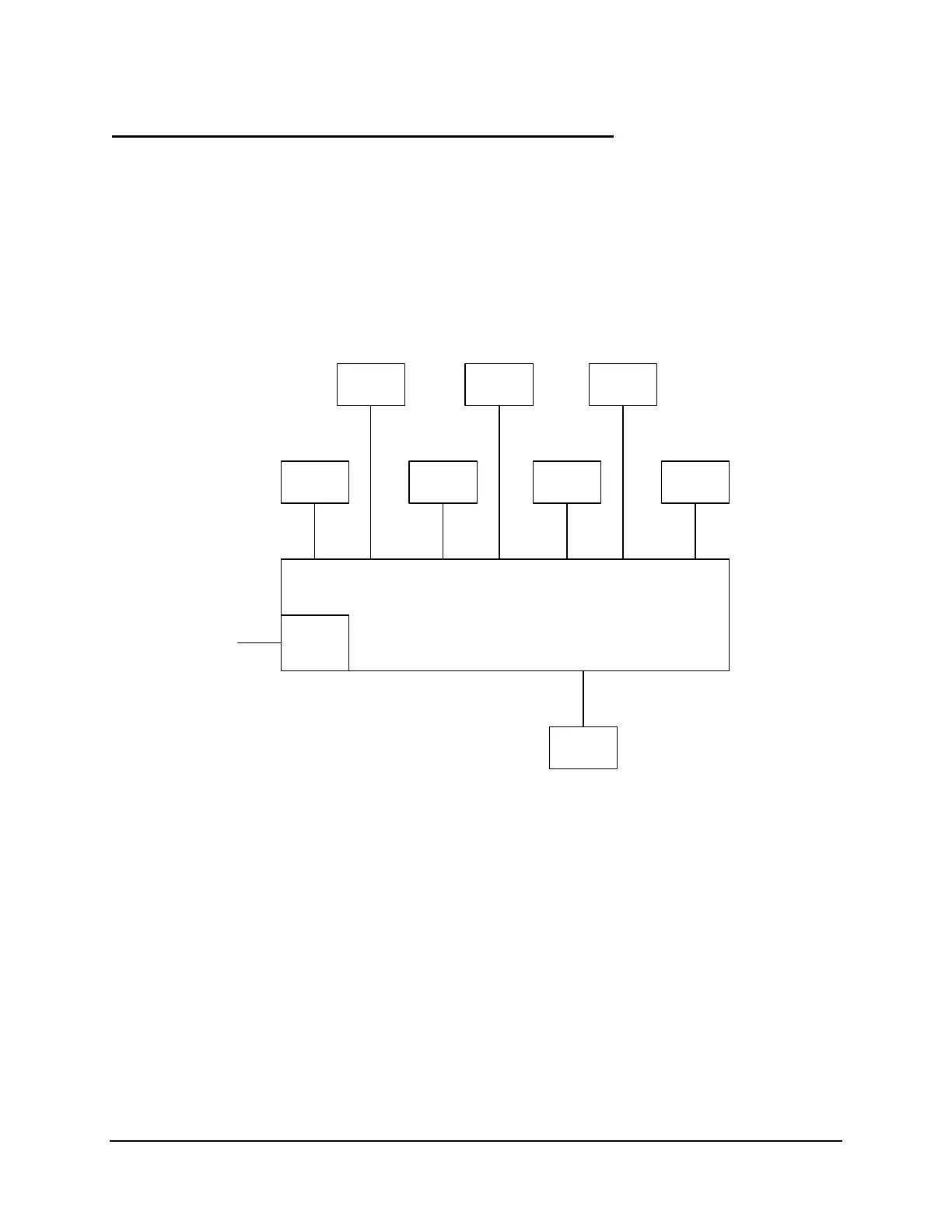
This example, like the previous examples, assumes that you have an SEL-2020 with seven
SEL-251 Relays attached to Ports 1 through 7, as shown below in Figure 4.9.
SEL-251
Relay
SEL-251
Relay
SEL-251
Relay
SEL-251
Relay
SEL-251
Relay
SEL-251
Relay
SEL-251
Relay
Optional
Modem
Port 8
Port 7Port 6Port 5Port 4Port 3Port 2Port 1
SEL-2020
Port 2R
Telephone
Line
DWG: 2020_15.vsd
Local
Terminal
Port F
Cable
C234A
Port 2R Port 2R
Port 2R Port 2R Port 2R Port 2R
Figure 4.9: Group Switch Configuration Diagram
IDENTIFYING THE PROBLEM
Your objective in this example is to switch settings from Group 2 to Group 3 on all SEL-251
relays attached to the SEL-2020. Later, you must switch the settings from Group 3 back to
Group 2, again, on all SEL-251 Relays attached to the SEL-2020.



 To Next Page