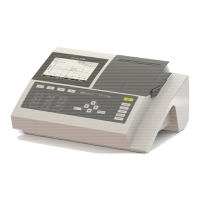
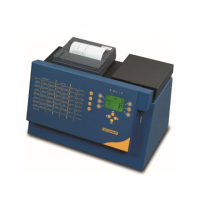
BASIC
- 24 -
To use a printer press “YES”
Then select “Type”:
The BASIC asks for the selection of printer.
A selection of 4 printers is proposed: a KYOLINE, CITIZEN IDP562S, HEWLETT PACKARD and
EPSON. Choose one.
Check the type of port « connection » either serial RS232C or Parallel.
Connect IDP or KYOLINE printer using its serial printer cable to BASIC’s serial RS232C port.
Warning: Never connects a serial printer with a 25-pin cable to the parallel port. This will do serious
damage to BASIC and the instrument will emit a continuous beeping noise. This type of error is not
covered by the warranty.
Exit from set-up by « ESC ».


 To Next Page