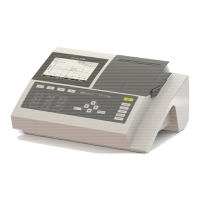
BASIC
- 34 -
8.2.
ANALYSIS NAME PROGRAMMING
NOTE: It is recommended not to use the same name as the one found in the primary position. DELete
test method name and replace. Choose letters and numbers with up and down keys. Validate at the
end.
8.3.
ASPIRATION VOLUME PROGRAMMING
To modify the volume, press the key corresponding to the volume to program.
800 µl is the recommended pump aspiration volume. However, a selection of six volumes from 500 to
1500 µl is available.
8.4.
TEMPERATURE PROGRAMMING
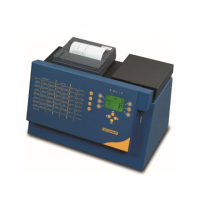
BASIC is equipped with a Peltier-effect temperature control cell-holder.
Recommended temperature to use is given by the test method technical sheet.
Use key to program the temperature.
Select the correct temperature, either the pre programmed temperature for Peltier effect or room
temperature represents by “XX°”.
Peltier-effect is deactivated when programmed at XX (Room temperature)
Room temp


 To Next Page