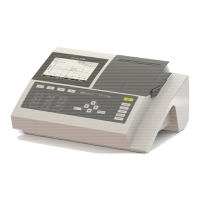
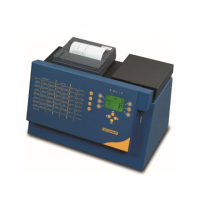
BASIC
- 25 -
7.6.
TRACEABILITY SET-UP
The function (F6) “TRACEABILITY” makes it possible to give a numerical identification to the sample,
to export the results stored in memory on printer or PC, to publish a summary on the analyses of a
patient and to reset the memory.
Press on the (F6) key in order to obtain the following screen:
BASIC - PC: this function allows you to download data (patient reports) on computer.
BASIC – Prt: this function allows downloading data to a printer.
Two types of printed documents can be obtained:
• global daily report of all patients (enter Nr 0) or
• patient by patient report (selectable: example Nr 114, 121).
It is possible to print previous day’s result (if it is not crushed/erased yet) by reprogramming the date.
Note: For two samples bearing the same number, only the latest will be edited.
INIT: is used to clear result memory. Be sure to save/print results before deleting.
YES and NOT are reserved for the impression of the curves in kinetics.
YES: by choosing this function, BASIC will report kinetical reading points per segment.
NO: by this function, BASIC will give brief kinetical report.
ORDER: is to select the printing order of a given patient, for example Nr 114 first then Nr 121.


 To Next Page