24
ENGLISH
www.sematic.com
Changes can be made without notice
Instruction with handset
811-000-000 SDS© DC-PWM Compatible • Edition 25 March 2016
7 INSTRUCTION WITH HANDSET
7.1 HANDSET (OPTIONAL)
Recommendation!
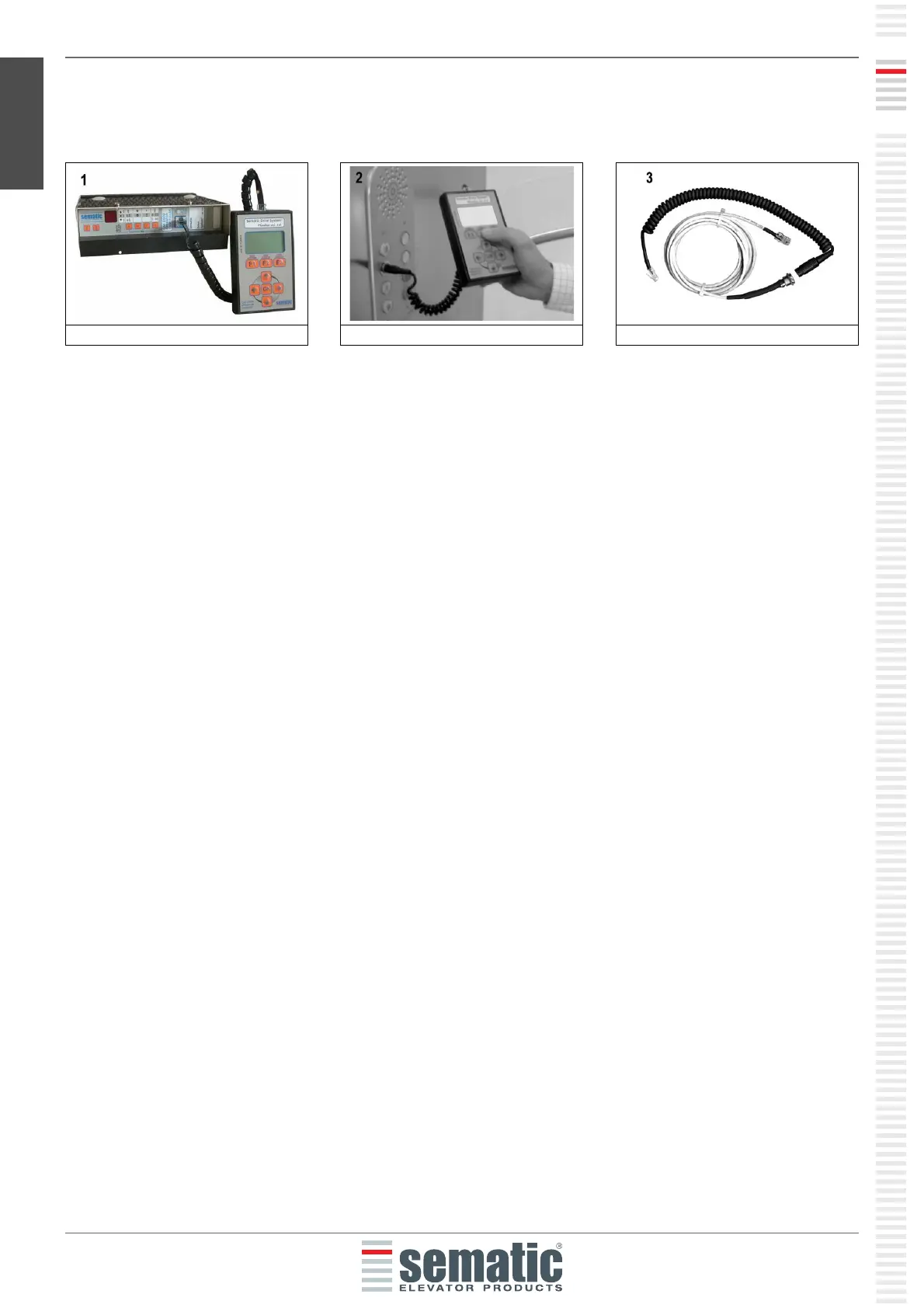
Although the handset (see picture 1) can be directly connected by the installer/maintenance personnel to the door
controller on the car's roof, the ideal situation is to have a connection with the door controller inside the car (see
picture 2).
In this way the installer/maintenance personnel can work in absolutely safe conditions and can control the
movement of the coupled doors during their effective operational mode.
To make this connection, ask Sematic for the appropriate adapter cod. B147AABX (see picture 3) (a 16 mm.
diameter hole is required in any chosen position within the Car walls).
Note: when the handset is connected to the controller the display shows the warrantly expiration date (2 years
from the manufacturer date) and the activity hours left before warrantly expiration. Subsequently choose the
language by means of the keys and and confirm the choice through the “OK” key.
Important note: when the handset is connected, all the signals from the main lift controller (but not the K2TB,
if used) and Kn are ignored; this in order not to interfere with the commands sent through the handset.
The output LA and LC are both kept OPEN (not valid condition in normal operation).
If Monitor menu is selected also Kn is monitored. When the MLC Monitor menu is selected, though, the system
performs as if the handset was not connected at all, allowing the complete monitoring of input/output signals by
means of the handset.
Fig. 2 Optional Kit - cod. B147AABX


 To Next Page