Using the SKM 300 G4
111
5 Colored ring
• Available in different colors (see “Additional accessories” and
“Changing the colored ring”)
• Can be turned to protect the multi-function switch
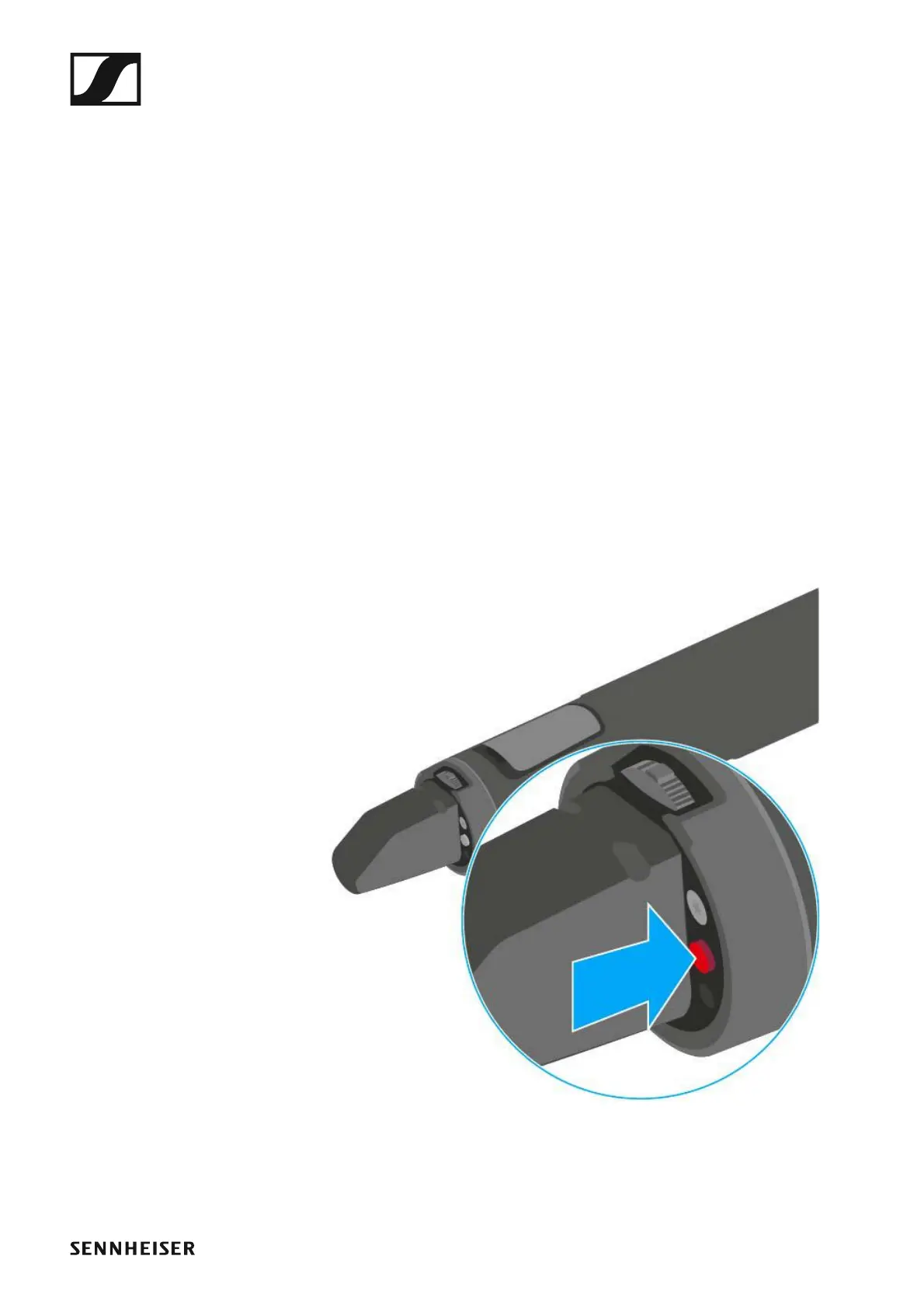
6 Operation and battery indicator, red LED
• illuminated = ON
See “Switching the SKM 300 G4 handheld transmitter on and off”
•flashing = LOW BATTERY
See “Inserting and removing the batteries/rechargeable batteries”
7 MIC button
• See “Muting the handheld transmitter (AF mute)”
• See “Deactivating the RF signal (RF mute)”
• See “Advanced > Mute Mode menu item”
Switching the SKM 300 G4 handheld transmitter on
and off
To switch on the SKM 300 G4:
▷ Hold down the ON/OFF button until the Sennheiser logo appears on the
display.
►
To switch off the SKM 300 G4:
▷ Hold down the ON/OFF button until the display goes off.













 To Next Page