Using the SK 300 G4
160
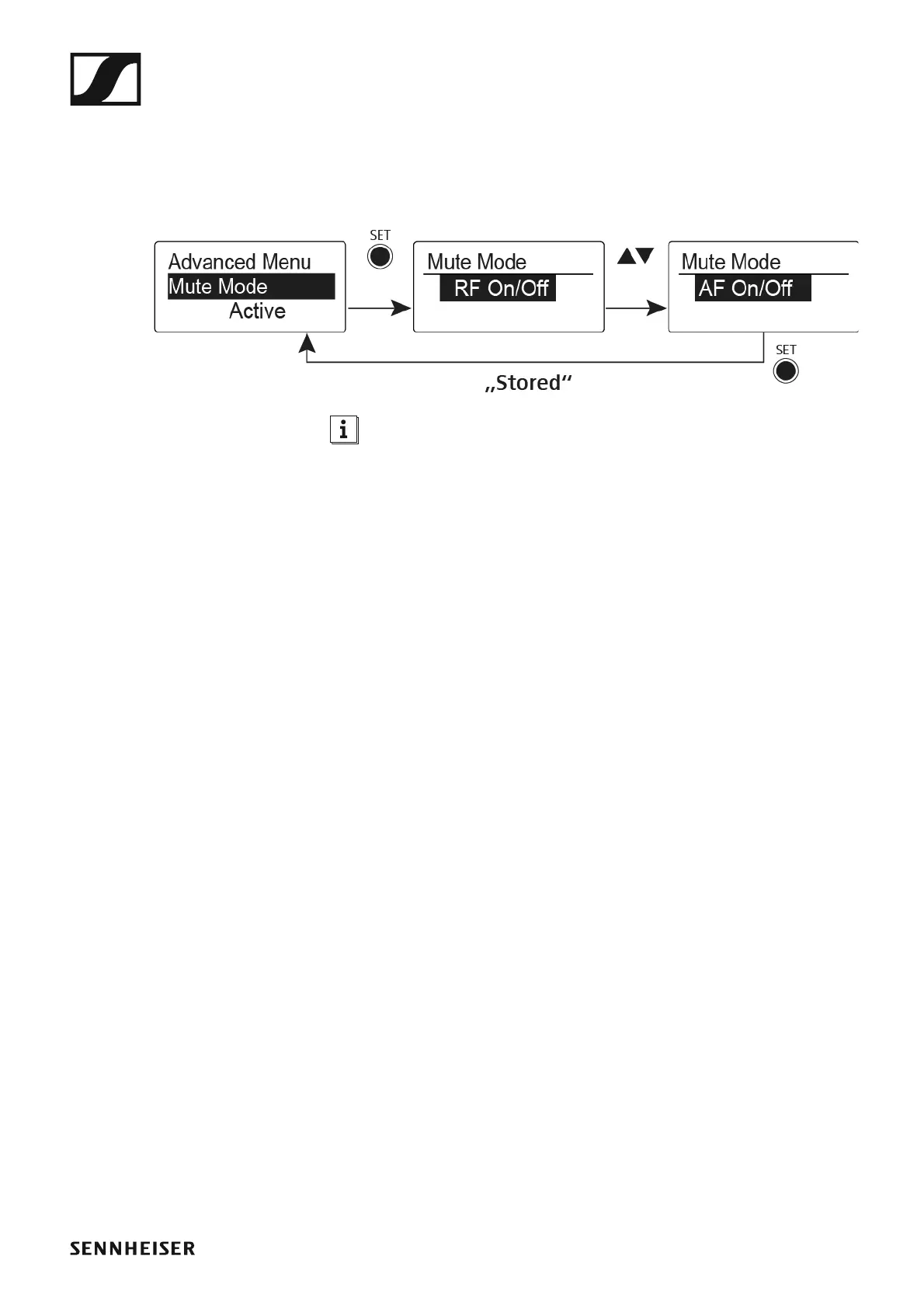
Advanced > Mute Mode menu item
• Configure the function of the mute switch and the RMS 1 remote mute
switch
►
The Push to mute and Push to talk menu items can only be used with
an RMS 1 remote mute switch.
MUTE switch functions
AF On/Off mode
• If set to position MUTE, the audio signal is muted
RF On/Off mode
• If set to the MUTE selector position, the RF signal is deactivated.
Disabled mode
• No function
Functions of the RMS 1 remote mute switch
AF On/Off mode
• Press the RMS 1 mute switch: The audio signal is muted.
• Press the RMS 1 mute switch again: The audio signal is no longer muted.
RF On/Off mode
• Press the RMS 1 mute switch: The RF signal is deactivated.
• Press the RMS 1 mute switch again: The RF signal is activated.
Push To Mute mode
• The audio signal is deactivated as long as the RMS 1 mute switch is
pressed.
Push To Talk mode
• The audio signal is activated as long as the RMS1 mute switch is
pressed.
• The bodypack transmitter is muted when you configure the Push to
Talk function.
Disabled mode
• No function













 To Next Page