Installing the SKM 500 G4
44
Replacing the microphone module
You can find a list of the recommended microphone modules for the hand-
held transmitter under “Microphones and cables”.
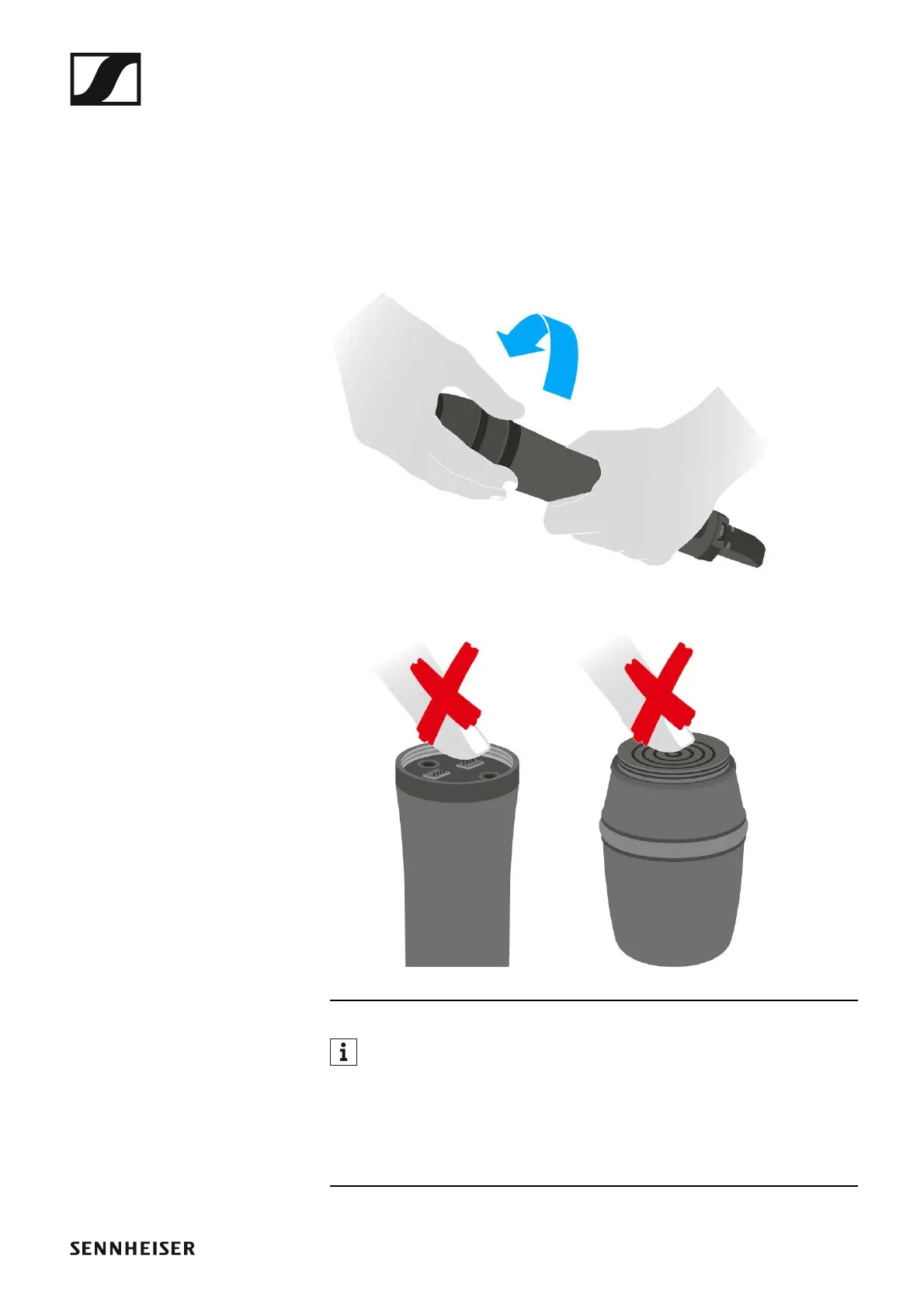
To change the microphone module:
▷ Unscrew the microphone module.
▷ Screw the desired microphone module on.
►
Do not touch the wireless microphone contacts or the microphone
module contacts. If you touch the contacts, they may become dirty or
bent.
When you unscrew the microphone module during operation, mute is au-
tomatically activated. MUTE appears in the display panel. When you screw
the microphone module back on, mute is deactivated.













 To Next Page