Using the EM 300-500 G4
77
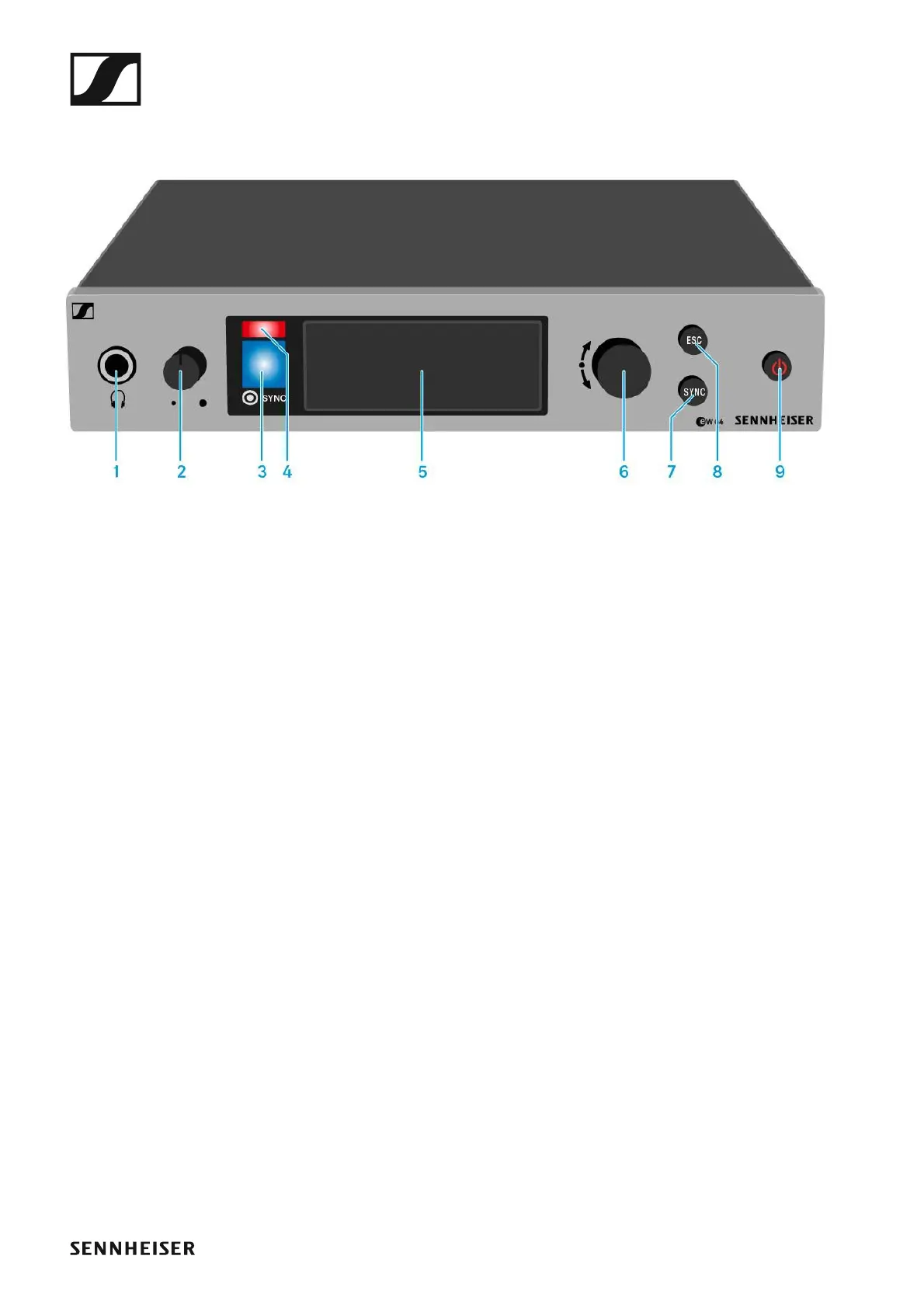
Operating elements on the front of the device
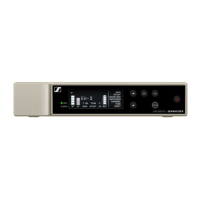
Product overview for the front of the EM 300-500 G4
►
1 Headphone socket
• See “Using the headphone output”
2 Volume control for the headphone socket
• See “Using the headphone output”
3 Infrared interface with a blue LED
• See “Synchronizing devices”
4 Red LED for warnings
• See “Advanced -> Fullscreen Warnings menu item”
5 Display panel
• See “Displays on the EM 300-500 G4 display panel”
6 Jog dial for navigating through the menu
• See “Buttons for navigating through the menu”
7 SYNC button
• See “Synchronizing devices”
8 ESC button
• See “Buttons for navigating through the menu”
9 STANDBY button
• See “Switching the EM 300-500 G4 on and off”





 To Next Page