Using the SK 300 G4
148
Deactivating the RF signal (RF mute)
You can deactivate the RF signal in three ways:
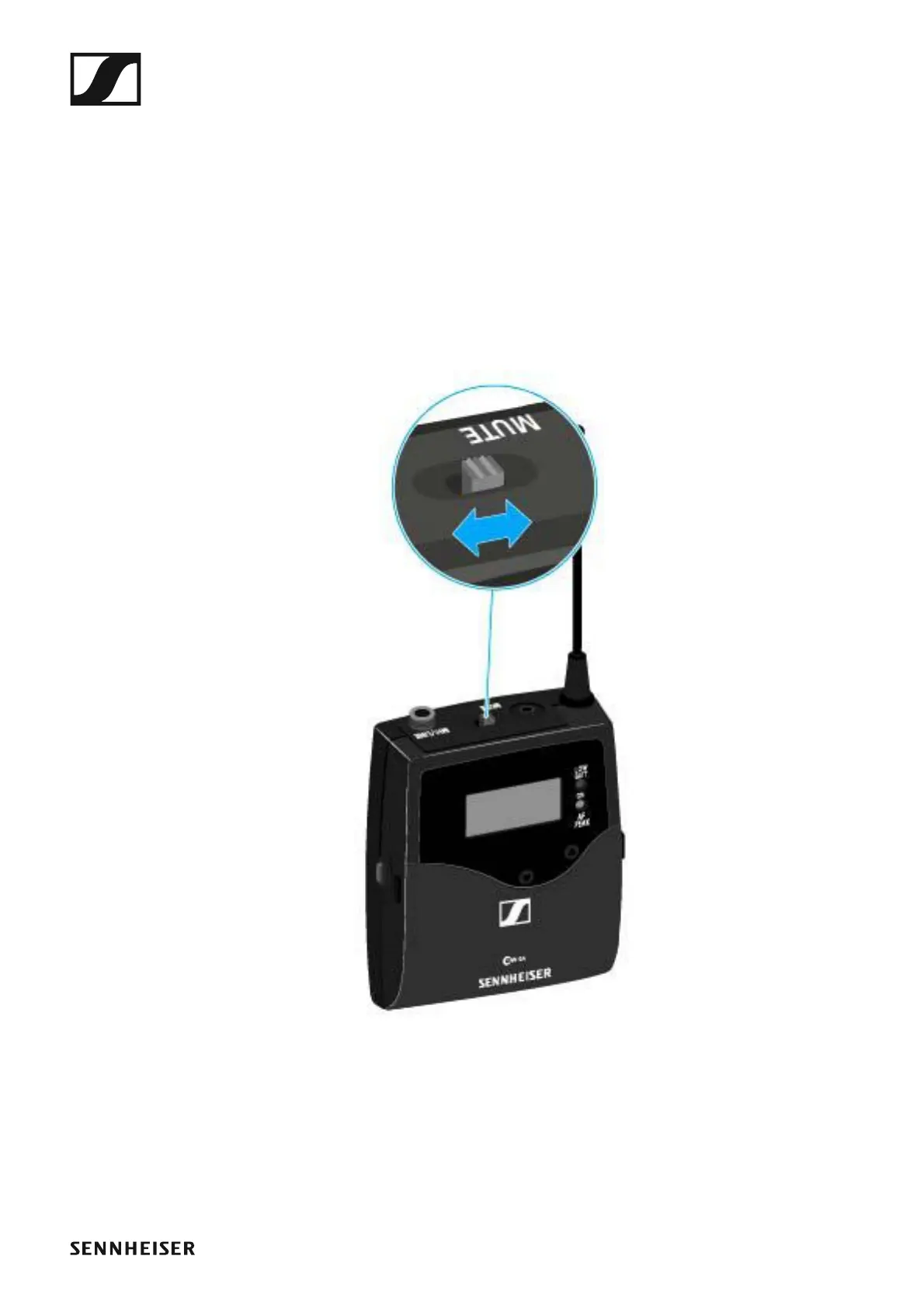
Deactivating the RF signal with the MUTE switch
You can deactivate the RF signal with the MUTE switch.
To do this, the MUTE switch function must be configured to RF On/Off. You
can find more information about this subject under “Advanced > Mute
Mode menu item”.
Slide the MUTE switch to the MUTE position.













 To Next Page