Using the SK 300 G4
150
RF Mute Off? appears.
▷ Press the SET button.
The transmission icon appears again.
Deactivating the RF signal with the RMS 1 remote mute switch
See “Using the SK 300 G4 with the RMS 1 remote mute switch”
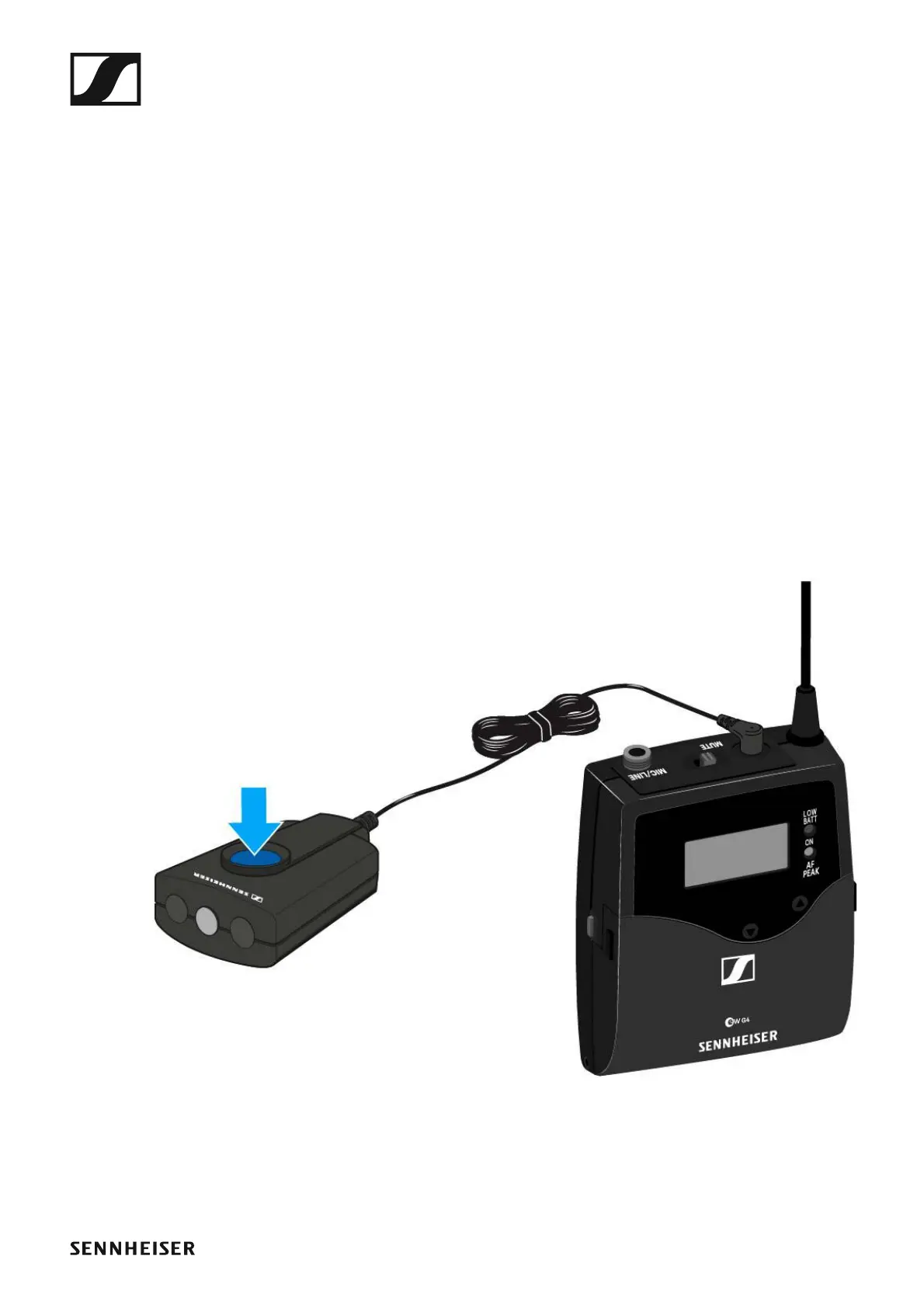
Using the SK 300 G4 with the RMS 1 remote mute
switch
You can control the SK 300 G4 remotely via cable with the RMS 1 remote
mute switch.
▷ Configure the desired function for the RMS 1 in the “Advanced > Mute
Mode menu item” of the SK 300.
▷ Press the MIC button.
The bodypack transmitter will behave as described in the table in “Ad-
vanced > Mute Mode menu item”.













 To Next Page