Using the EM 300-500 G4
79
Muting the audio output
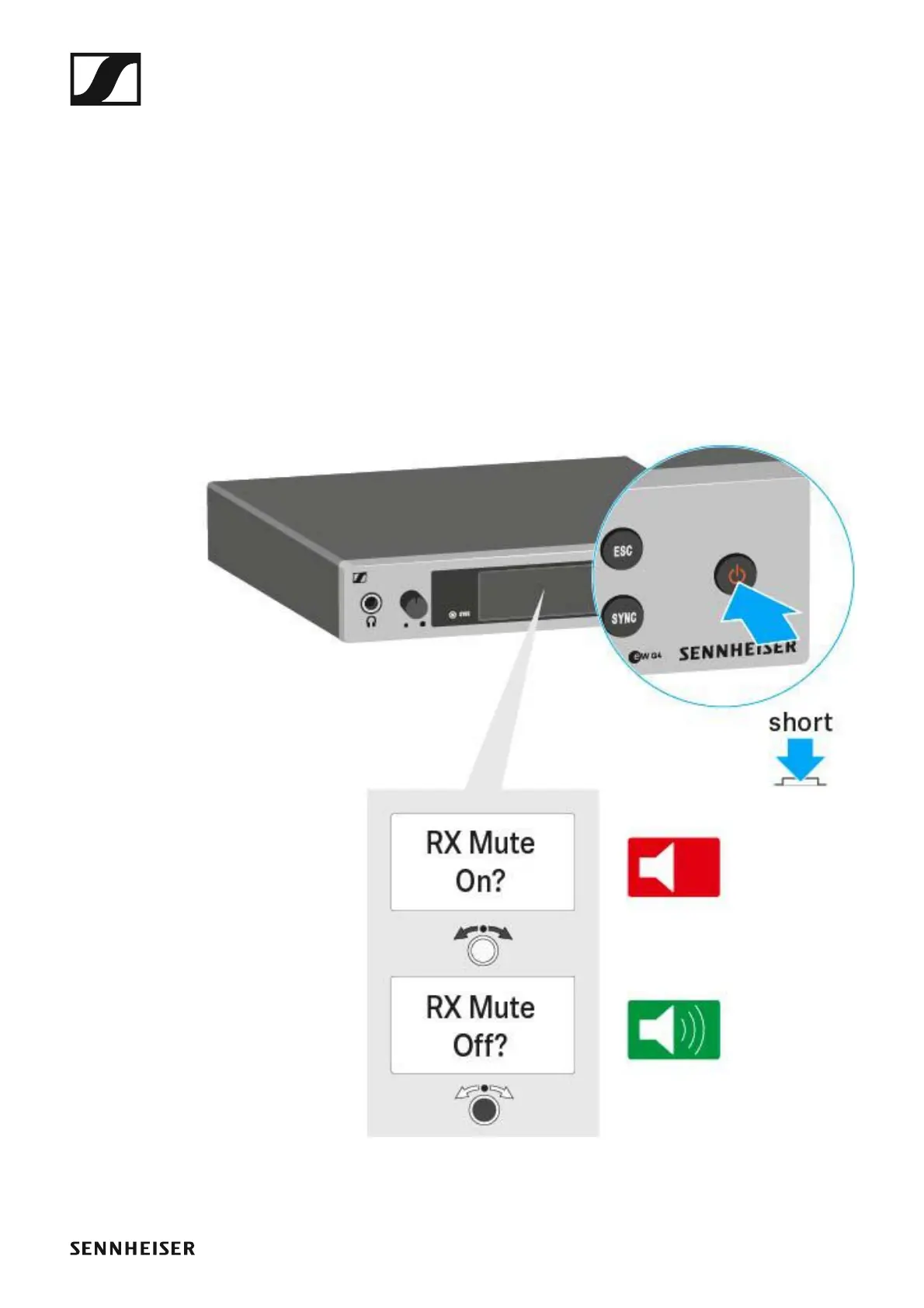
To mute the audio signal of the receiver:
▷ Press the STANDBY button in one of the standard displays.
The RX Mute On? display appears.
▷ Press the SET button.
The audio signal is muted.
To cancel the muting:
▷ Press the STANDBY button.
The RX Mute Off? display appears.
▷ Press the SET button.
The audio output is no longer muted.
►













 To Next Page