Using the SKM 500 G4
142
Advanced > LCD Contrast menu item
• Adjusting the contrast of the display panel
You can configure the contrast of the display in 16 steps.
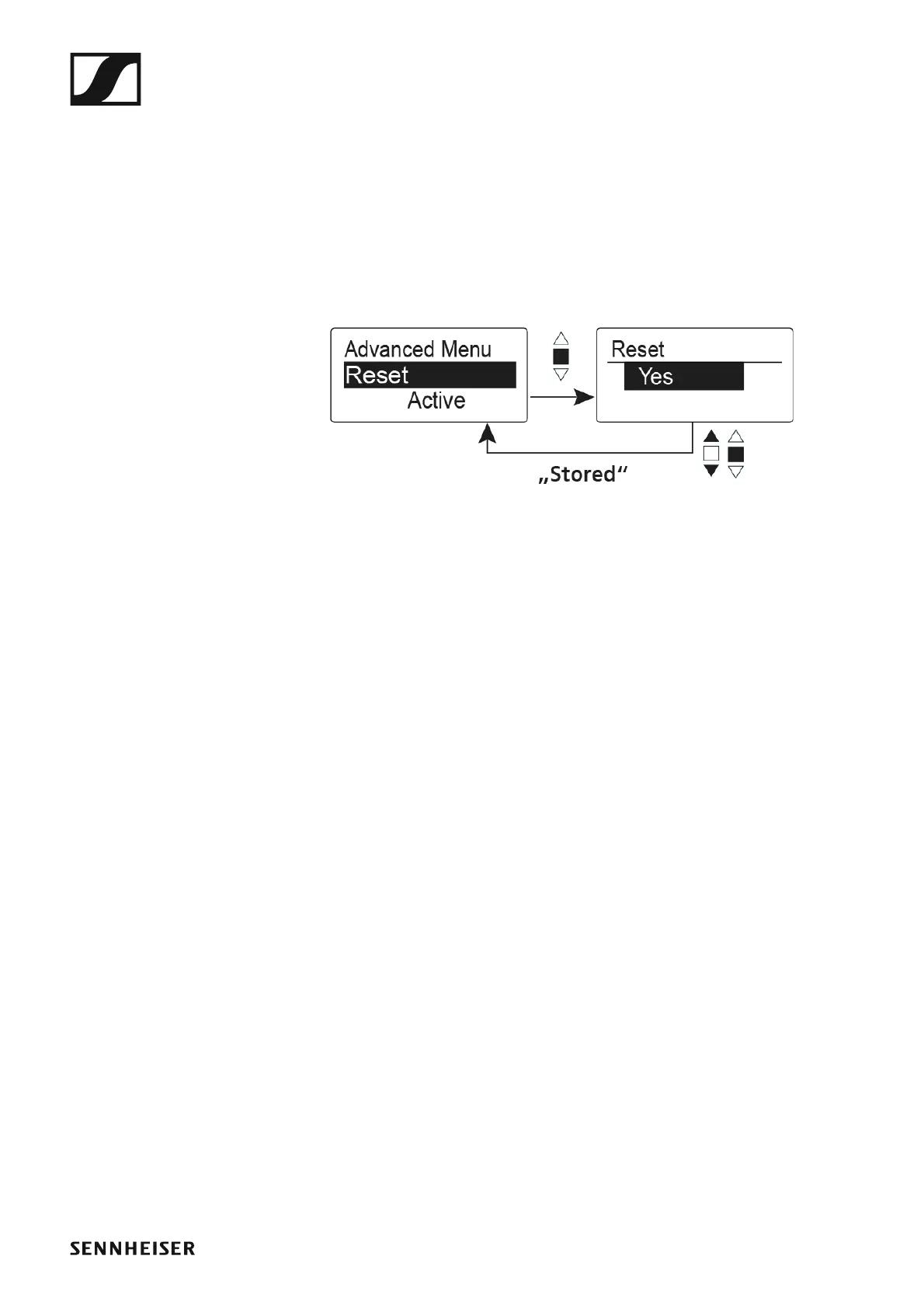
Advanced > Reset menu item
• Resetting the wireless microphone
►
When you reset the wireless microphone, only the selected settings of the
pilot tone and the U1 to U6 frequency banks are retained.
Advanced > Software Revision menu item
• Show software revision
You can display the current software revision.













 To Next Page