Using the EM 300-500 G4
96
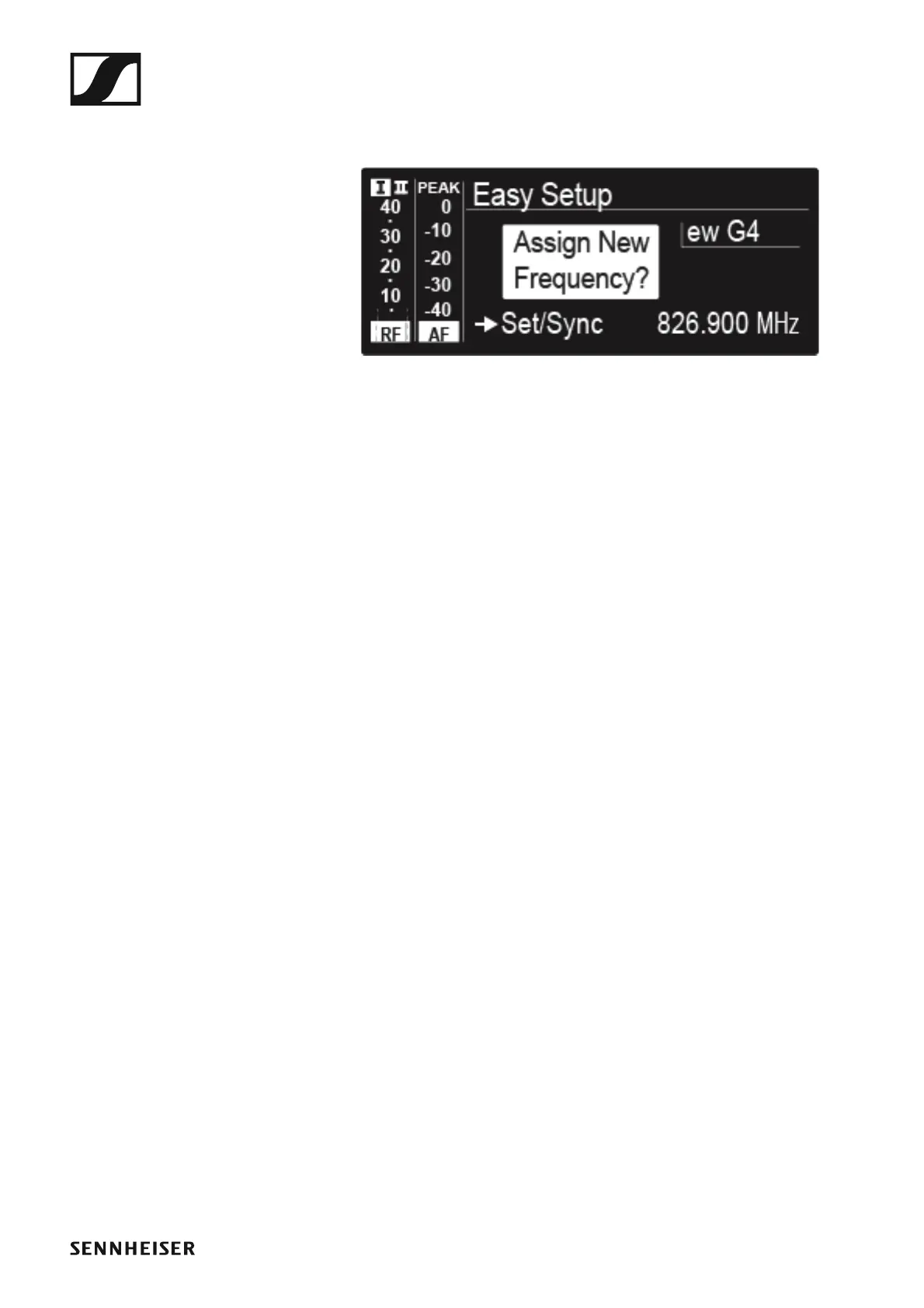
The frequency selected on the master receiver will also be shown on
the display panel of the connected receivers.
▷ Press the jog dial (SET) on the particular receiver to save your selected
frequency and synchronize it with the corresponding transmitter at a
later point (see “Synchronizing devices”).
or
▷ Press the SYNC button to synchronize the selected frequency with the
transmitter immediately.
▷ Use this procedure to assign an unused frequency to all connected re-
ceivers, one after another.
▷ For the last step, assign a frequency to the master receiver.
This completes the multi-channel frequency setup.













 To Next Page