Using the TeamConnect system
12 | TeamConnect
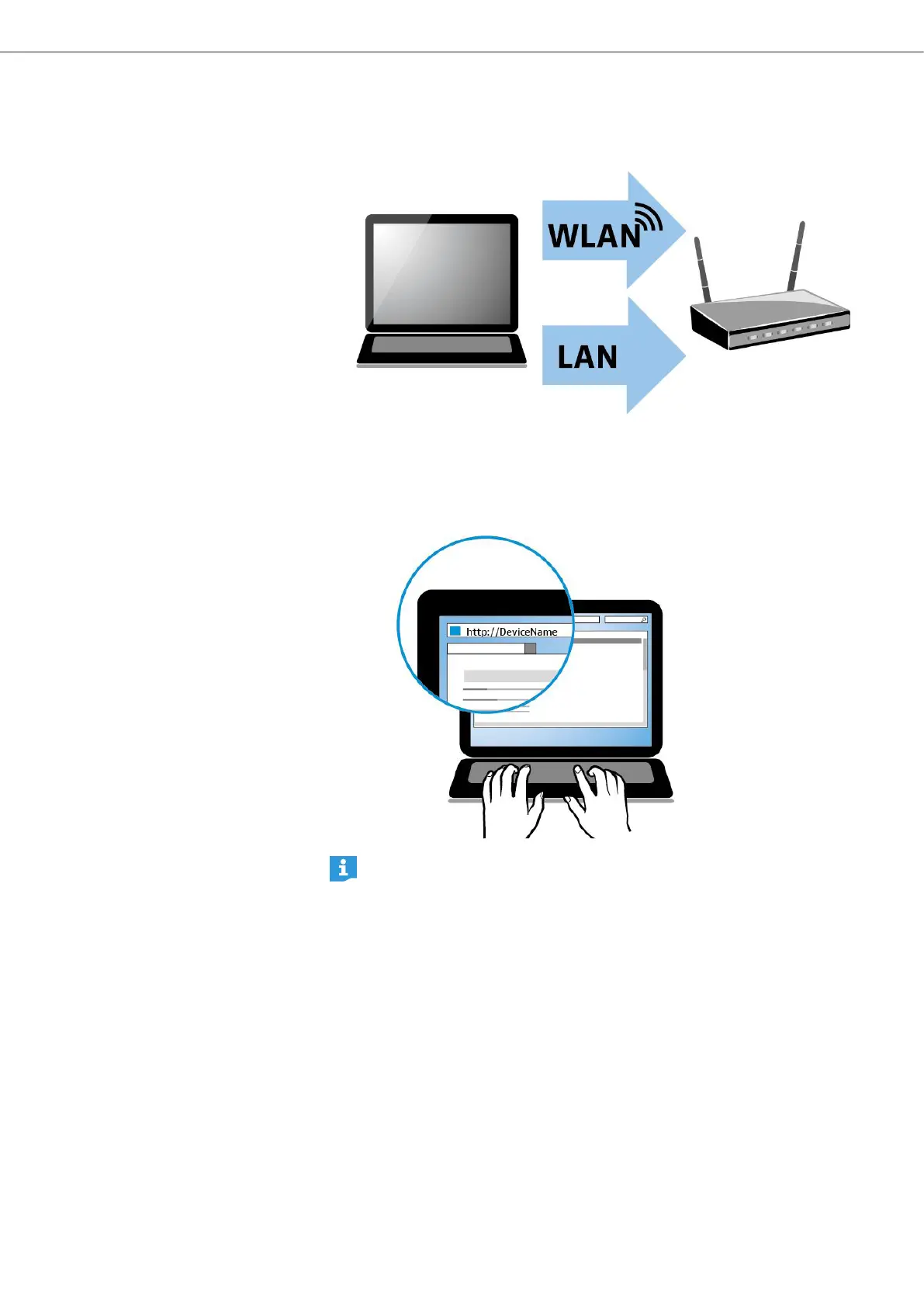
To start a teleconference with the browser-based dialer:
X Connect your computer via WLAN or LAN to the desired network.
X Open a web browser on your computer.
X Enter the address of the meeting room in the address bar of the browser. The
address is provided by the system administrator.
In order to use the browser-based dialer please note that JavaScript and
Cookies must be enabled in your web browser.
browser-based dialer on computer



 To Next Page