TeamConnect | 29
Installing and connecting the TeamConnect components
configuration window of the Configuration Manager software (see page
46). For additional information refer to the instruction manual of the
headset or the enterprise telephone.
Connecting the SL TeamConnect CU1 to a media control
system
The TeamConnect system can be used with media control systems of third-party
manufacturers (e.g. AMX, Crestron, etc.). The SL TeamConnect CU1 can be
connected to a media control system via a serial connection using the RS-232 port
of the SL TeamConnect CU1 or via a network connection. For network connections
the Telnet protocol is used.
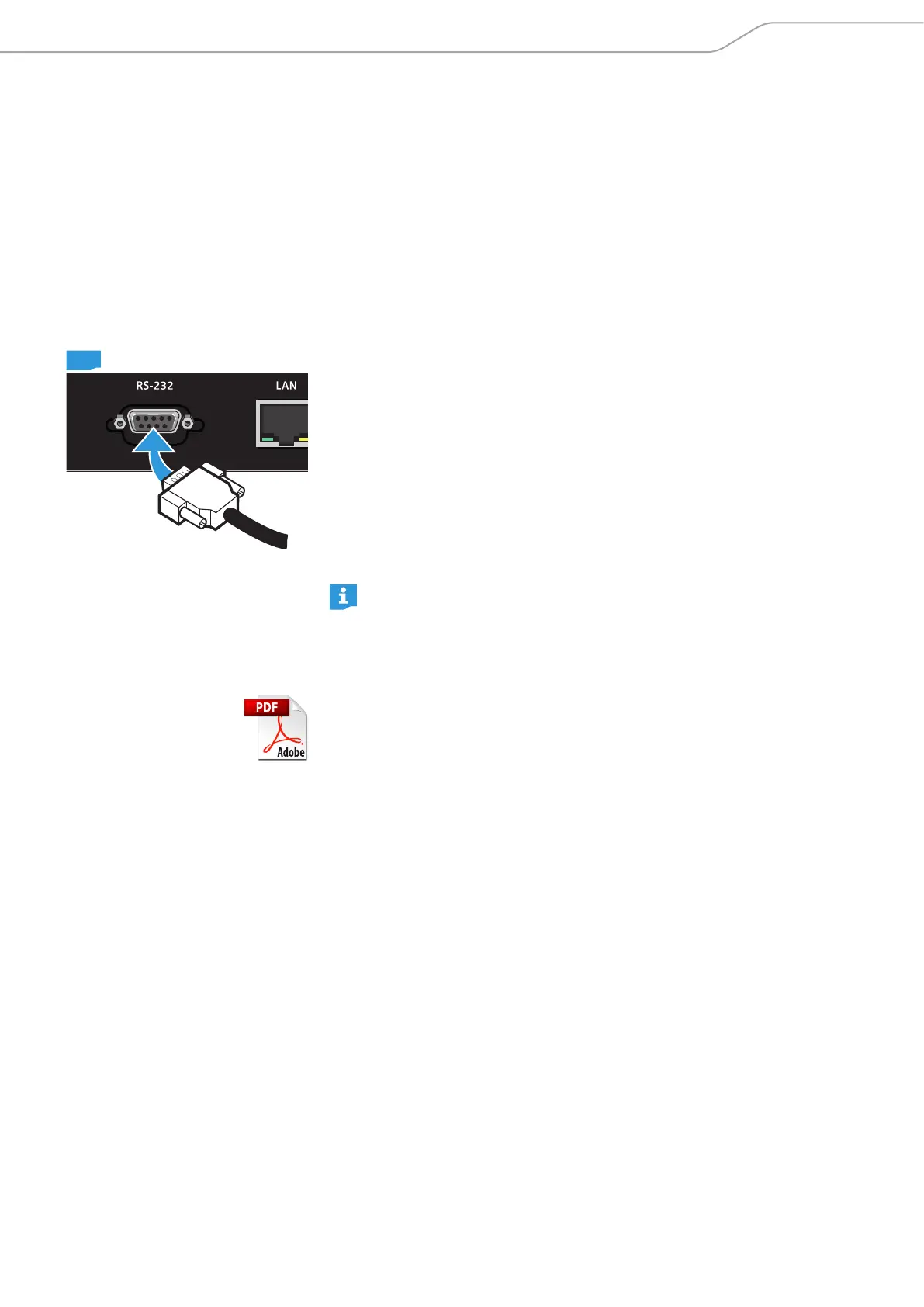
To connect the SL TeamConnect CU1 to a media control system via a serial
connection:
X Plug an RS-232 cable into the RS-232 port 6 of the SL TeamConnect CU1.
X Plug the other end of the RS-232 cable into the respective port of the media
control system.
To connect the SL TeamConnect CU1 to a media control system via a network
connection:
X Connect the media control system to the same network as the
SL TeamConnect CU1 (see page 23).
For more information on the media control system refer to the instruction
manual of the respective system or the product page of the respective
manufacturer.
TeamConnect Media Control Protocol
You will find the list of commands required for using the SL TeamConnect CU1 with
a media control system in the TeamConnect Media Control Protocol document
“TeamConnect_Media_Control_Protocol.pdf” on the TeamConnect product page
at www.sennheiser.com.
CU1



 To Next Page