44 | TeamConnect
The Configuration Manager software
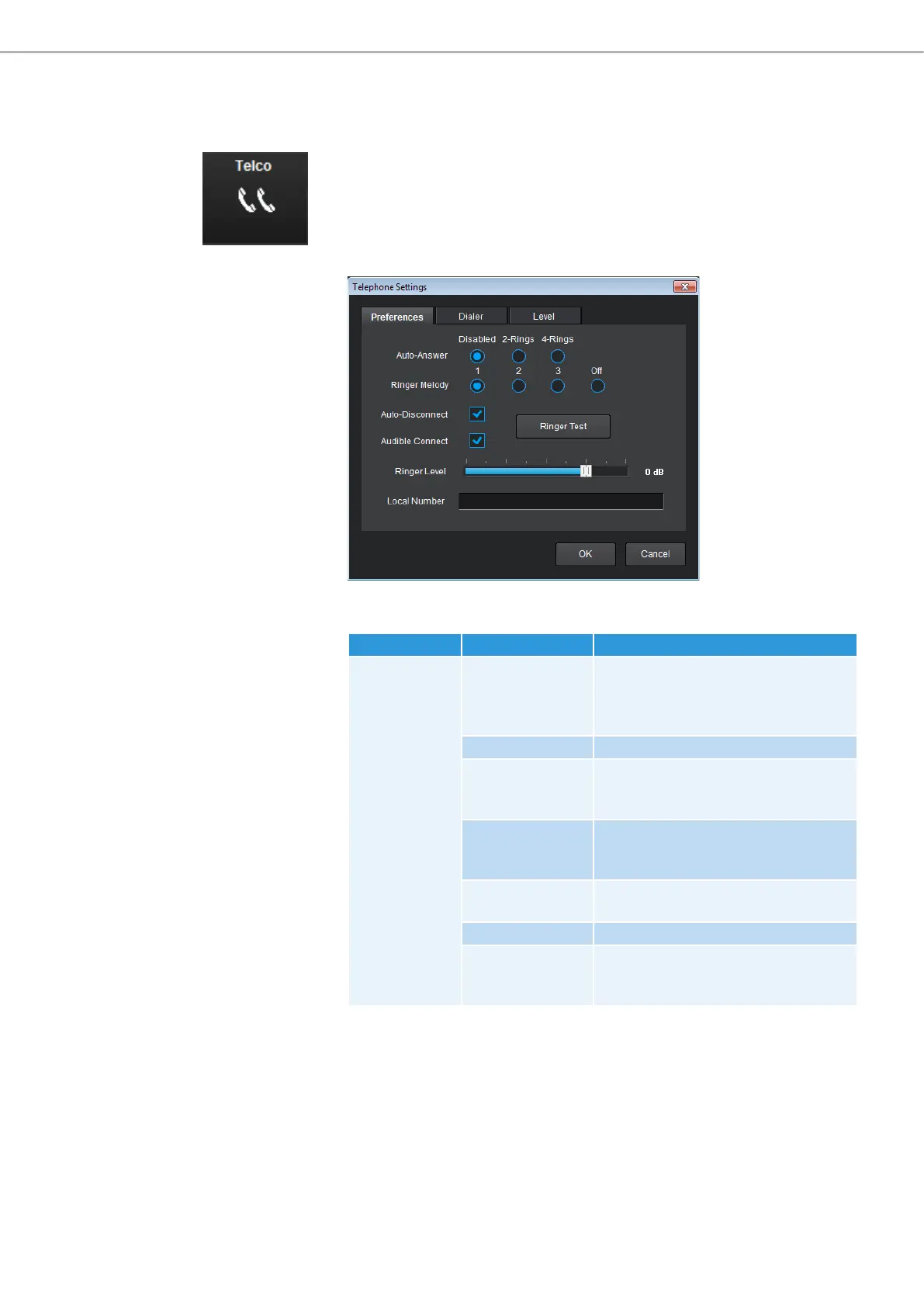
Configuring teleconference settings
The teleconference settings of the TeamConnect system are configured in the
Telco area of the configuration screen.
To configure the teleconference settings:
X Click on the Telco icon in the configuration screen.
The Telephone Settings configuration window opens.
The Telephone Settings configuration window has three tabs where you can
adjust the following settings:
Tab Option Settings
Preferences Auto-Answer Activates automatic answering of
phone calls after 2 rings or 4 rings.
Disabled deactivates automatic
answering.
Ringer Melody Selects the ringer melody.
Auto-Disconnect Activates automatic disconnection
when the SL TeamConnect CU1 detects
loop-drop or call progression.
Audible Connect Plays a courtesy tone letting the user
know when the phone is on or off
hook.
Ringer Level Adjusts the volume of the ringer
melody.
Ringer Test Plays the ringer melody.
Local Number Allows entering the local number or
extension of the SL TeamConnect CU1
in your telephone network.



 To Next Page