32 | TeamConnect
Installing and connecting the TeamConnect components
Preparing the Quick Guide and the Room Sticker for the
user
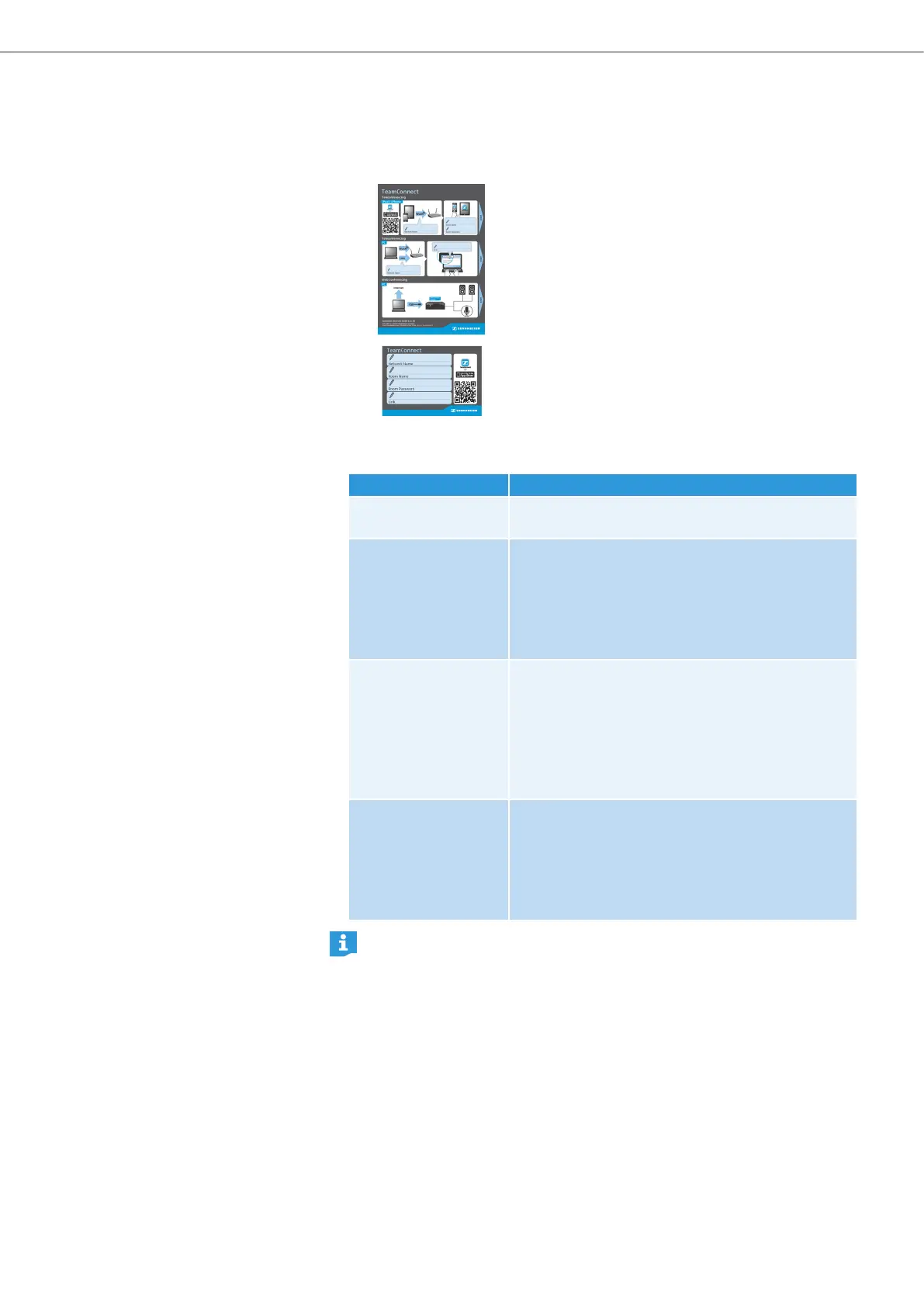
The Quick Guide delivered with the product is
intended to be placed in the meeting room as
a resource to help the user getting started with
the TeamConnect system for teleconferencing
and web conferencing. The Quick Guide is
available in two variants: as a paper variant and
as a sticker.
The Room Sticker is a smaller version of the
Quick Guide which only contains the text fields
for the network and meeting room information
without the illustrations.
X Fill out the following information in the designated text fields of the Quick
Guide and the Room Sticker:
Text field Information to be provided
Network Name X Indicate the name of the network the
SL TeamConnect CU1 is connected to.
Room Name X Indicate the name of the meeting room for the
mobile dialer iOS App.
The name of the meeting room can be defined
in the Communication Settings configuration
window of the Configuration Manager software
(see page 47).
Room Password X Indicate the password of the room for the mobile
dialer iOS App and the browser-based dialer.
The default password is Sennheiser. The
password can be changed in the Communication
Settings configuration window of the
Configuration Manager software (see page
47).
Link X Indicate the address of the meeting room for the
browser-based dialer.
The address is http:// followed by the device
name defined in the Communication Settings
configuration window of the Configuration
Manager software (see page 47).
The Room Sticker should only be used if the user already knows how the
TeamConnect system works. If the user does not know how the TeamConnect
system works, the Quick Guide is useful to help them get started with the
system.



 To Next Page