TeamConnect | 21
Installing and connecting the TeamConnect components
SL TeamConnect CB1 - Product overview
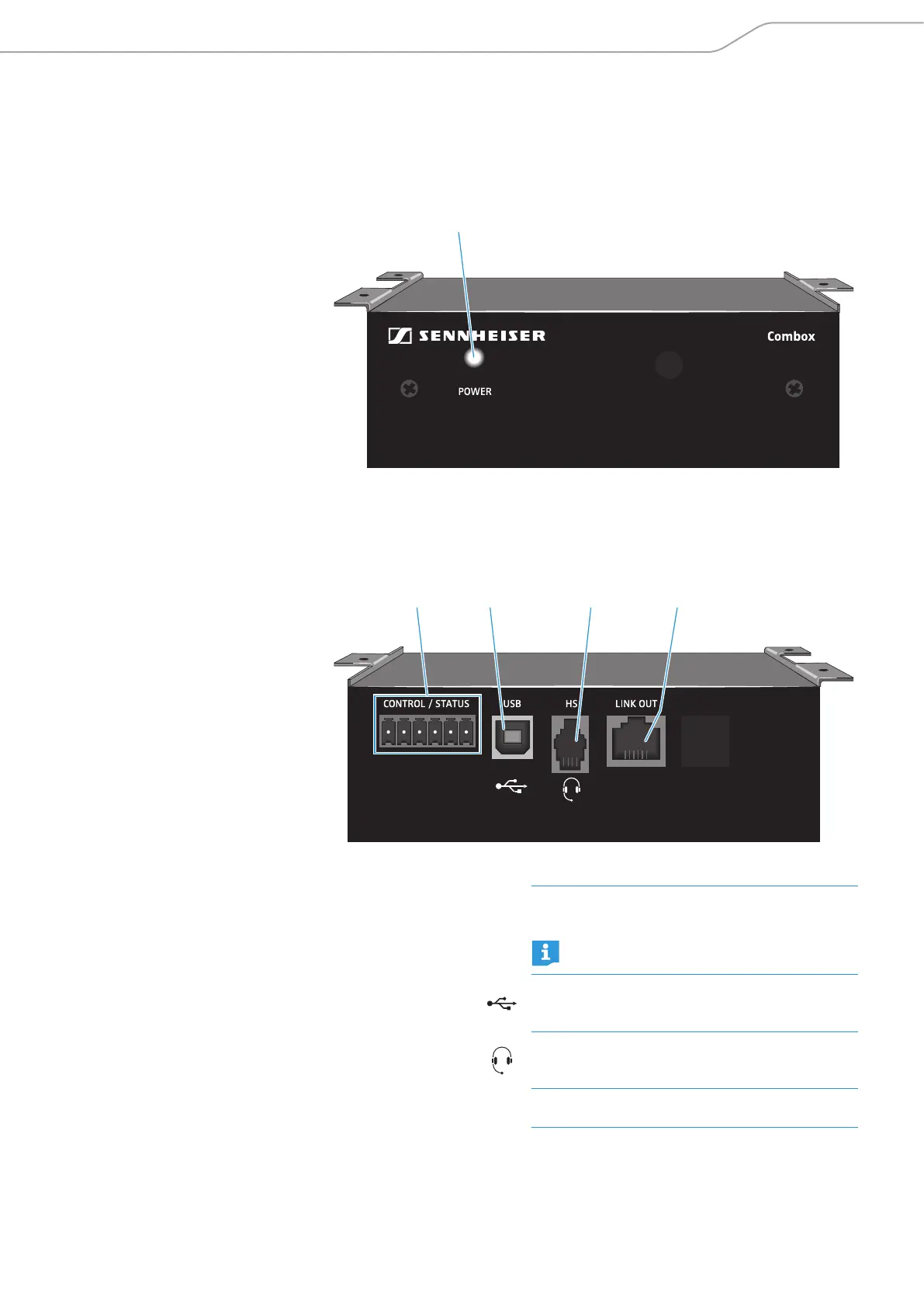
Front
C
TeamConnect
C POWER indicator
Back
D E F G
D CONTROL / STATUS
logic port
GPIO port for connecting external switches or
status indicators
For information on the pin allocation refer
to page 27.
E USB port
USB 2.0 port for connecting a computer to the
CB1 in order to process the audio signals of the
computer with the TeamConnect system
F HS RJ-9 socket
Input for connecting a telephone headset or the
headset connector of an enterprise telephone to
the CB1
G LINK OUT RJ-45 socket
Link output for connecting the CB1 to the link
input of the CU1 with a standard Cat 5 cable



 To Next Page