TeamConnect | 33
The Configuration Manager software
The Configuration Manager software
The Configuration Manager software is available for download at
www.sennheiser.com.
Installing the Configuration Manager software
For installing and using the Configuration Manager software, you need
administrator rights on the computer. Without administrator rights the
software cannot be installed or used.
To install the software:
X Navigate to the folder where you downloaded the software and double-click
Setup.exe.
The installation wizard launches.
X Follow the steps in the installation wizard.
The Configuration Manager software and the USB driver for the
SL TeamConnect CU1 are installed.
The Configuration Manager software is compatible with Windows XP,
Windows Vista, Windows 7 and Windows 8.
Connecting a computer for configuring the system
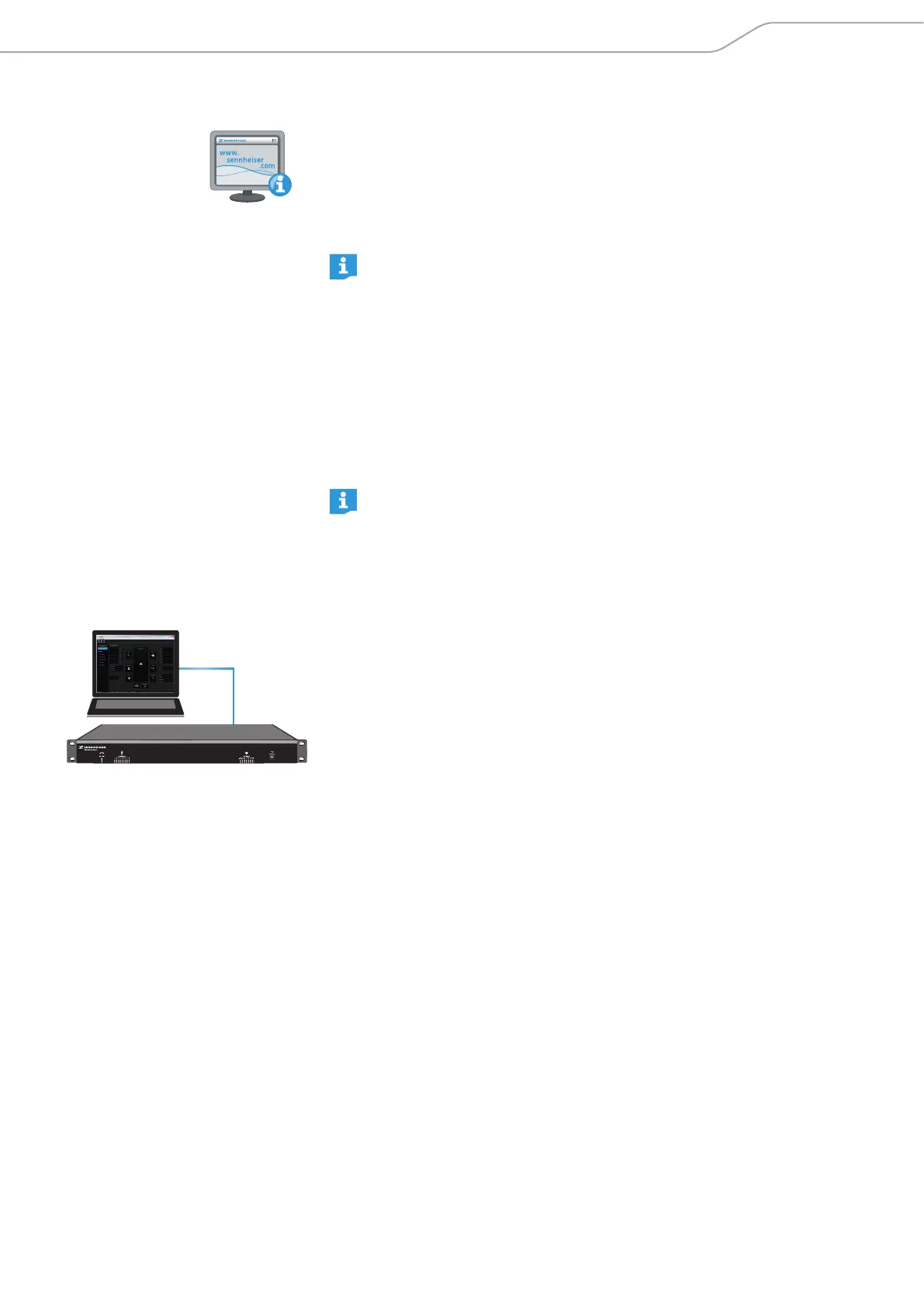
In order to configure the TeamConnect system with the Configuration Manager
software, you have to connect the computer, on which the Configuration Manager
software is installed, to the SL TeamConnect CU1. There are three possibilities to
connect the computer to the SL TeamConnect CU1:
• via the USB port at the front of the SL TeamConnect CU1
• via the RS-232 port at the back of the SL TeamConnect CU1
• via an Ethernet connection.



 To Next Page