38 | TeamConnect
The Configuration Manager software
Configuring the SL TeamConnect CU1
The audio and communication settings of an SL TeamConnect CU1 are adjusted in
the configuration screen of the respective SL TeamConnect CU1.
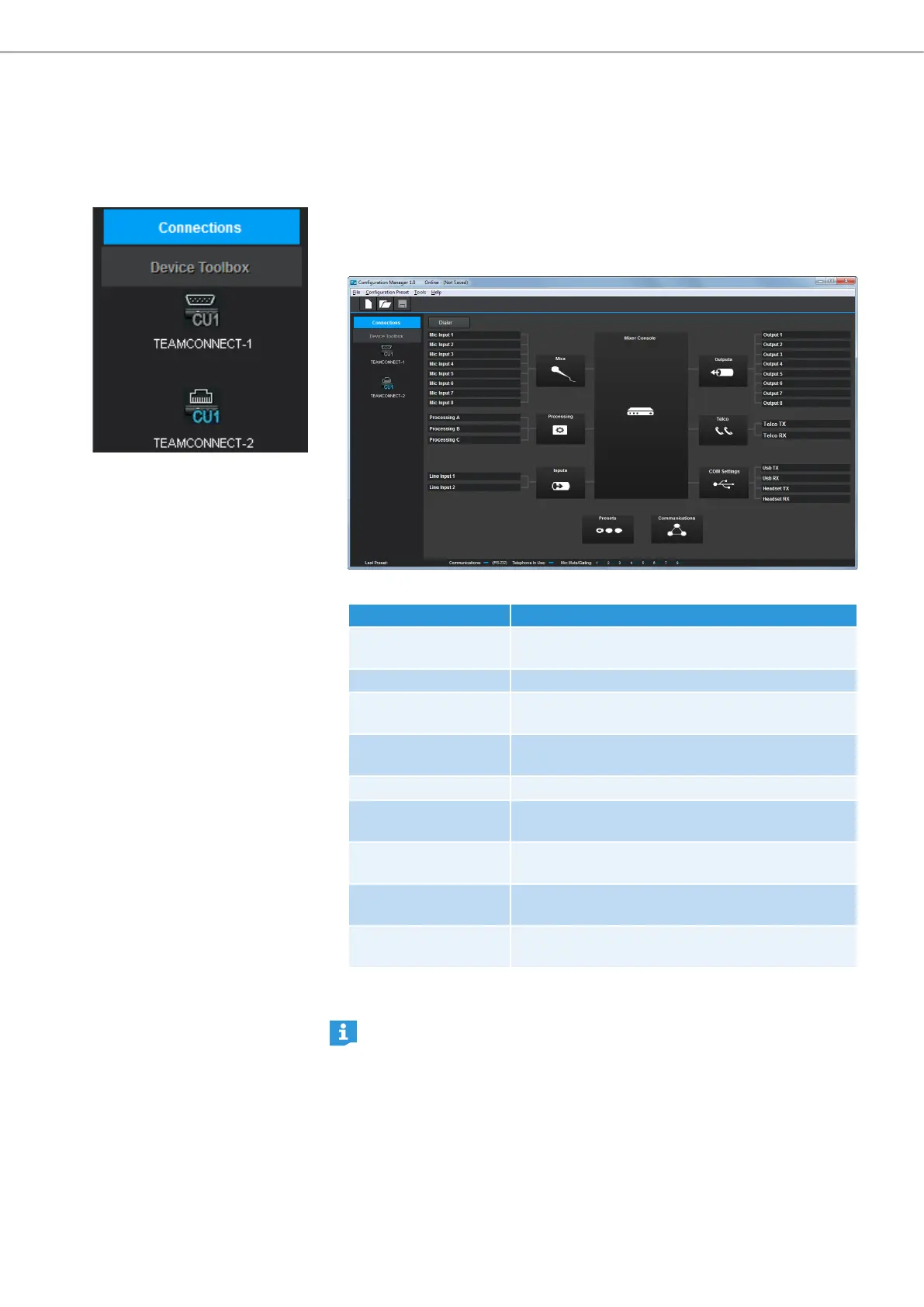
To open the configuration screen of an SL TeamConnect CU1:
X Click on the icon of the desired SL TeamConnect CU1 in the Connections list.
The configuration screen of the selected SL TeamConnect CU1 opens.
The following configuration menus are available:
Configuration menu Settings
Mics Configures the microphone input channels
(MIC / LINE IN terminal of the SL TeamConnect CU1).
Processing Configures additional audio processing channels
Inputs Configures the line input channels (LINE IN terminal
of the SL TeamConnect CU1)
Outputs Configures the output channels (LINE OUT terminal
of the SL TeamConnect CU1)
Telco Configures the teleconference settings
COM Settings Configures the SL TeamConnect CB1 for USB audio
and telephone headsets
Communications Configures the network and serial connection
settings
Mixer Console Patches the audio signals of the inputs to the
desired outputs
Presets Saves the current configuration settings in one of
the four preset slots.
X Click on the desired icon in the configuration screen to adjust the respective
settings.
You can also configure the settings without an SL TeamConnect CU1 being
connected. The configuration screen is opened by clicking File New File in
the menu bar (see “Menu Bar” on page 36 for more information).



 To Next Page