TeamConnect | 39
The Configuration Manager software
Configuring microphone settings
The audio settings of microphones and audio devices connected to the orange
MIC / LINE IN terminal of the SL TeamConnect CU1 are configured in the Mics area
of the configuration screen.
To configure the microphone settings:
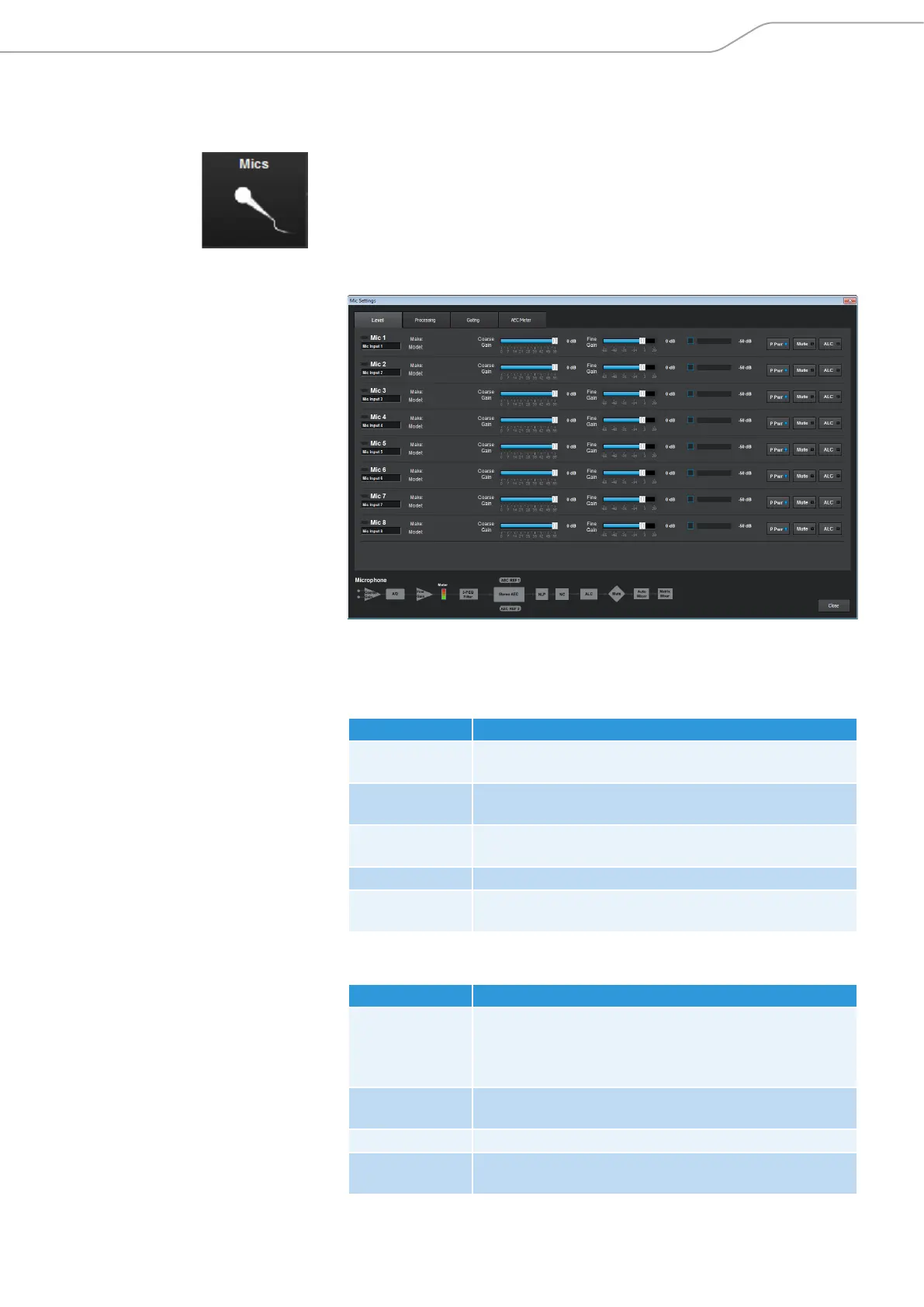
X Click on the Mics icon in the configuration screen.
The Mic Settings configuration window opens.
The Mic Settings configuration window has four tabs where you can adjust
the following settings:
Level tab
Option Settings
Make / Model Indicates, if a device from the Device Toolbox is used
(see page 48).
Coarse Gain /
Fine Gain
Adjusts the gain settings of the selected input.
P Pwr Activates / deactivates phantom power for the selected
input.
Mute Mutes the selected input.
ALC Activates / deactivates auto level control for the selected
input.
Processing tab
Option Settings
System
Settings
Allows the configuration of reference outputs for the
acoustic echo cancellation (Virtual Ref channels in the
Mixer Console, see page 51) and for the PA Adaptive
mode of the gating configuration (see Gating tab below).
PTT Allows the configuration of the Push-To-Talk mode of the
microphone connected to the selected input.
NLP Configures the non-linear processing options
Filter Activates and configures an audio filter for the selected
input.



 To Next Page