42 | TeamConnect
The Configuration Manager software
Configuring line input settings
The audio settings of audio devices connected to the green LINE IN terminal of
the SL TeamConnect CU1 are configured in the Inputs area of the configuration
screen.
To configure the line input settings:
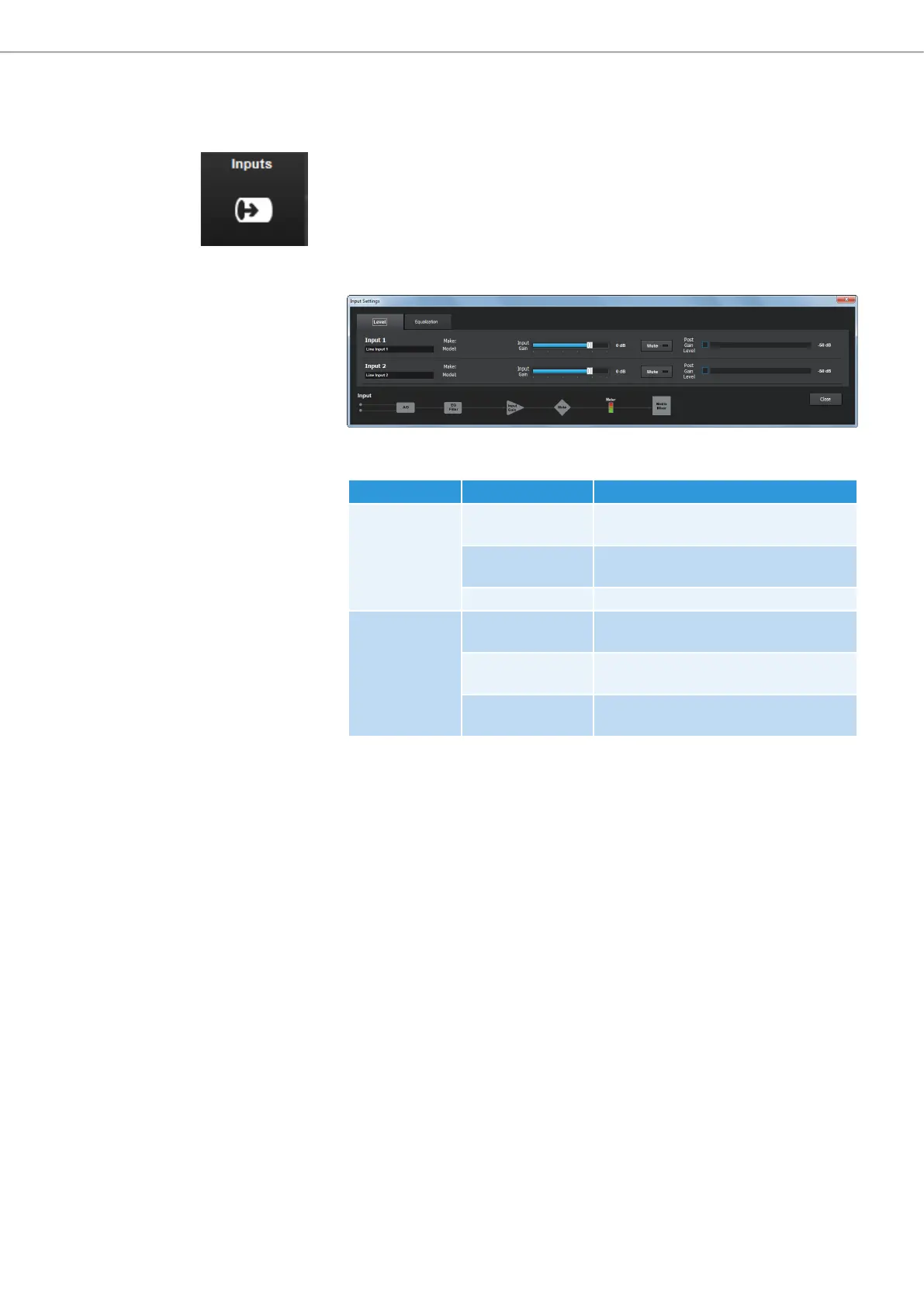
X Click on the Inputs icon in the configuration screen.
The Input Settings configuration window opens.
The Input Settings configuration window has two tabs where you can adjust
the following settings:
Tab Option Settings
Level Make / Model Indicates, if a device from the Device
Toolbox is used (see page 48).
Input Gain Adjusts the gain settings of the
selected input.
Mute Mutes the selected input.
Equalization Low Adjusts the level of the low range
frequencies.
Mid Adjusts the level of the mid range
frequencies.
High Adjusts the level of the high range
frequencies.
X Open the respective tab to adjust the desired settings.



 To Next Page