48 | TeamConnect
The Configuration Manager software
Using the Device Toolbox
The Device Toolbox is a list of audio setting presets for certain audio devices.
It contains audio setting presets for the Sennheiser SL Loudspeaker 52 A, for
the Sennheiser MEB 102, MEB 104 and MEB 114-S microphones as well as audio
setting presets for other common Sennheiser microphones. You can use the
listed devices to apply their audio setting presets to an audio channel of the
SL TeamConnect CU1. You can also edit the existing devices or create new audio
setting presets for common audio devices.
Applying devices to audio channels
To apply a device from the Device Toolbox to an audio input or output channel:
X Click on the device in the Device Toolbox and drag it to the desired audio
channel (drag & drop).
The audio setting preset of the selected device is applied to the selected
channel. The make and model of the device are listed in the respective channel
of the input and output configuration windows.
Adding, editing and deleting devices
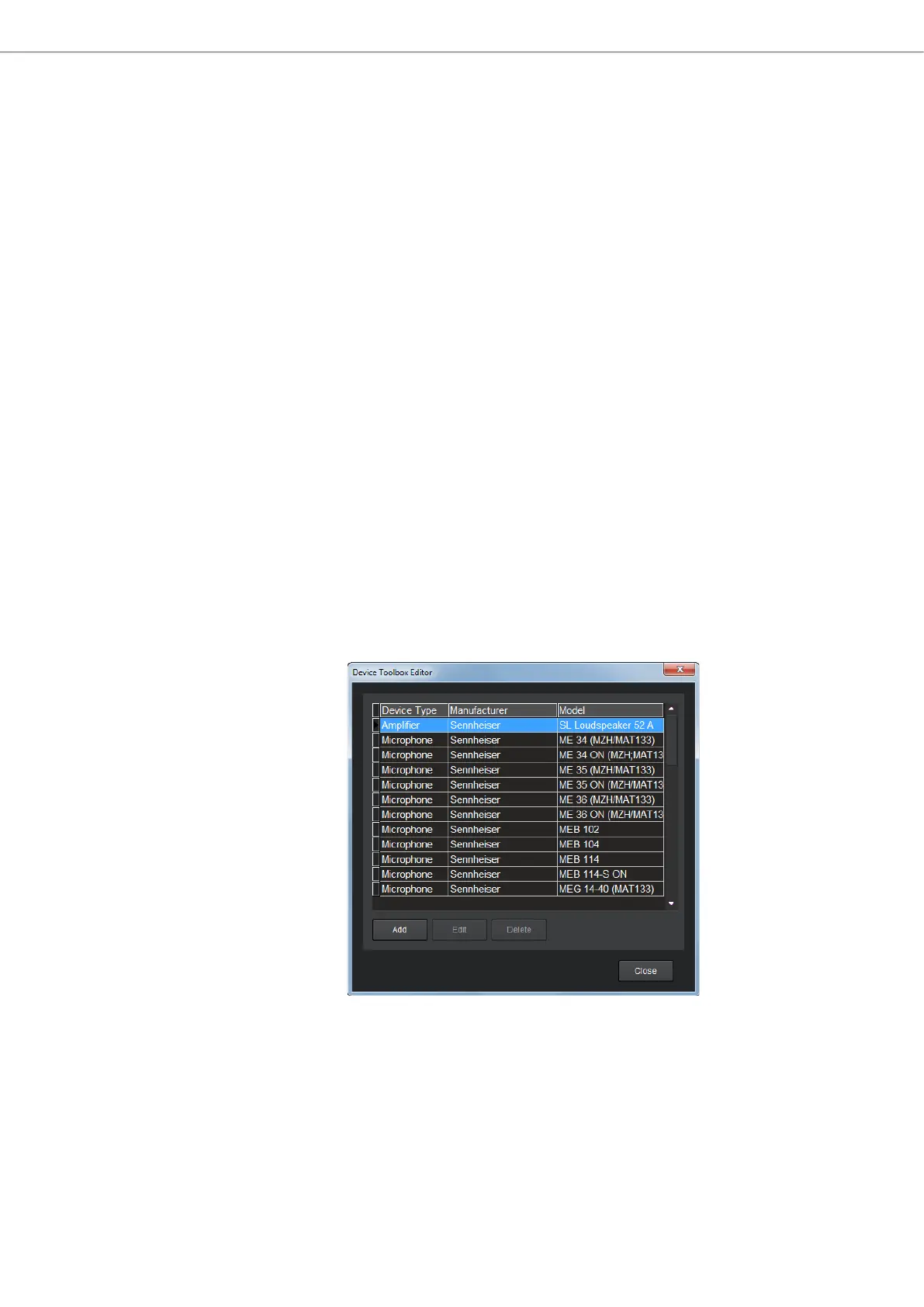
Devices are added, edited or deleted in the Device Toolbox Editor.
To open the Device Toolbox Editor:
X Click on Tools/Edit Device List in the menu bar.
or
X Right-Click on a device in the Device Toolbox and select Device Toolbox Editor.
The Device Toolbox Editor opens.
In the Device Toolbox Editor you can edit the audio settings of existing devices,
add audio settings for new devices or delete existing devices.



 To Next Page