Storing a Number for Speed Dialling
76
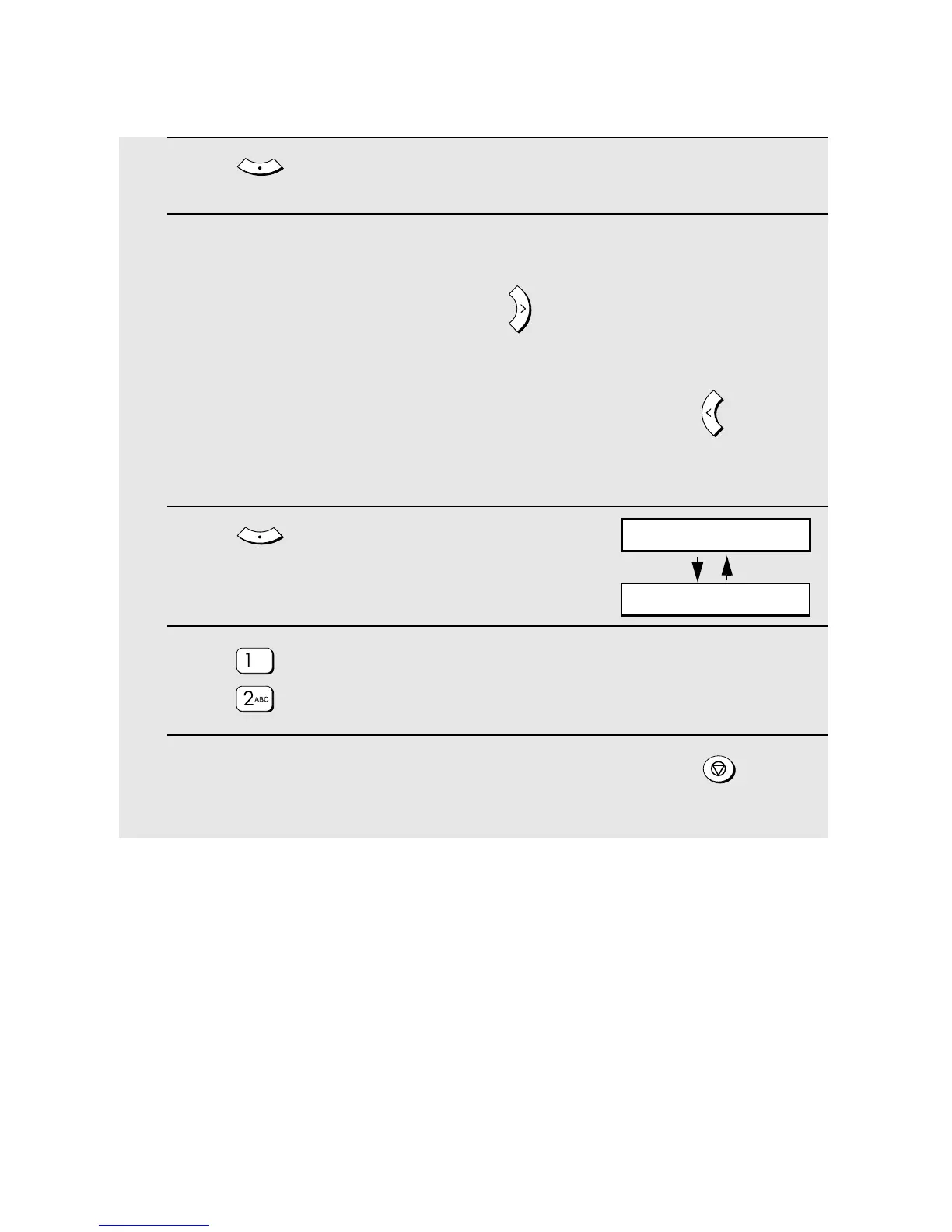
8 Press .
9 Make the desired changes to the name.
• To move the cursor to the right, press . When the cursor is over a letter
that you wish to change, press the appropriate number key repeatedly until
the desired letter appears (see Step 7 on page 73). The new letter will
replace the old letter. To backspace and clear letters, press .
• If you do not wish to change the name, go directly to Step 10.
10 Press .
11 Press if you want the number to use Super G3 mode. Otherwise
press .
12 Return to Step 4 to edit or delete another number, or press
repeatedly to exit.
ENTER
A
Z
ENTER
SUPER G3
1: ON, 2: OFF


 To Next Page