Broadcasting (Sending a Fax to Multiple Destinations)
88
6 Repeat Steps 4 and 5 for each of the other destinations to which you
wish to send the fax (maximum of 100).
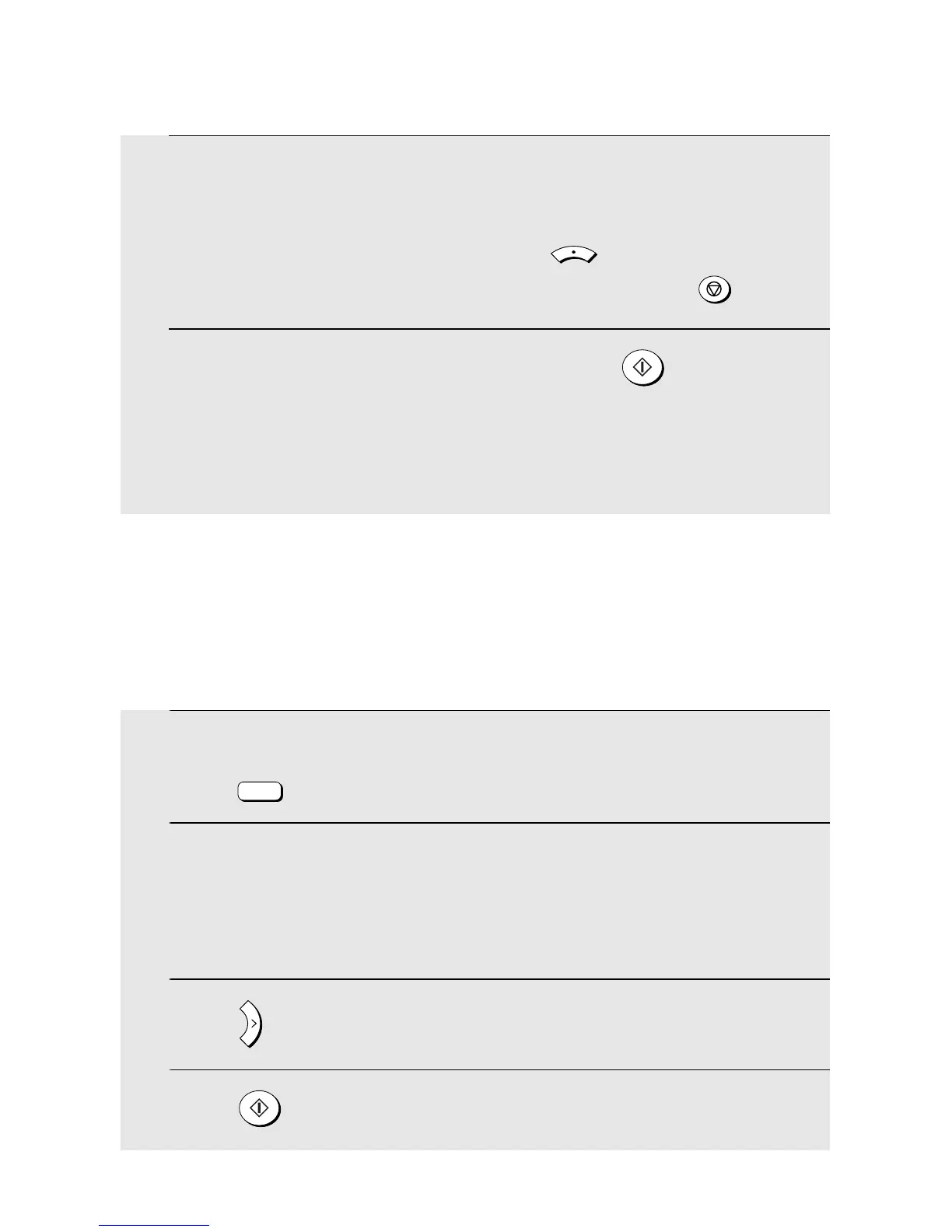
• To check your selected destinations, press to scroll through them. To
delete a destination, scroll to the destination and then press .
7 When you are ready to begin transmission, press .
• A Transaction Report is automatically printed out after Broadcasting is
completed. Check the "Note" column of the report to see if any of the
destinations are marked "Busy" or have a communication error code. If so,
send the document to those destinations again.
MENU
Broadcasting using a Group Key
If the fax machines to which you want to broadcast have all been programmed
into a Group (see Storing numbers in a Group which follows), you can perform
the broadcasting operation using the following simplified procedure:
1 Make sure that the date and time display of fax mode appears (if needed
press ).
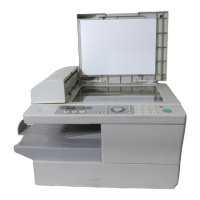
2 Place the original on the document glass or in the auto document
feeder.
• If needed, select temporary fax settings such as the resolution and
contrast.
3 Press once or twice to display Group 1 or Group 2.
4 Press . Transmission will begin.
FAX
A


 To Next Page