23
Basic adjustment settings
Programme setup
You can run the auto installation procedure again at
any time, by accessing the Setup menu, then
Programme Setup. Channels can be tuned
automatically or manually.
Auto search
You can also automatically search and download TV
channels by performing the procedure below. This is
the same function as from programme auto search to
preset download in auto installation on page 22.
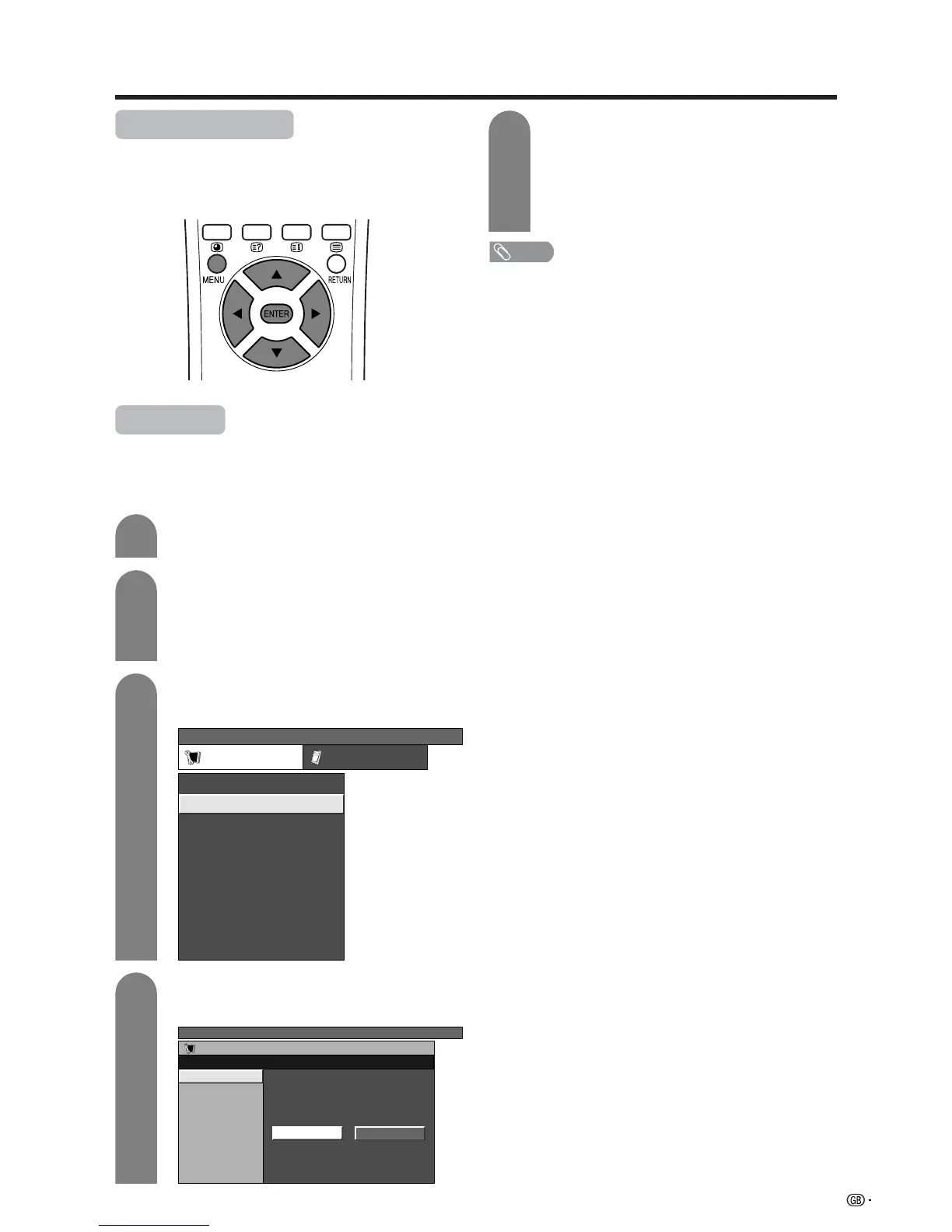
Press MENU and the TV MENU screen
displays.
Press c/d to select “Setup”.
• If password is already set, you are asked to
enter it. Follow the same steps as explained in
“Auto installation”. (See steps 2 and 3 on page
22.)
1
2
3
4
Press a/b to select “Programme Setup”,
and then press ENTER.
NOTE
• See page 16 for details.
TV MENU
Setup Option
Child Lock
Auto Installation
Programme Setup
Position
WSS
4:3 Mode [Normal]
[Off]
[Mode1]Full Mode
[English]
[Normal]
Language
Rotate
TV MENU
Setup
Programme Setup
Auto Search
Manual Adjust
Sort
Yes No
5
Press c/d to select “Yes”, and then press
ENTER.
• Auto search starts with the following order.
1 Programme auto search
2 Auto labelling
3 Auto sorting
4 Preset download
Press a/b to select “Auto Search”, and then
press ENTER.














 To Next Page