36
Basic adjustment settings
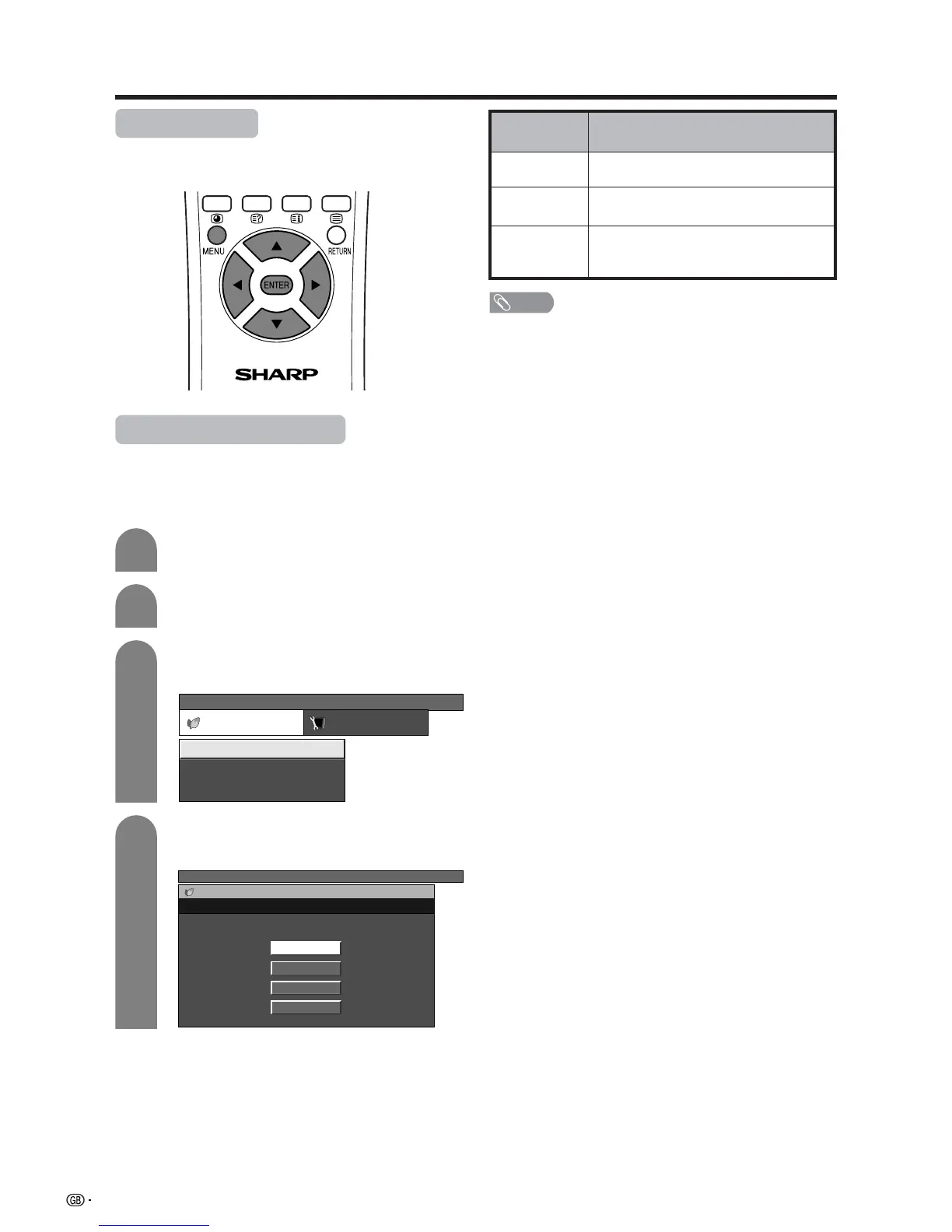
Power control
Power Control setting allows you to reduce the display
brightness to save energy.
Press a/b to select “Power Save”, and then
press ENTER.
Press a/b to select the desired backlight
brightness, and then press ENTER.
3
4
NOTE
• When setting to “Auto”, the OPC indicator lights up green,
senses the surrounding light and automatically adjusts
the backlight brightness. Make sure no object obstructs
the OPC sensor, which could affect its ability to sense
surrounding light.
Press c/d to select “Power control”.
• Power control menu displays.
Power control for AV source
Power save
When set to “Save1”, “Save2”, or “Auto”, power
consumption is reduced by decreasing backlight
brightness.
Press MENU and the TV MENU screen
displays.
2
1
TV MENU
Power control Setup
No Signal Off
Power Save
No Operation Off [Disable]
[Disable]
[Standard]
TV MENU
Power control
Power Save
Standard
Save1
Save2
Auto
Description
The screen darkens slightly to conserve
power consumption.
The screen darkens more significantly to
conserve power consumption.
Backlight brightness adjusts according
to the ambient light of the room to
conserve power consumption.
Selected item
Save1
Save2
Auto














 To Next Page