29
Basic adjustment settings
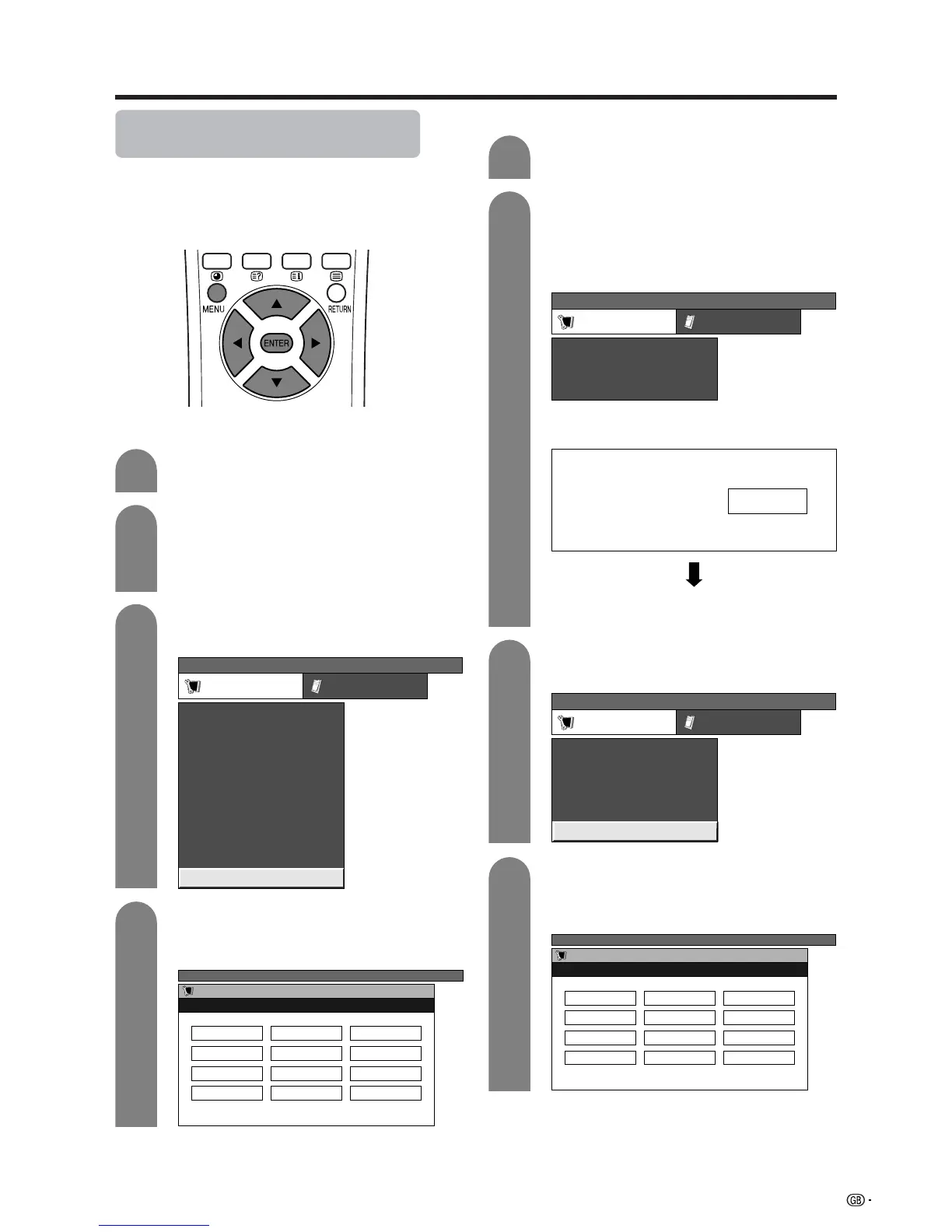
Language setting for on-screen
display
You can also select a language from setup menu.
Select from among 12 languages: English, German,
French, Italian, Spanish, Dutch, Swedish, Portuguese,
Greek, Finnish, Russian and Turkish.
3
Press MENU and the TV MENU screen
displays.
1
2
Press c/d to select “Setup”.
• If password is already set, you are asked to
enter it. Follow the same steps as explained in
“Auto installation”. (See steps 2 and 3 on page
22.)
Press a/b to select “Language”, and then
press ENTER.
TV MENU
Setup Option
Child Lock
Auto Installation
Programme Setup
Position
WSS
4:3 Mode [Normal]
[Off]
[Mode1]Full Mode
[English]
[Normal]
Language
Rotate
3
Press MENU and the PC MENU screen
displays.
1
2
Press c/d to select “Setup”. Then you are
asked to enter the password for child lock.
(If you have not set the password yet, skip to
step 3.)
• See page 60 for setting password.
PC MENU
Setup Option
Fine Sync.
Input Signal
Auto Sync.
[English]
[Normal]
Language
Rotate
4
Press a/b/c/d to select the desired
language listed on the screen, and then
press ENTER.
PC input mode
4
Press a/b/c/d to select the desired
language listed on the screen, and then
press ENTER.
AV input mode
PC MENU
Setup Option
Password
Input Signal
Auto Sync.
Press a/b to select “Password”, and then
press ENTER.
Enter your 4-digit password with 0 – 9 on the
remote control unit.
Press a/b to select “Language”, and then
press ENTER.
TV MENU
Setup
Language
English Deutsch Français
PC MENU
Setup
Language
English Deutsch Français
Child Lock Password
––––














 To Next Page