25
Basic adjustment settings
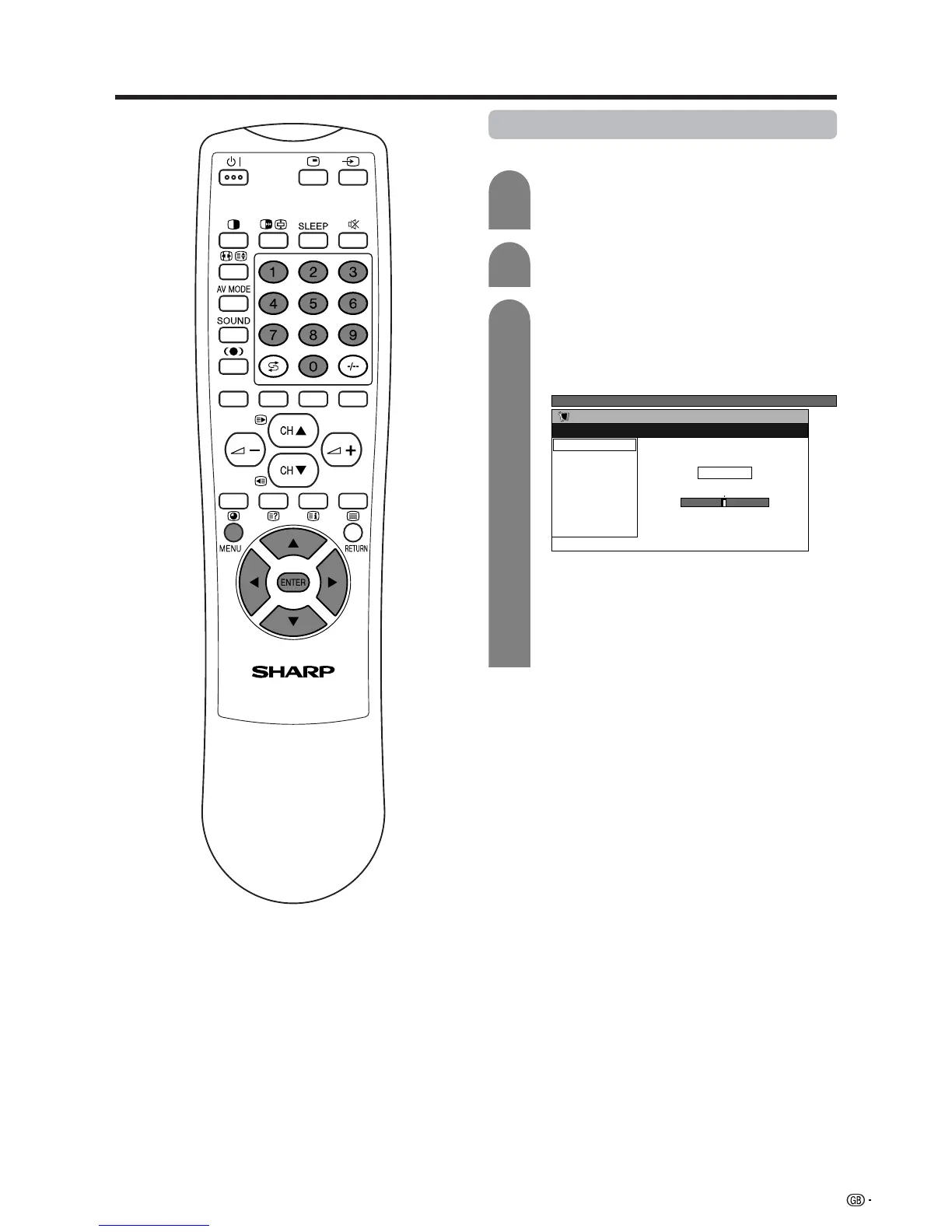
3
Press a/b/c/d to select the channel you
want to edit, and then press ENTER.
• The selected channel information displays.
Press a/b to select “Fine”, and then press
ENTER.
1
2
Press c/d to adjust the frequency, and then
press ENTER.
• Adjust while checking the background picture
as a reference.
a
• 179.25 MHz: Press 1 s 7 s 9 s 2 s 5 s
ENTER.
• 49.25 MHz: Press 4 s 9 s 2 s 5 s ENTER.
• Instead of the above, you can also set by
directly entering the frequency number of the
channel with 0 – 9.
Manual setting for each channel (continued)
Fine tuning














 To Next Page